CHAPTER 8 - CFW-09 OPTIONS AND ACCESSORIES
Thecommunication boardthat comeswith the product has beendeveloped
by the HMS Industrial Networks AB company. Therefore, the network
configuration software willnotrecognize the productastheCFW-09variable
frequencyinverter, butasthe“Anybus-SEtherNet/IP”atthe“Communication
Adapter”.The differentiationamongseveralCFW-09inverters willbebased
on the device address on the network
TheEtherNet/IP usesthe sameerror codes asthe other Fieldbus protocols,
: Fieldbus communication is off.
: Communication board is off.
For detailed information refer to the item 8.12.7.3
The inverter will indicate E29 only when the connection with the master is
lost. The inverter will not indicate this error while no connection has been
Control and Monitoring Through the WEB
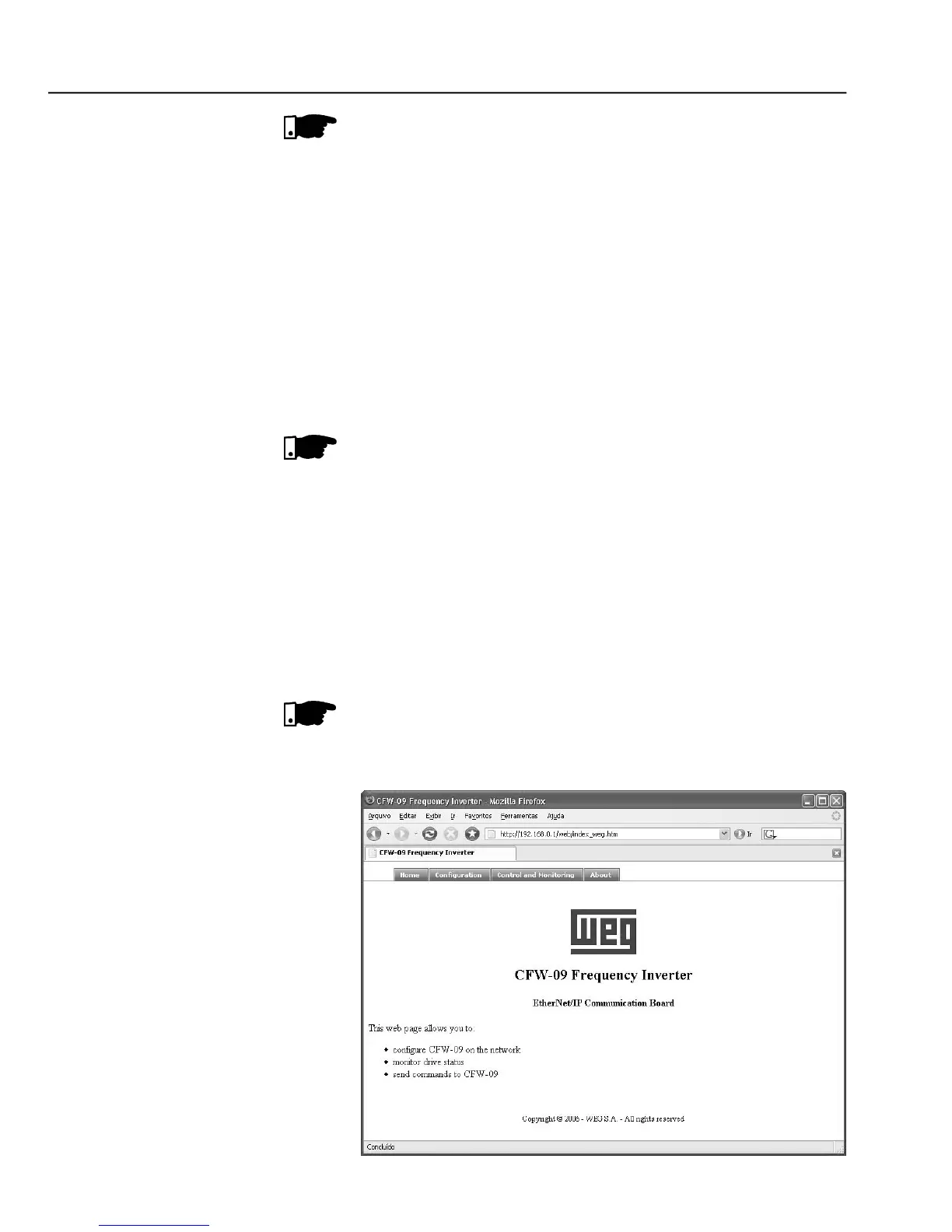
The EtherNet/IPcommunication boardhas an HTTP serverinternally. This
means that the communication board can serve HTML pages. In such a
way, it is possible to configure network parameters, control, and monitor
the CFW-09 inverter through a WEB browser installed in a computer
connected to the same network of the inverter. Use the same read/write
variables of theinverter to perform theseoperations (refer to items 8.12.7.1
For the first WEB access use the factory default username and password.
- Open window when accessing the CFW-09 through the WEB



 To Next Page