OVERVIEW AND SETUP
1-3
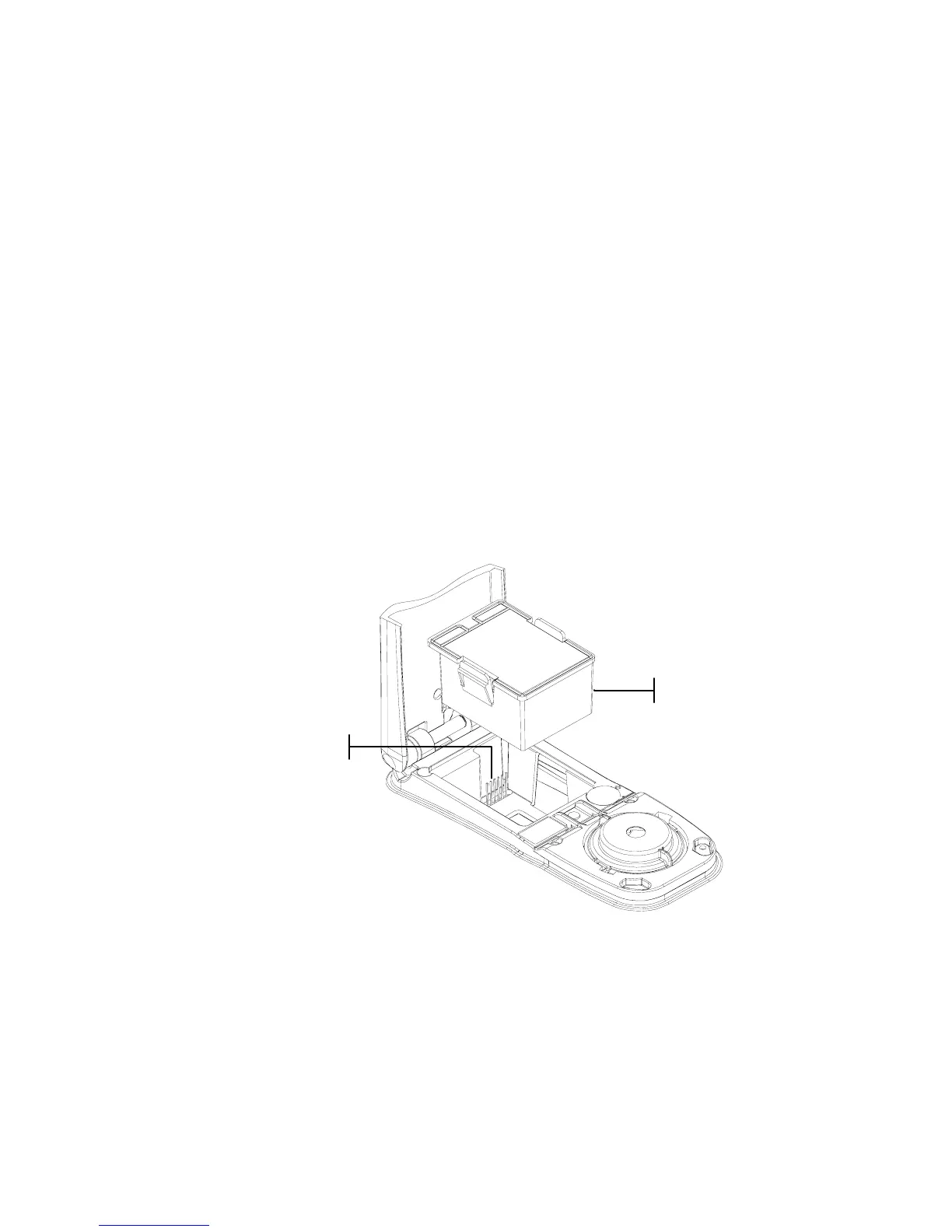
Install the Battery Pack
The instrument is shipped from the factory with the battery
pack removed. The battery pack is located in a carrying case
compartment and must be installed before the instrument is
used.
1. Hold the shoe next to the instrument housing and lift
upward on the spring-loaded latch (refer to Unlatching the
Instrument Shoe). Open the shoe perpendicular to the
instrument housing.
2. Carefully rotate the instrument over and rest it on its top.
3. Slide the battery pack into the compartment with the
battery connector facing down and to the back of the
instrument.
4. Press down on the pack until the connector is properly
seated and the tabs click into position.
Apply Power
The Battery switch—located on the back of the instrument—
turns the instrument off and on during battery operation. When
the AC adapter is attached, the instrument remains on and the
battery switch has no effect.
Battery Connecto



 To Next Page