INSTRUMENT OPERATION MODES
5-9
Shade Sort Range Editing
1. Make sure Range appears in the upper left corner of the
display. If Size appears, press the Enter key # to toggle
to Range.
Range Std : 1
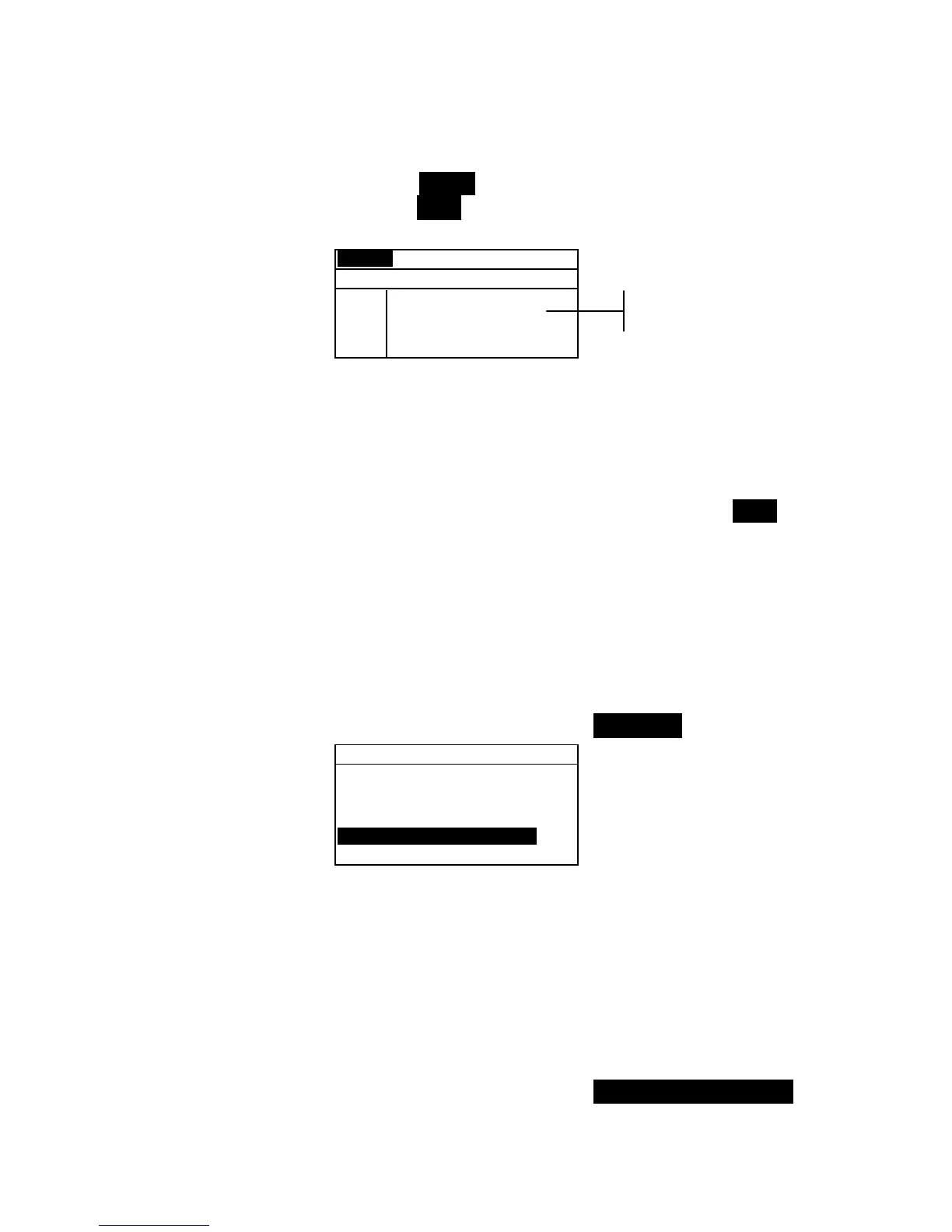
< Set 555 Sort Range>
L*a*b*
D65/10
L* 1 to 9
a* 1 to 9
b* 1 to 9
SAVE
2. Select the desired color space and illum/obs.
3. Use the Tab keys $ @ to highlight the desired lower or
upper sort range component.
4. Repeatedly press the Enter key # to select the desired
range value.
5. Continue with additional component editing.
6. When all components have been edited, highlight Save
and press the Enter key #.
Locking/Unlocking Standard
All measured and manually entered standards are initially set as
locked. A locked standard cannot be deleted or edited. The
“locked” status of the standard can be changed whenever
desired. Downloaded standards cannot be unlocked.
To change the locked status of a standard:
1. Use the Tab keys $@ to highlight Std Lock.
Edit Standard : 1
Std Entry:Measured
Std Name :
Tolerances...
Shade Sort Opts...
Std Lock :Unlocked
Delete THIS std...
2. Press the Enter key # to toggle between Locked and
Unlocked. The “Delete THIS std” option only appears for
an unlocked standard.
Deleting the Standard
This option deletes the current standard selected. While the
standard number remains, all related data is deleted. You can
then use the location to add a new standard.
To delete the current standard:
1. Use the Tab keys $@ to highlight Delete THIS Std....
Sort range
components



 To Next Page