INSTRUMENT OPERATION MODES
5-11
Projects
The projects function is used to access the View Project menu.
From this menu, project names and standard links can be
created and edited and new projects added.
A project maintains a group of standards from which the
instrument selects the closest color for comparison of measured
samples.
Projects help you organize your standards. For example, a
project can represent a customer that has several standard
colors for a particular product line.
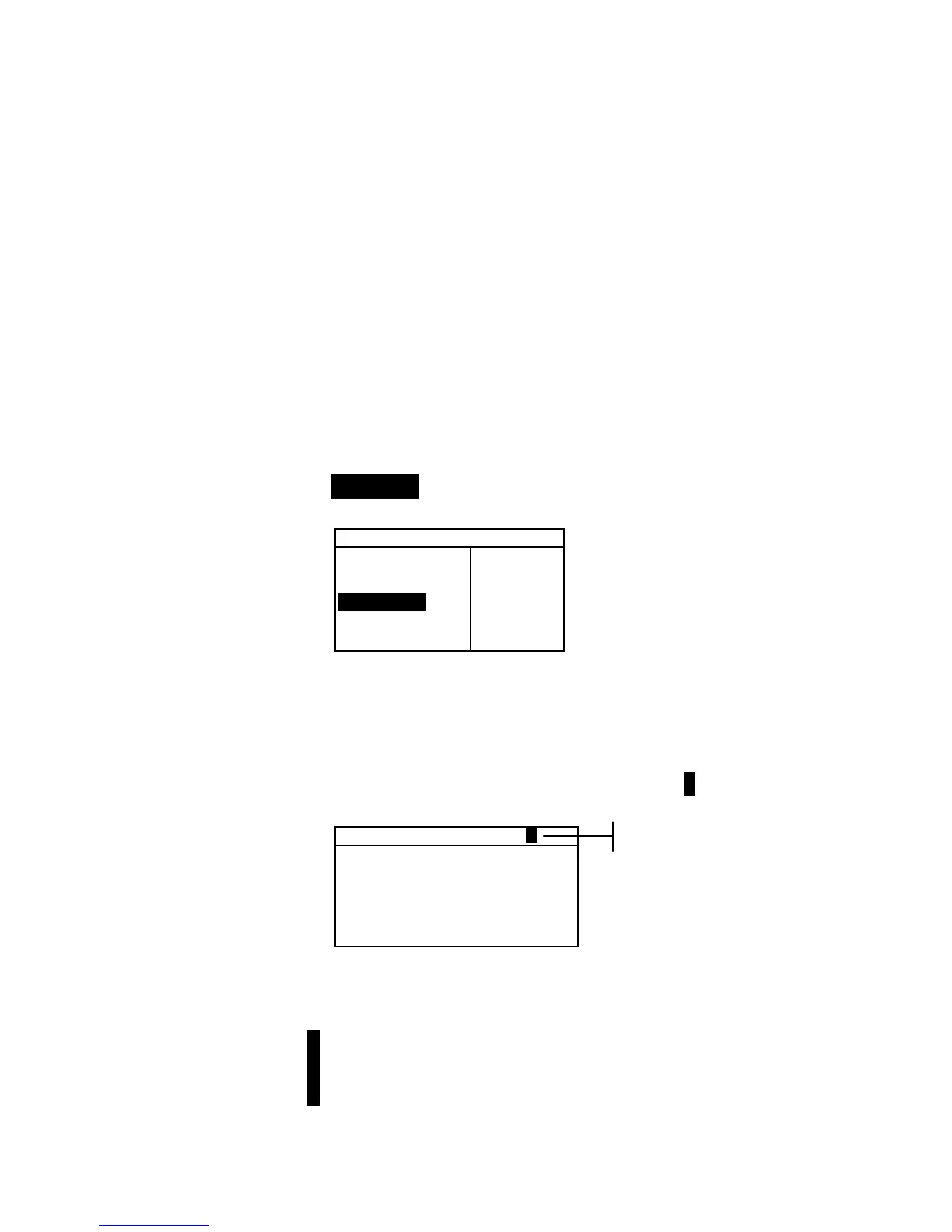
To open the View Project menu:
• Repeatedly press the Tab Down @ key to highlight
Projects. Press the Enter key # to access the View
Project Menu.
–MAIN MENU–
↑
Calibrate
Standards
Projects
Run Job
Configuratio
X—Rite
964
——————
XXXX
******
Selecting Project Number
The project number is used to page to a specific project location
if more than one project exists in the database.
To access a new or existing project location:
1. Use the Tab keys $@ to highlight the project # in the View
Project field.
View Project : 1
Proj Standards
Proj Name:
Proj Lock: Unlocked
Add New Project
Delete This Project
2. Press the Enter key # to page to the project location. One
is the only location that can be selected when no projects
exist in the database.
NOTE: You can go to a specific project by holding down the Enter
key # until the Enter Proj Number menu appears, and selecting
the number through the editor. This provides a convenient method of
selecting a specific project when many projects exist in the database.
Current project location



 To Next Page