CHAPTER TWO
2-4
Using the Instrument
There are several techniques used to navigate through the
instrument screens, select functions and settings, and determine
values and names.
Opening a Menu or Mode
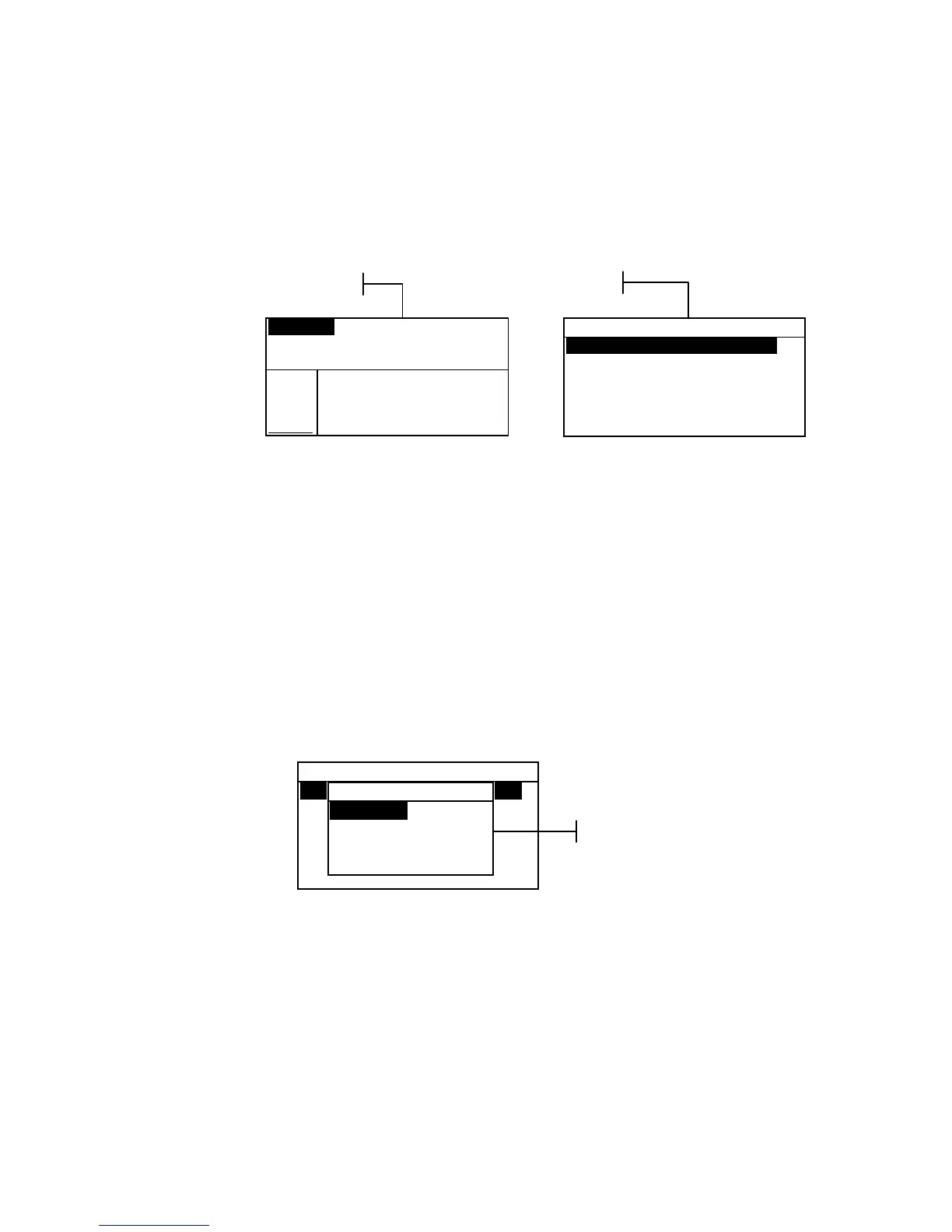
Opening a mode or a menu gives you access to additional items
related to the menu or specific information for a mode. Below
are examples of typical mode and menu screens.
To open a mode or menu:
1. Use the Tab Up key $ or Tab Down key @ to highlight the
desired mode or menu item.
2. Press the Enter # key.
Opening a Pop-Up List Box
Opening a pop-up list box allows you to select items and/or
change settings for a selection or function. Below is an example
of a list box.
To open a pop-up list box:
1. Use the Tab keys $@ to highlight the desired selection or
function.
2. Press the Enter # key to access the pop-up list box.
Opening the Alphanumeric Editor
Several functions that utilize names and values are edited using
the alphanumeric editor. Selecting Clear in the editor provides
a quick method of removing all values or characters in the
string. Pressing the Tab keys $@ simultaneously clears the
selected character. Below is an example of the editor.
Configuration
Language :English
Measure Options...
Color Options...
Database Tools...
Hardware Setup...
Set Language
English
Deutsch
Français
↓
Pop-Up List Box
CONFIGURATION
Language :English
Measure Options...
Color Options...
Database Tools...
Hardware Setup...
Main Menu Options...
Configuration Menu
Proj 1: Cartons
Std 1: Red Sample
Sample: #10 11:23
L*a*b*
D65/10
.
.
..
.
.
.
...
ΔL* +0.05
L* 88.25 Δa* —0.03
a* —4.71 Δb* —0.14
b*+36.64 ΔE* 0.16
QA Function



 To Next Page