SETTING INSTRUMENT CONFIGURATION
4-3
Store Samples
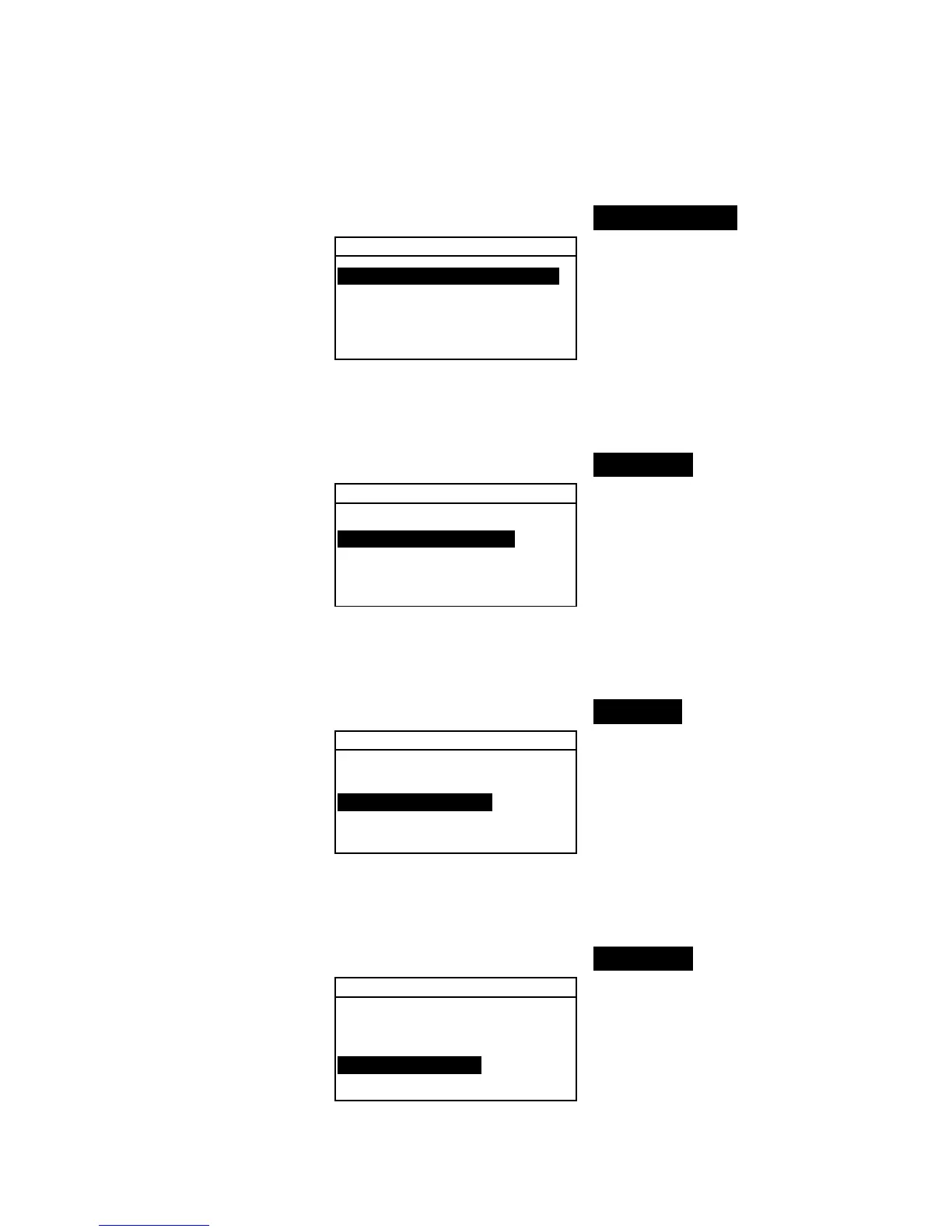
To select the store sample status:
1. Use the Tab keys $@ to highlight Store Samples.
Measure Options
Store Samples is Off
Pass/Fail is Off
Auto Std is On
Averaging :1
Diff Disp :Off
2. Press the Enter # key to toggle between Off and On.
Pass/Fail
To select the pass/fail status:
1. Use the Tab keys $@ to highlight Pass/Fail.
Measure Options
Store Samples is Off
Pass/Fail is Off
Auto Std is On
Averaging :1
Diff Disp :Off
2. Press the Enter # key to toggle between Off and On.
Auto Std
To select the Auto Std status:
1. Use the Tab keys $@ to highlight Auto Std.
Measure Options
Store Samples is Off
Pass/Fail is Off
Auto Std is On
Averaging :1
Diff Disp :Off
2. Press the Enter # key to toggle between Off and On.
Averaging
To set the Averaging Option:
1. Use the Tab keys $@ to highlight Averaging.
Measure Options
Store Samples is Off
Pass/Fail is Off
Auto Std is On
Averaging :1
Diff Disp :Off
2. Press the Enter key # to open the Edit Averaging #
menu.



 To Next Page