INSTRUMENT OPERATION MODES
5-29
Run Job (964 only)
The Run Job function is used to select a job sequence
downloaded from X-RiteColor® Master software program. A
typical job would display measurement prompts on the
instrument screen. The instrument can store a total of 10 jobs at
one time.
Refer to X-RiteColor® Master for specific information on jobs
and job operation.
To access the Run Job mode:
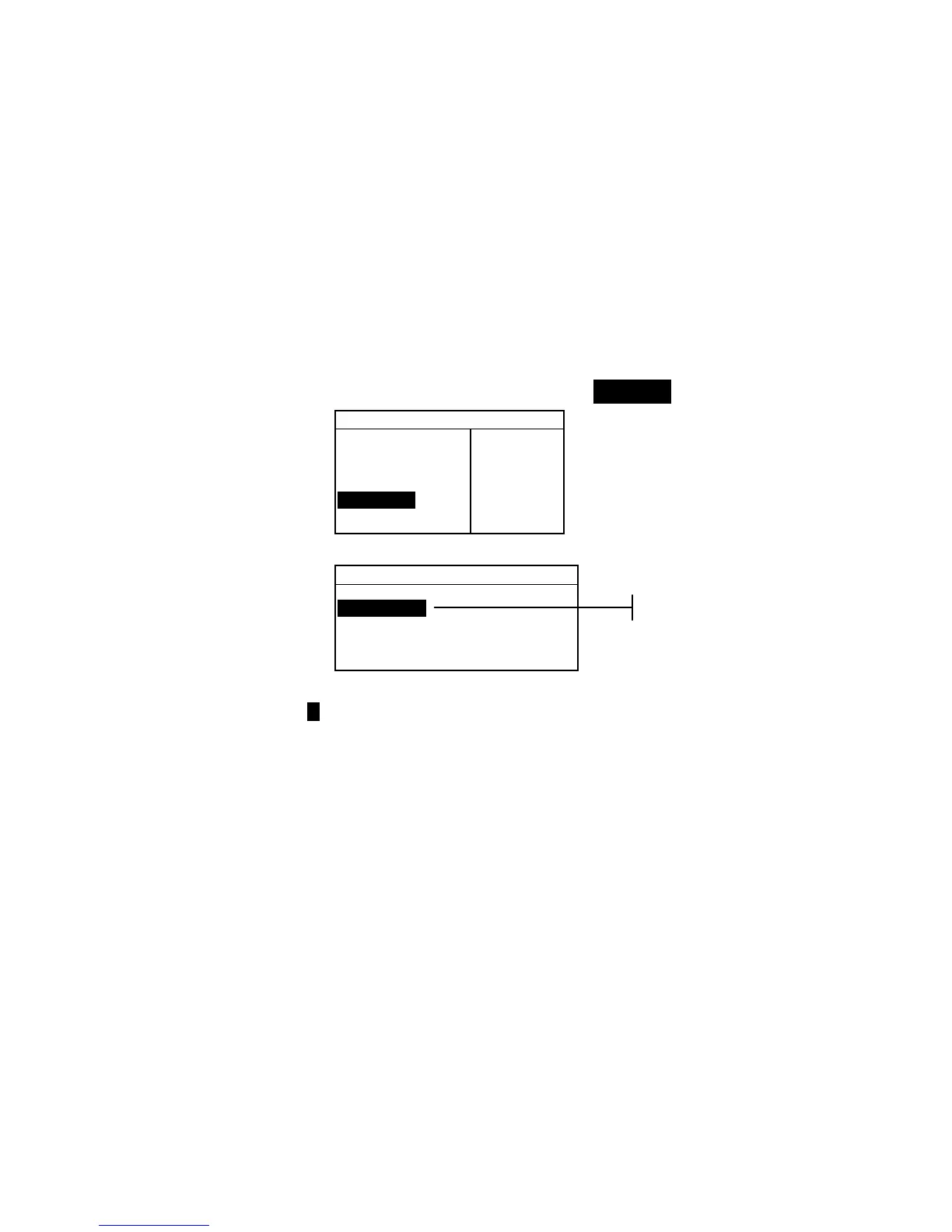
1. Use the Tab keys $@ to highlight Run Job.
–MAIN MENU–
↑
Calibrate
Standards
Projects
Run Job
Configuratio
X—Rite
964
——————
XXXX
******
2. Press the Enter key # to access the Pick Job mode.
Pick Job #
1: Job 1
2: Job 2
3: Job 3
4: Job 4
5: Job 5
3. Use the Tab keys $@ to highlight the desired job.
Note: <Empty> appears in the display when no jobs are available.
4. Press the Enter key # to activate job sequence.



 To Next Page