CHAPTER FOUR
4-6
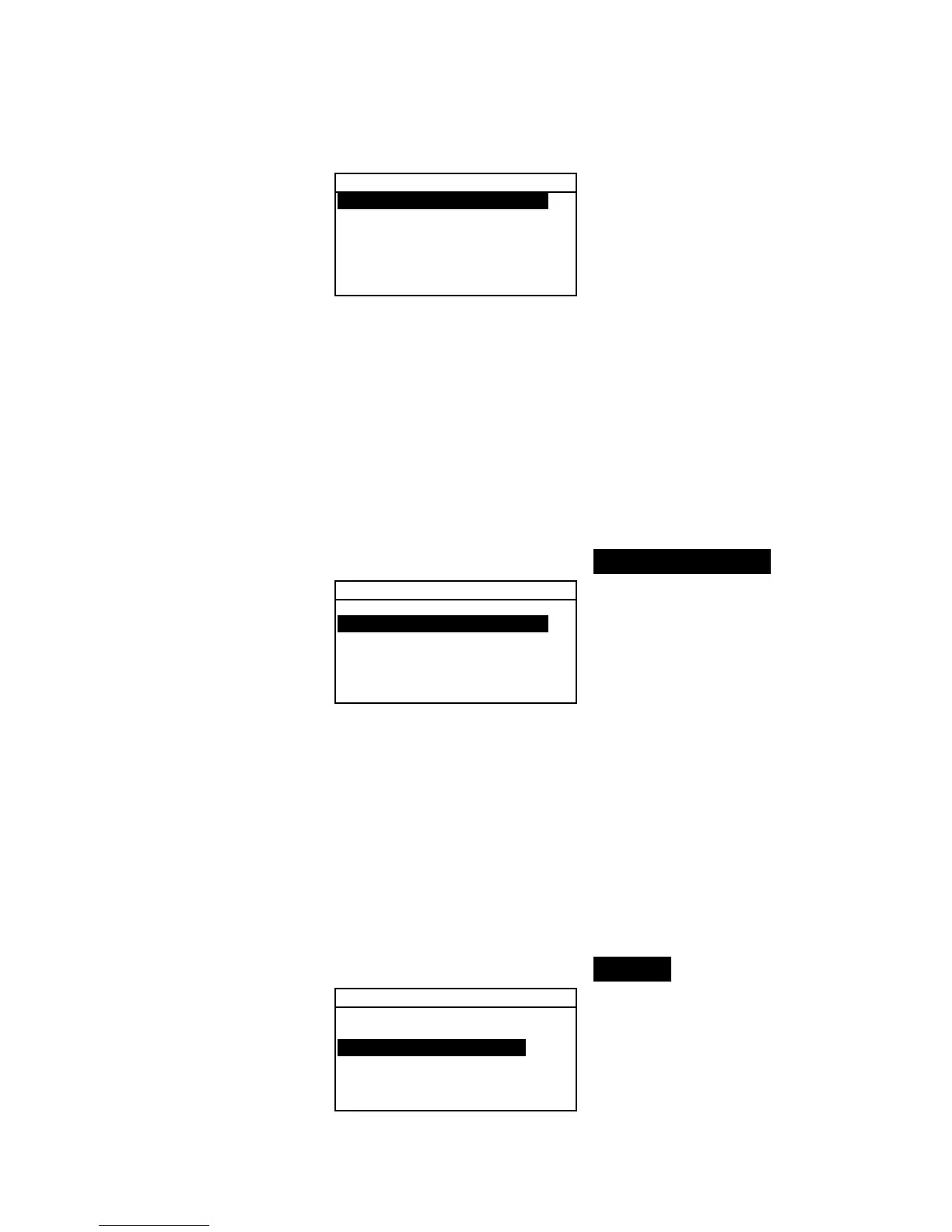
Color Options
Active Functions...
Active Illum/Obs...
Opacity :Color
Strength :Tristimu
Metamerism :MI
↓
2. Press the Enter # key to access the Act. Functions
editor.
3. Use the Tab keys $@ to highlight the desired function.
4. Press the Enter key # to toggle the function active or
inactive. The > indicates the function is enabled.
5. After edits are complete, press the Escape key ! to save
and exit.
Active Illum/Obs
To enable or disable illum/Obs combinations:
1. Use the Tab keys $@ to highlight Active Illum/Obs.
Color Options
Active Functions...
Active Illum/Obs...
Opacity :Color
Strength :Tristimu
Metamerism :MI
↓
2. Press the Enter # key to access the Act. Illum/Obs.
editor.
3. Use the Tab keys $@ to highlight the desired combination.
4. Press the Enter key # to toggle the combination active or
inactive. The > indicates the illum/obs is enabled.
5. After edits are complete, press the Escape key ! to save
and exit.
Opacity
To access the Opacity Option:
1. Use the Tab keys $@ to highlight Opacity.
Color Options
Active Functions...
Active Illum/Obs...
Opacity :Color
Strength :Tristimu
Metamerism :MI
↓
2. Press the Enter # key to access the Opacity menu.



 To Next Page