962/964
SPECTROPHOTOMETER
5-1
5. Instrument Operation
Standards 5-1
Projects 5-11
QA Mode 5-15
Strength 5-24
Opacity 5-26
Analyze 5-28
Compare 5-29
Run Job (964only) 5-30
Standards
The standards function accesses the Edit Standard menu. From
this menu, standard data can be measured or manually entered,
and specific tolerances and shade sort options can be set for
each standard.
The standards serve as approved references against which your
sample measurements are evaluated, using QA, Strength,
Opacity, or Analyze functions.
Standards can also be downloaded to the instrument from an
X-Rite software package, such as X-RiteColor® Master. Then,
after sample measurements are performed, data is uploaded to
the software package, where it is analyzed.
The main Standard screen gives the status of the standard last
selected.
To open the Edit Standard menu:
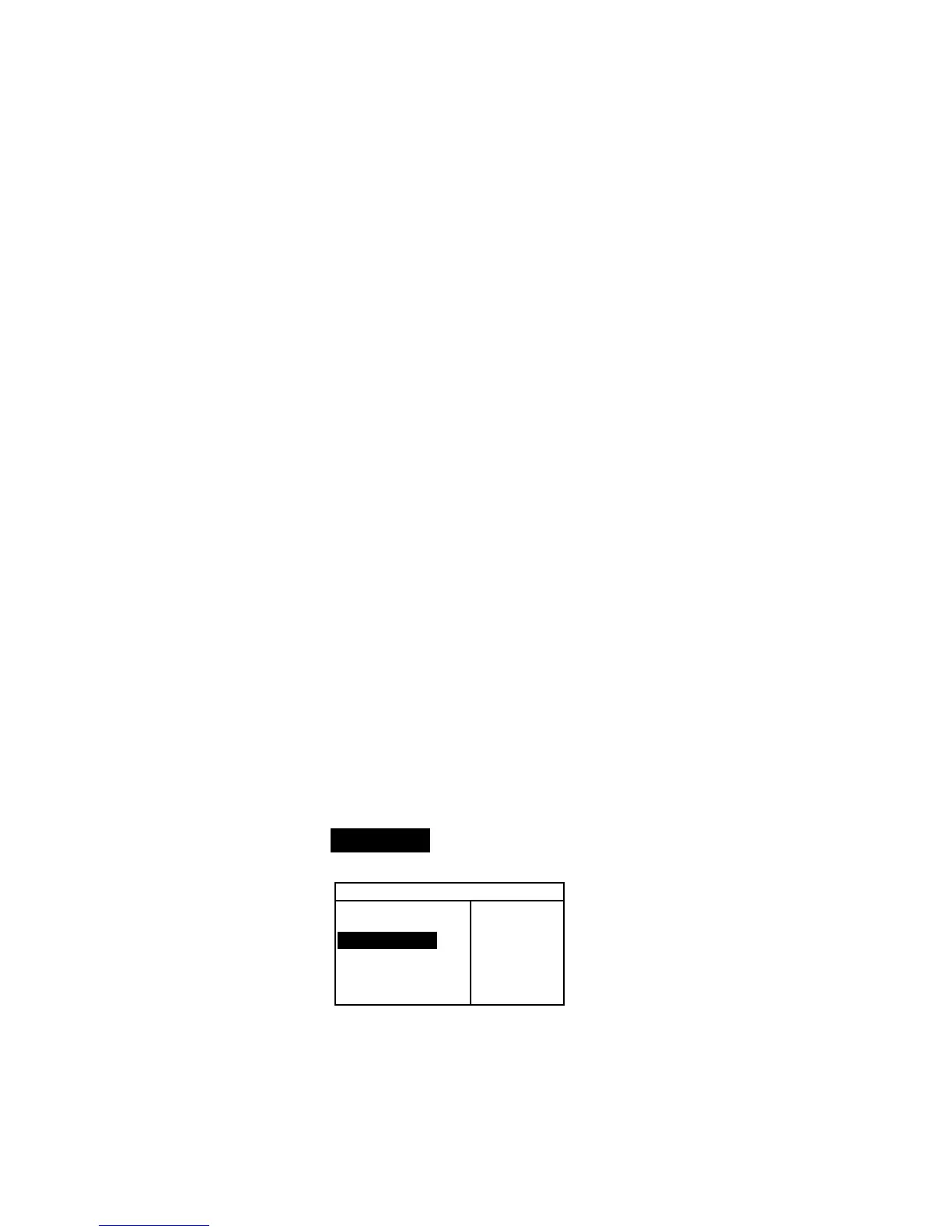
1. Repeatedly press the Tab Down @ key to highlight
Standards. Press the Enter key # to access the Edit
Standards Menu.
–MAIN MENU–
↑
Calibrate
Standards
Projects
Run Job
Configuratio
X—Rite
964
——————
XXXX
******
Selecting Standard Number
The standard number allows you to select existing standards for
editing, or the next available standard location for entering a new
standard.



 To Next Page