USER INTERFACE
2-5
To open the editor:
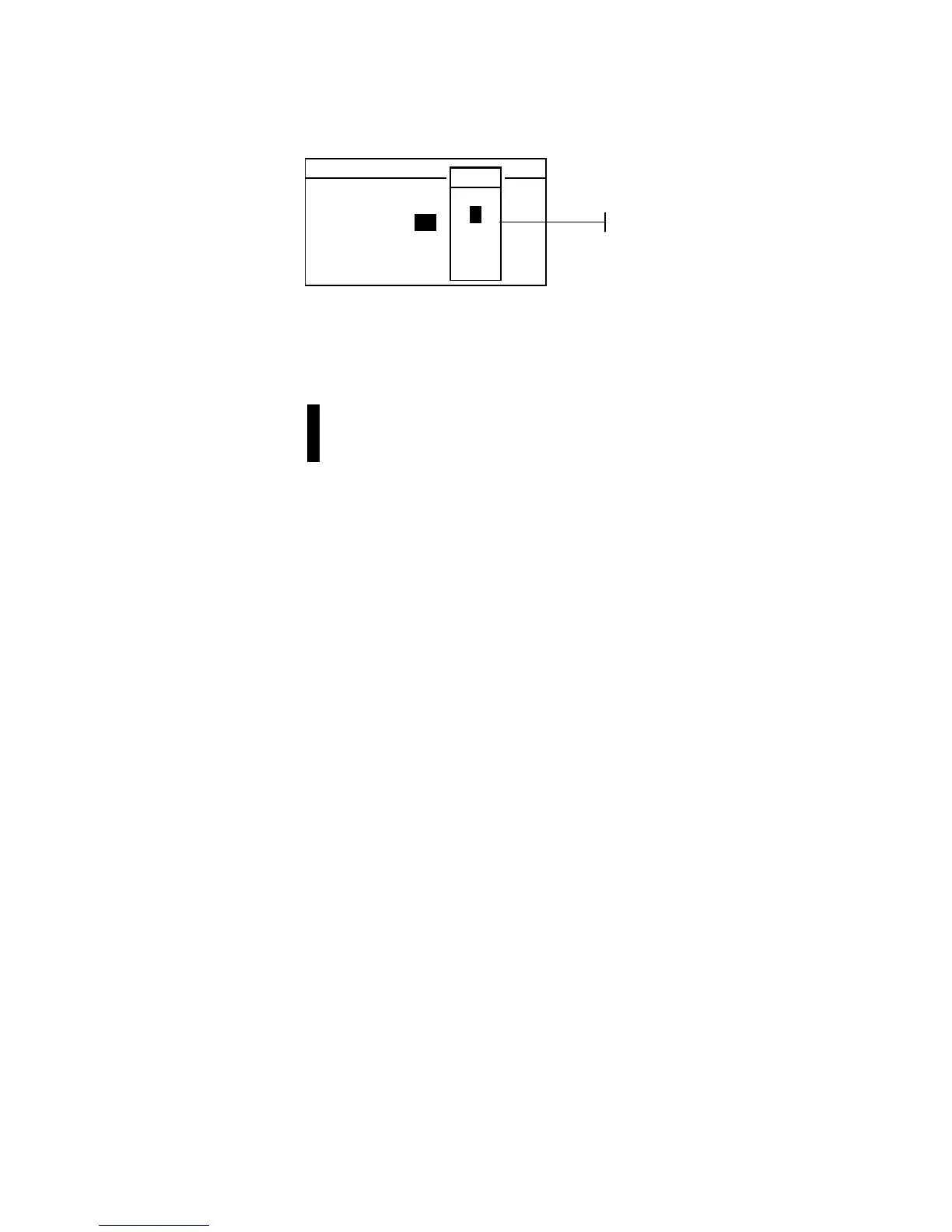
3. Use the Tab keys $@ to choose the desired digit or number
(arrows above and below designate selection).
4. Press the Enter # key to access the editor.
NOTE: If the editor menu includes letters and symbols (such as the
standard name editor), you can press the Enter key # again to quickly
page through groups of letters, symbols, and numbers.
5. Use the Tab keys $@ to highlight the desired item.
6. Press the Enter # key to select the highlighted character
and exit the editor.
Selecting Single or Multiple Items
Many settings and modes allow you to select single or multiple
items from a list or menu. Lists can be found in every type of
screen: menus, editors, or mode screens.
To select a single item from a list:
1. Use the Tab keys $@ to highlight the desired item in the list.
2. Press the Enter key # to save your selection (and return to
the previous screen).
To select multiple items from a list:
1. Use the Tab keys $@ to highlight the first item in the list.
2. Press the Enter key # to toggle an arrow (>) on or off for
the item (an arrow indicates on).
3. Use the Tab keys $@ to move the highlight to the next item
in the list and press the Enter key # to set status.
4. Press the Escape key ! to return to the previous screen.
Set Cal Interval
CLEAR
↓
24
↑
On
Save & Exit
0 -9
↑
2
3
4
↓
Editor



 To Next Page