CHAPTER FOUR
4-16
3. When the main menu appears, release the Read
key. The Configuration item appears in the main
menu.
NOTE: You must set the Security to Off if you want the
Configuration item to automatically appear the next time
you turn the instrument on.
To open the Hardware Setup menu:
1. Use the Tab keys $@ to highlight Hardware Setup.
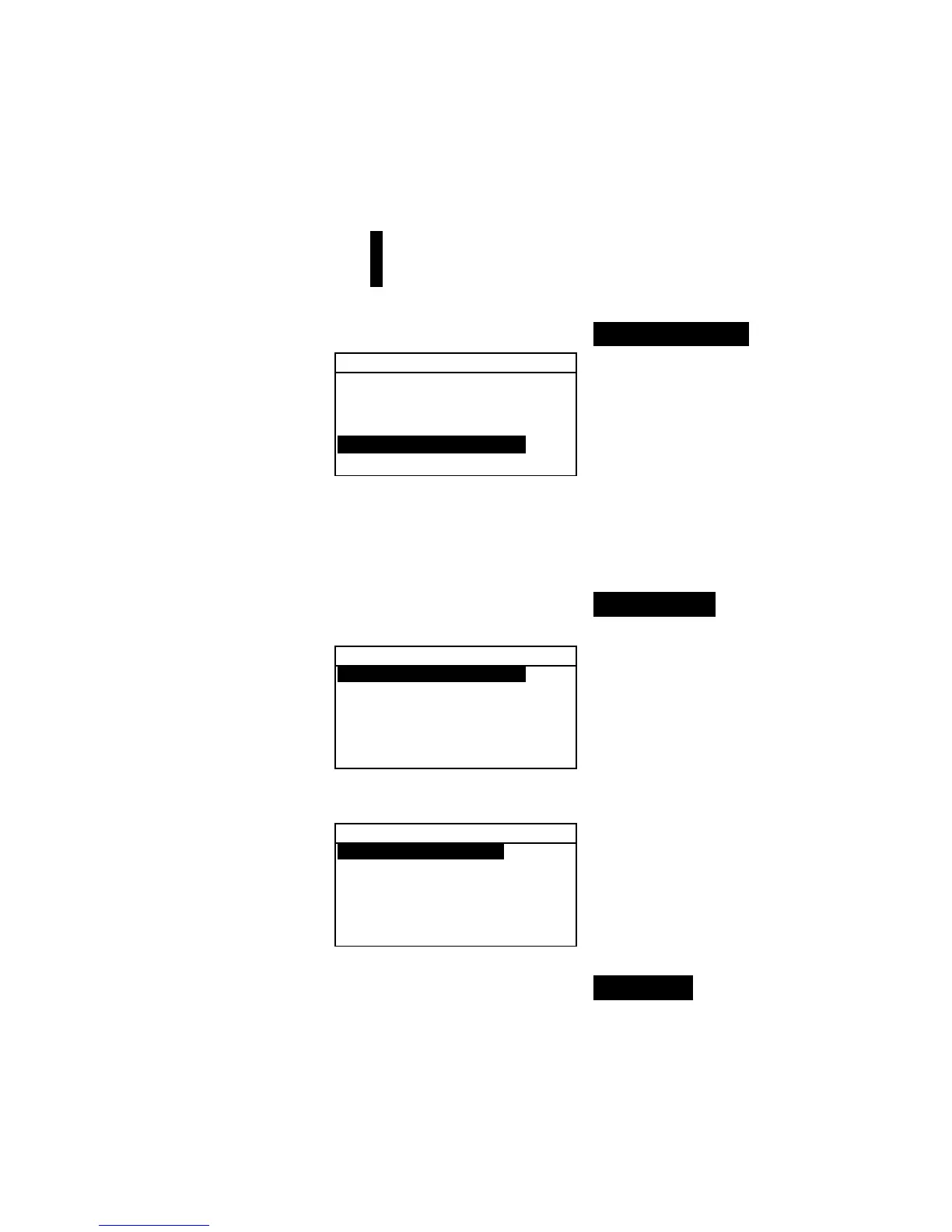
Configuration
Language :English
Measure Options...
Color Options...
Database Tools...
Hardware Setup...
Main Menu Options...
2. Press the Enter # key to access the Hardware Setup
menu.
Serial Port
To access the Serial Port Options:
1. Use the Tab keys $@ to highlight Serial Port.
Hardware Settings
Serial Port :9600
Read Oper. :Switch
Cal Timeout :24 hrs
Power Down :120 sec
Beeper :Soft
↓
2. Press the Enter # key to access the Serial Port
options.
Serial Port Options
Baud Rate :9600
Hand Shake:Off
Auto XMT is Off
Separator :Comma
Delimiter :CRLF
↓
Baud Rate Selection
1. Use the Tab keys $@ to highlight Baud Rate. Press the
Enter # key to access the
Baud Rate editor.
2. Use the Tab keys $@ to highlight the desired baud rate:
300
through 57600. Press the Enter # key to save your setting
and return to the Serial Port Options menu.



 To Next Page