CHAPTER FOUR
4-24
Load Factory Defaults
The instrument can be reset to its original state whenever
required. All configuration settings and function options are set
to the factory defaults. Restoring the defaults also clears all
stored standards, samples, and tag data in the instrument.
To initiate a factory default reload:
1. Unplug the AC Adapter (if connected) and press the power
switch to Off. Simultaneously press and hold the Tab
Down key @ and Main Menu key
%.
2.
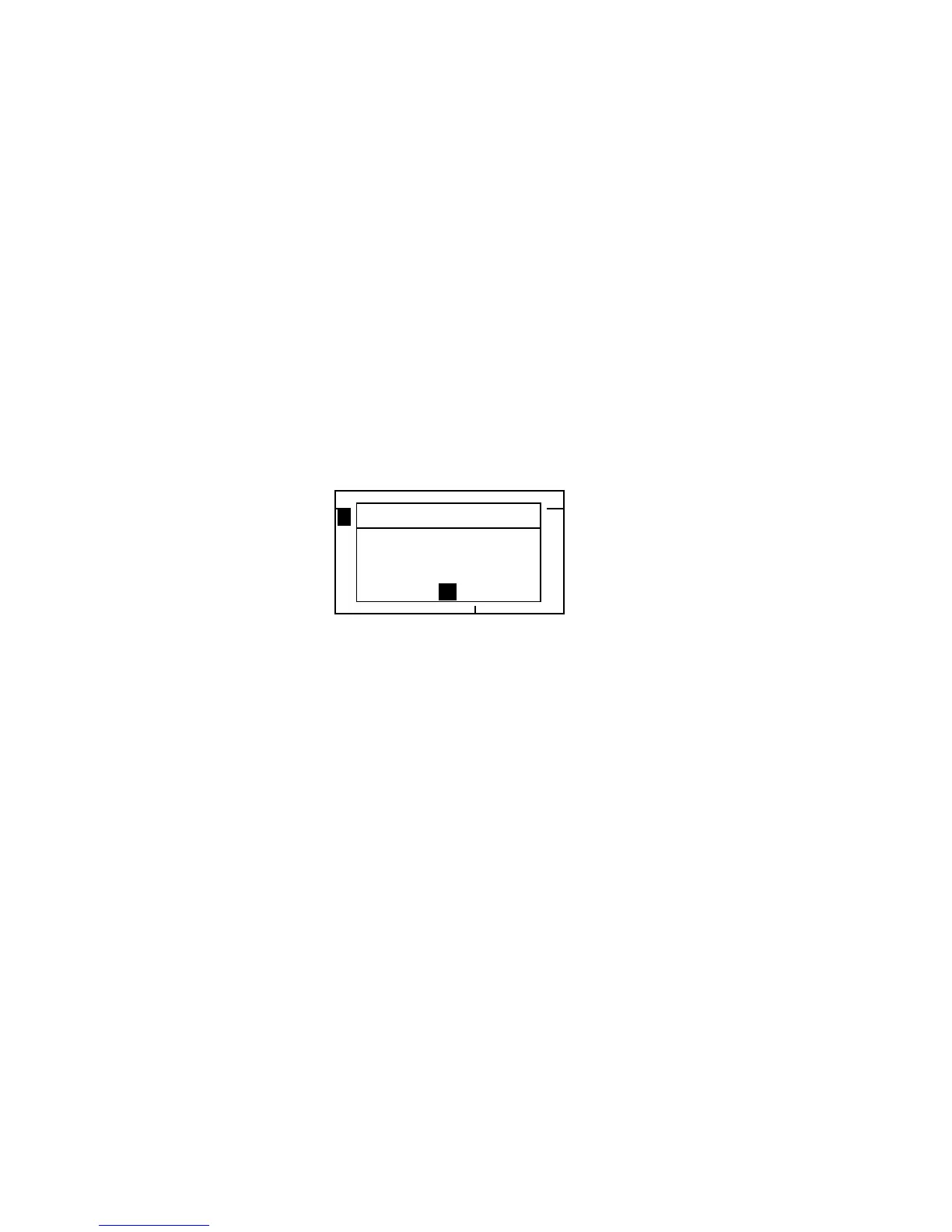
Press the power switch to On. The X-Rite logo
momentarily appears followed by
Factory Defaults,
Settings have been restored
. Press the Enter #
key to clear the message dialog.
–MAIN MENU–
QA
Analyze
Compare
Strength
Opacity
^
X—Rite
393
——————
XXXX
******
Factory Defaults
Settings have
been restored.
OK



 To Next Page