INSTRUMENT OPERATION MODES
5-27
Analyze
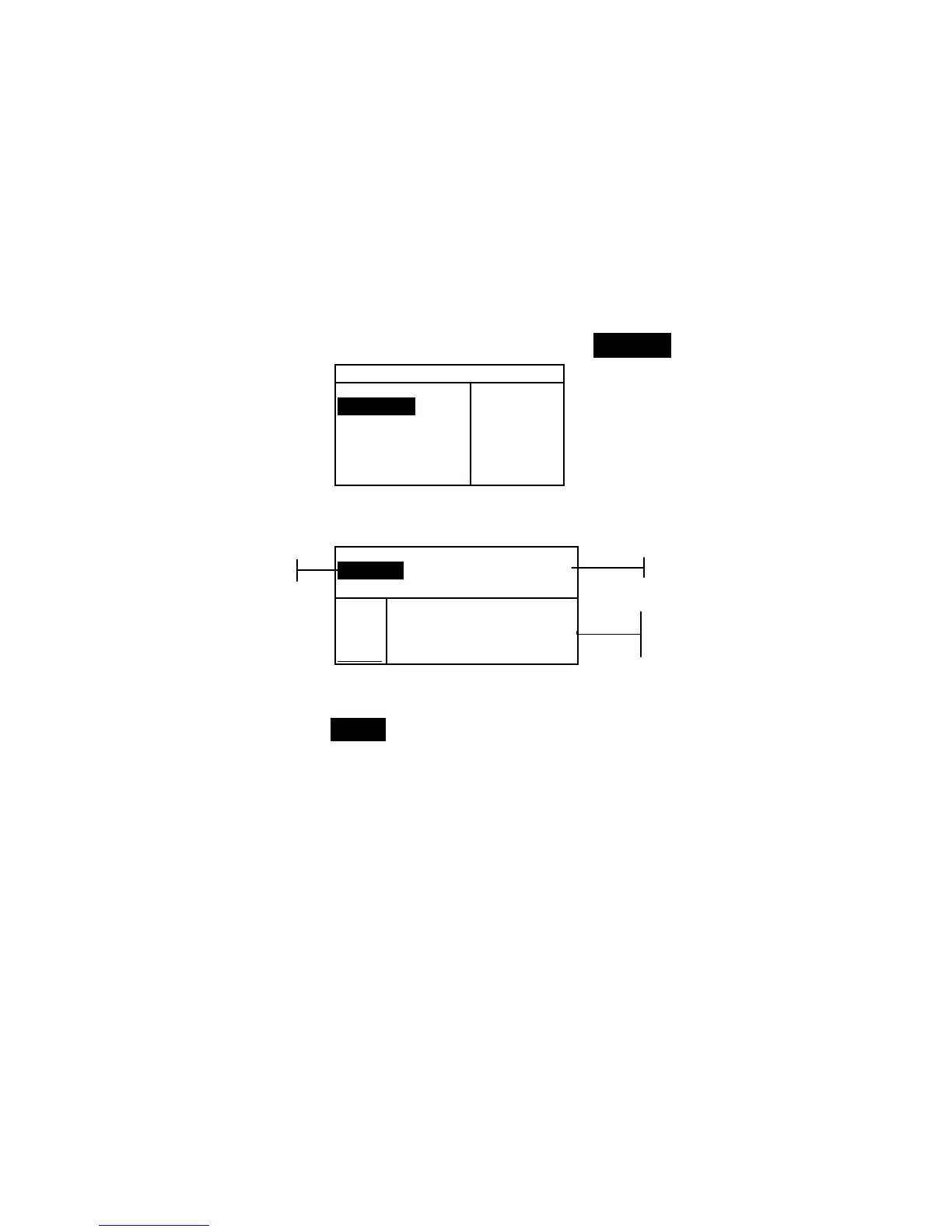
The Analyze function allows you to compare sample
measurements to stored standards. The resulting color data
(actual and difference) is not stored in the instrument. Measured
data can be automatically transmitted from the RS-232 port if
Auto Xmt is activated in the Instrument Configuration.
To access the Analyze function:
1. Use the Tab keys $@ to highlight Analyze.
–MAIN MENU–
QA
Analyze
Compare
Strength
Opacity
↓
X—Rite
964
——————
XXXX
******
2. Press the Enter key # to access the Analyze function. Data
from the last measurement taken is displayed.
Analyze
Std 1: STANDARD A
L*a*b*
D65/10
.
.
..
.
.
.
...
ΔL* –0.06
L* 33.85 Δa* —0.02
a* +5.55 Δb* +0.16
b* +9.77 ΔE* 0.17
3. If auto standard is not activated in configuration, select the
standard location by repeatedly pressing Enter key # with
Std # highlighted. To go to a specific standard, hold
down the Enter key # and select the standard from the
editor.
4. Measure the sample.
Standard Name
Standard Location
Sample measured
and difference data



 To Next Page