INSTRUMENT OPERATION MODES
5-5
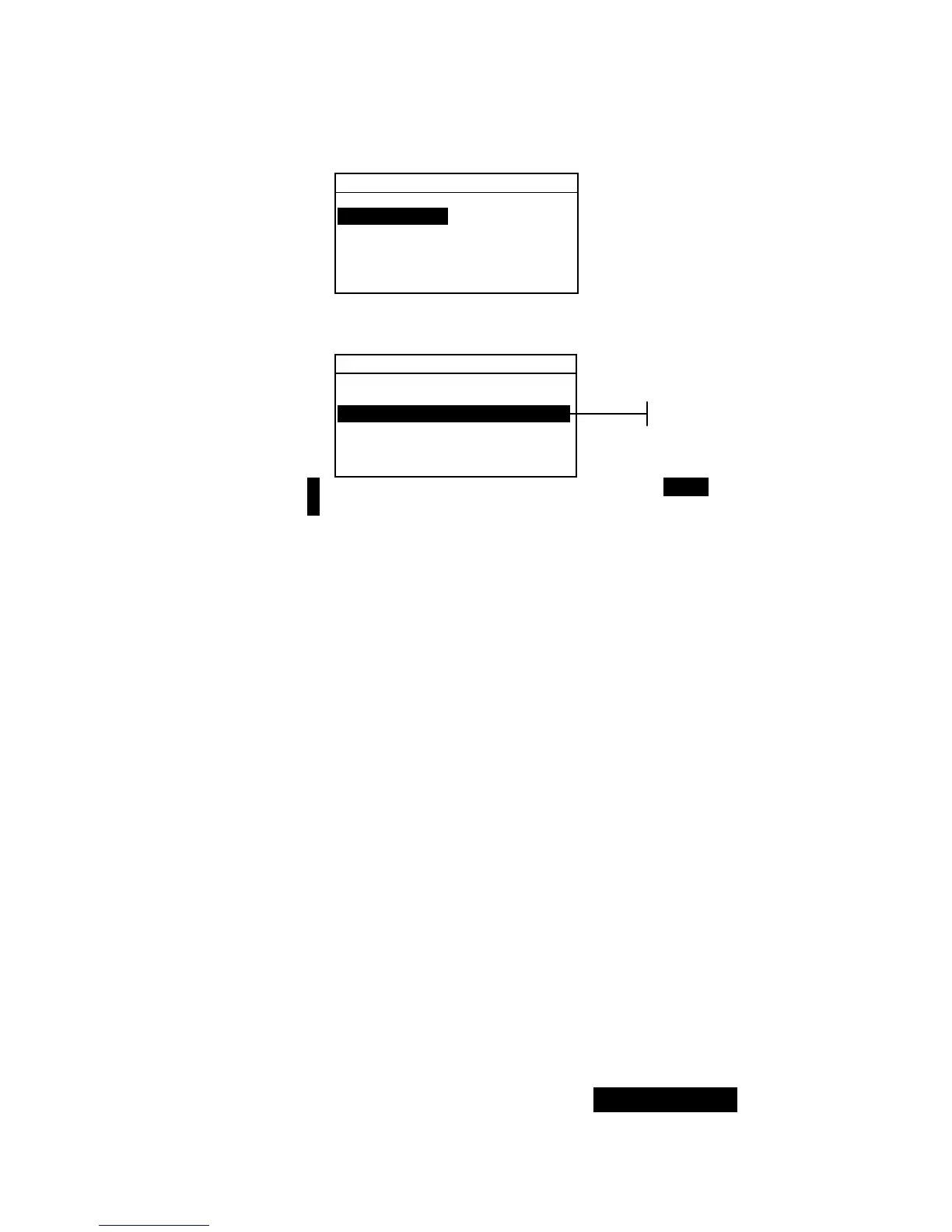
Edit Standard : 1
Std Entry:Measured
Std Name :
Tolerances...
Shade Sort Opts...
Std Lock :Unlocked
Delete This Std...
2. Press the Enter key # to access the Edit Standard
Name
menu.
Edit Standard Name
CLEAR
↓
o
↑
Save & Exit
NOTE: To quickly remove a name, highlighting CLEAR and press the
Enter key #.
3. Use the Tab keys $@ to highlight the name entry field.
4. Use the Tab keys $@ to choose the desired character
location (arrows above and below designate the selection).
Press the Enter key # to access the alphanumeric editor.
5. Press the Enter key # again to quickly page through
groups of letters, symbols, and numbers.
6. Use the Tab keys $@ to highlight the desired character and
press the Enter # key to exit editor.
7. Continue with additional character edits.
8. When editing is completed, use the Tab keys $@ to
highlight
Save & Exit and press the Enter # key.
Setting Tolerance Limits
The tolerance limit is the maximum allowable difference from
the standard color values that is considered acceptable. The
tolerances are used to test your sample’s acceptability by
displaying a pass or fail signal, based on the entered limits.
Plus and minus limits can be set symmetrically or individually
for L*a*b*, L*C*h°, L*u*v*, Lab, RGB, XYZ and Yxy
attributes. Pass/fail indication appears in QA and Strength
functions when set.
To access tolerance entry menu:
1. Use the Tab keys $@ to highlight Tolerances... .
Name entr



 To Next Page