CHAPTER FIVE
5-14
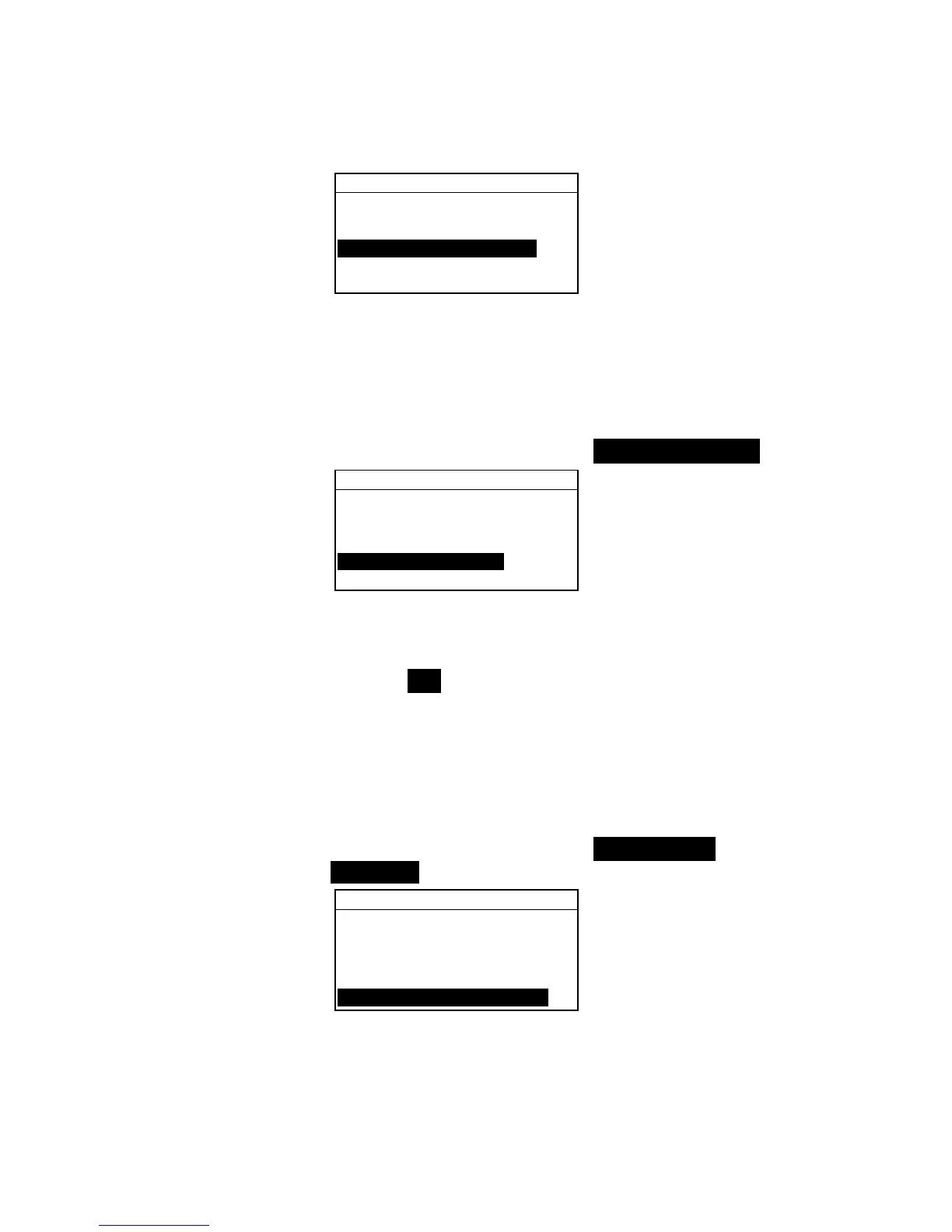
View Project : 1
Proj Standards
Proj Name:
Proj Lock:Unlocked
Add New Project
Delete This Project
2. Press the Enter key # to toggle between Locked and
Unlocked.
Add New Project
The “Add New Project” item adds a new project to the database.
To add a new project:
1. Use the Tab keys $@ to highlight Add New Project.
View Project : 1
Proj Standards
Proj Name:
Proj Lock:Unlocked
Add New Project
Delete This Project
2. Press the Enter key # to open the Add New Project
menu.
3.
Add a new project? appears. Use the Tab keys $@ to
highlight Yes and press the Enter key #. A new project
number is added to the View Project field.
Deleting the Project
This option deletes the current project selected and samples.
Standards that are assigned to the project are not deleted.
To delete the current project:
1. Use the Tab keys $@ to highlight Delete This
Project.
View Project : 1
Proj Standards
Proj Name:
Proj Lock:Unlocked
Add New Project
Delete This Project
2. Press the Enter key # to delete the current project.



 To Next Page