INSTRUMENT OPERATION MODES
5-17
Pass/Fail Operation
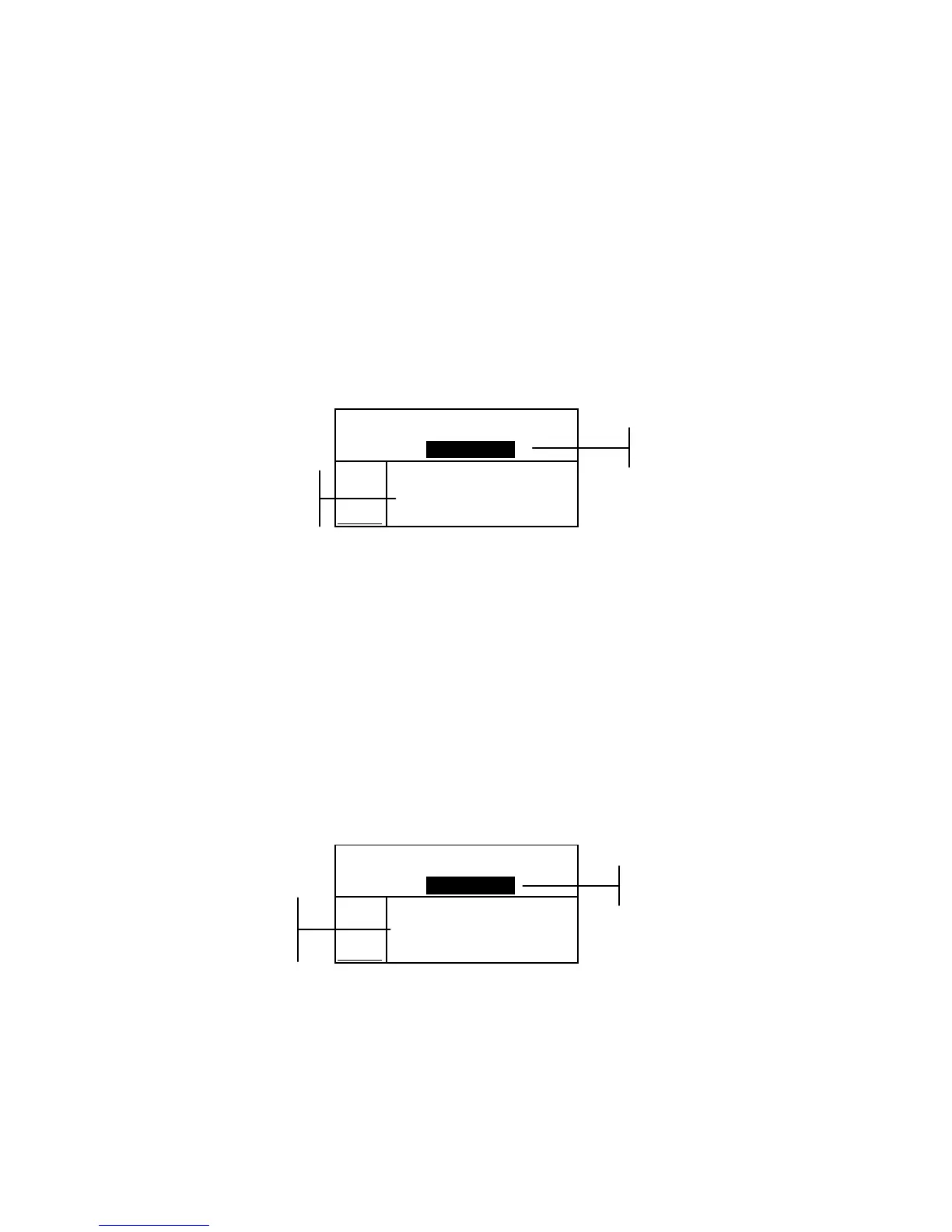
The Pass/Fail function displays PASS or FAIL for a sample on the
instrument screen, based on the tolerances assigned to the standard.
A “green” or “red” light also illuminates, indicating the sample’s
acceptability. The Pass/Fail option must be activated in the
Instrument Configuration and tolerances set for the standard.
To perform a pass/fail measurement:
1. Select project location (if used) as discussed earlier.
2. Select the standard location if the auto standard selection is
not activated in configuration. Measure the sample.
Proj 1: PROJECT A
Std 2: STANDARD B
Sample: #1 11:28
L*a*b*
D65/10
.
.
..
.
.
.
...
ΔL* +0.35
Δa* –0.15
Δb* +0.15
ΔE 0.41
555 Shade Sort Operation
The 555 Shade Sort function displays a three-digit number for
the sample on the instrument screen, based on the shade size
and shade range. Pass/Fail operation can also be used in
conjunction with Shade Sort if required. The Shade Sort option
must be activated in the Instrument Configuration and the size
and range set for the standard.
To perform a shade sort measurement:
1. Select the project location (if used) as discussed earlier.
2. Select standard location if the auto standard selection is not
activated in the configuration. Measure the sample.
Proj 1: PROJECT A
Std 2: STANDARD B
Sample: #1 11:28
L*a*b*
D65/10
.
.
..
.
.
.
...
ΔL* +0.35
Δa* –0.15
Δb* +0.15
ΔE 0.41
PASS
Acceptance
indication (pass
or fail



 To Next Page