CHAPTER FIVE
5-18
Shade Sort Out of Range Indication
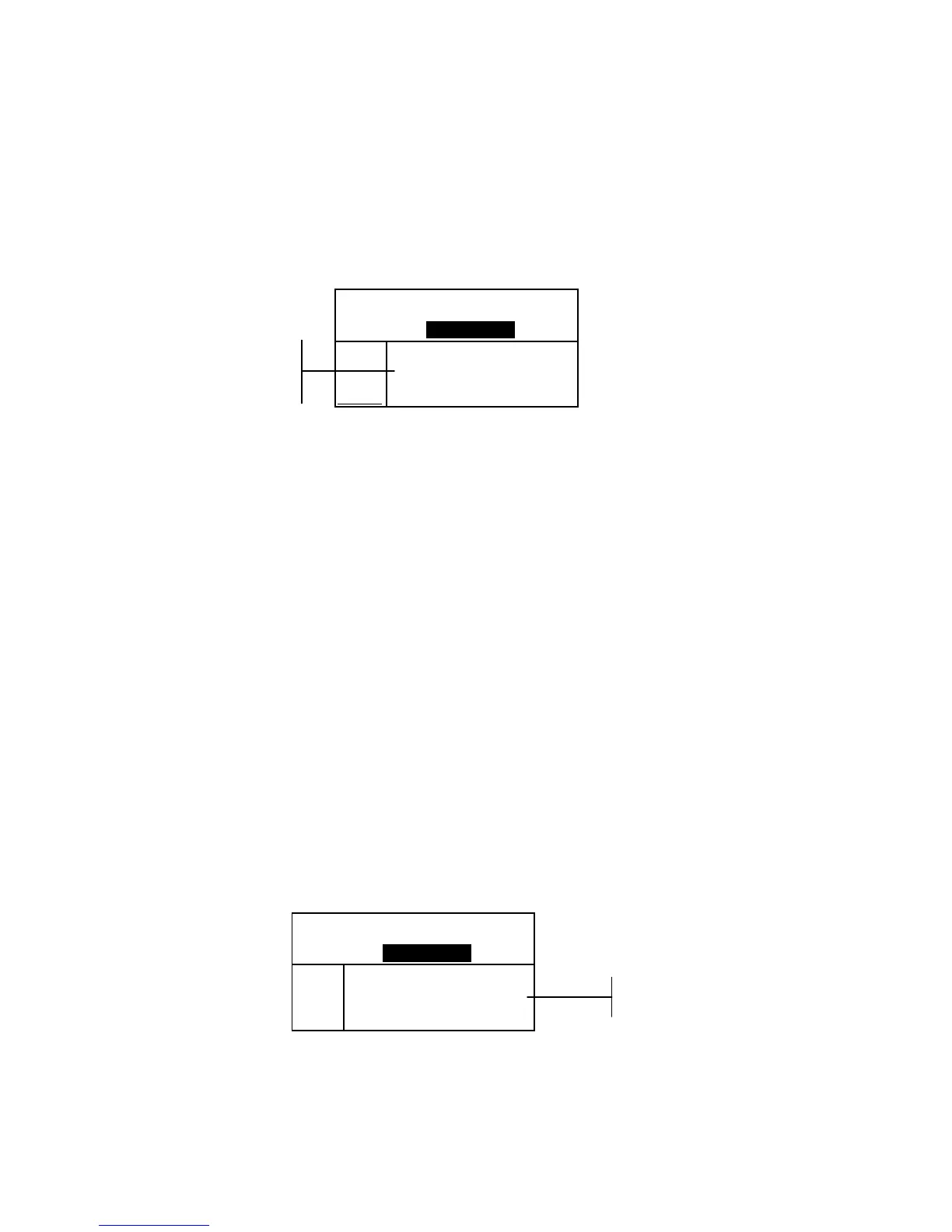
If an up arrow or a down arrow appears in the place of a shade
sort number, this indicates that the number is out of range. The
way the arrow is pointing indicates the failure direction. An up
arrow indicates above and a down arrow indicates below.
Proj 1: PROJECT A
Std 2: STANDARD B
Sample: #2 11:35
L*a*b*
D65/10
.
.
..
.
.
.
...
ΔL*–17.36
Δa* +4.24
Δb*+30.16
ΔE 35.05
Display Difference Indication
The instrument can display color differences numerically
(default setting) or as a verbal description, depending on the
setting of the Difference Display option in Configuration. When
delta words are used, the “L*” attribute for L*a*b* or L*C*H*
displays as “
Lighter” or “Darker” from the standard. The
“a*” and “b*” attributes for L*a*b* and the “H*” (hue) attribute
for L*C*H* display as “>>
Red”, “>>Grn”, “>>Blu”, or
“>>
Yel.” This is an indication of what color direction the
attribute is towards. For L*C*H*, the “C*” (chroma) attribute
will display as “
Brighter” or “Duller.” Words only appear
for L*a*b*, L*C*h°, and Lab (Hunter) color space selections.
Words will not display for an attribute that is less than 1/7
th
of
the ΔE value. A value less than this amount is considered
insignificant compared to the total difference.
If the delta value for any attribute is greater than “10.00”, the
display changes to numeric values.
The Difference Display option must be set to “Words” in the
Instrument Configuration.
Proj 1: PROJECT A
Std 2: STANDARD B
Sample: #3 12:05
L*a*b*
D65/10
.
.
.
.
.
.
.
.
.
.
Darker
>> Red
>> Yel
ΔE 0.86
Storage Operation
When the storage function is activated in the instrument
configuration, sample measurements are saved to the database
with a number and a time stamp. The instrument provides a



 To Next Page