CHAPTER FOUR
4-22
Display
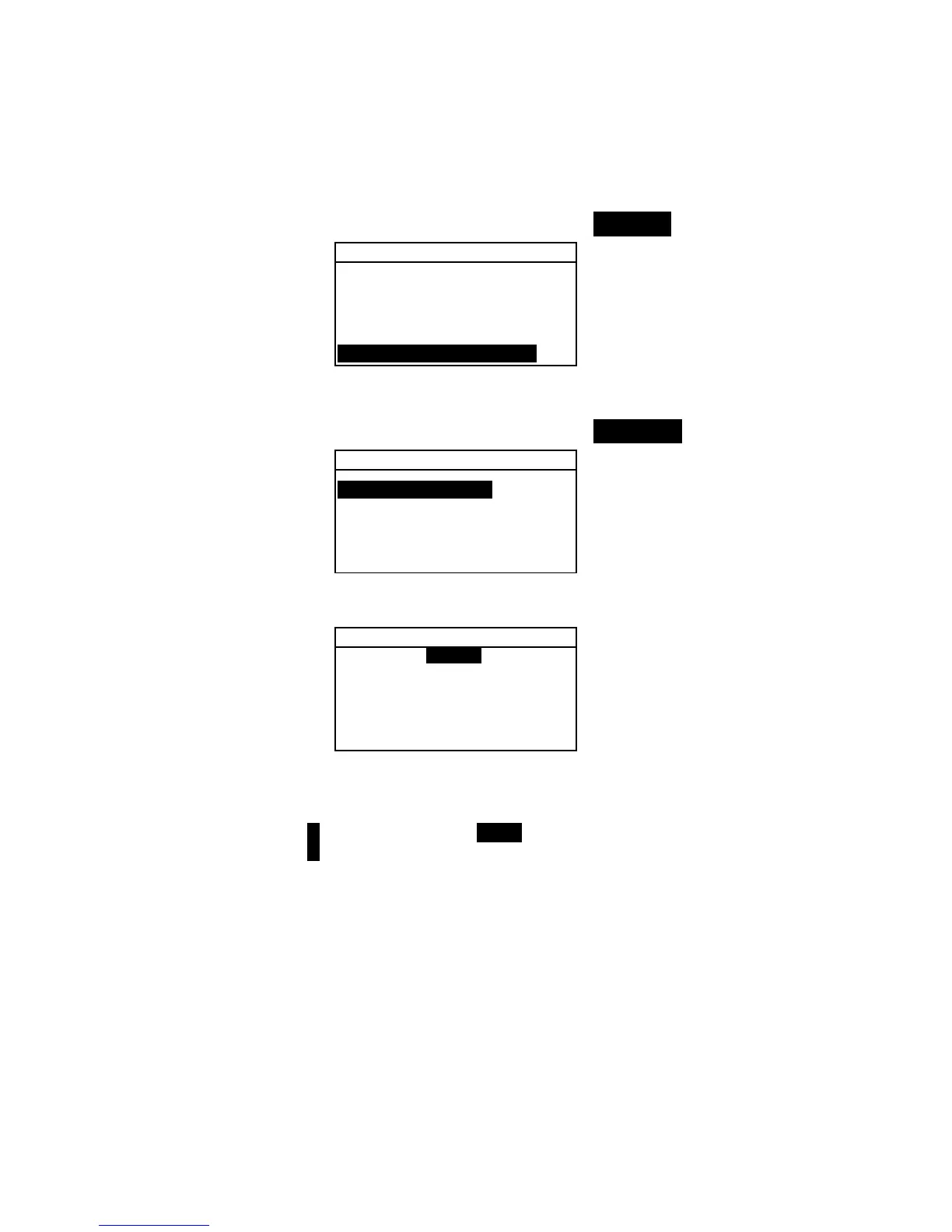
To access the Display Options:
1. Use the Tab keys $@ to highlight Display.
Hardware Settings
↑
Cal Timeout :24 hrs
Power Down :120 sec
Beeper :Soft
Clock Adjust: 8:21
Display :Right
2. Press the Enter # key to open the Display menu.
Contrast Setting
1. Use the Tab keys $@ to highlight Contrast.
Display
Contrast :52
Orientation:Right
Security is Off
Unit ID :########
Error Log...
2. Press the Enter # key to access the Set Display
Contrast
editor.
Set Display Contrast
Reset
↓
52
↑
Update Screen
Save & Exit
3. Use the Tab keys $@ to choose the desired contrast digit
(arrows above and below designate the selection). Press the
Enter key # to access the alphanumeric editor.
NOTE: Highlighting Reset and pressing the Enter key # quickly
restores the factory default setting.
4. Use the Tab keys $@ to highlight desired number and press
the Enter # key to exit editor.
5. Highlight
Update Screen and press the Enter key # to
immediately view your setting. Highlight
Save & Exit
and press the Enter # key to save your setting.



 To Next Page