CHAPTER FOUR
4-8
Strength Options
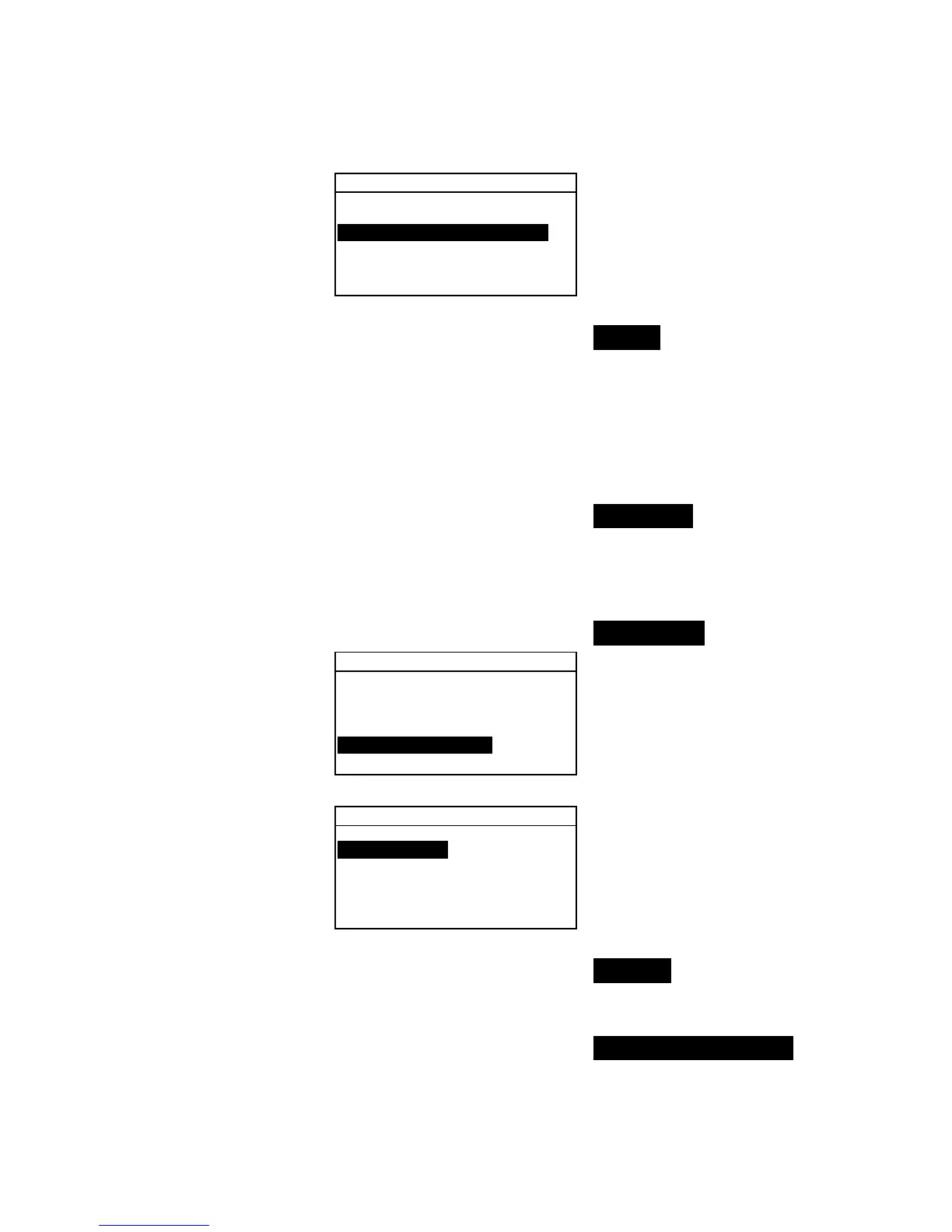
Method :Tristimulus
Predicted is @ 100%
Strength Method Selection
1. Use the Tab keys $@ to highlight Method. Press the Enter
# key to access the
Strength Method editor.
2. Use the Tab keys $@ to highlight the desired method:
Apparent, Chromatic, or Tristimulus. Press the
Enter # key to save your setting and return to the Strength
Options menu.
Predicted Selection
1. Use the Tab keys $@ to highlight Predicted. Press the
Enter # key to toggle between
@ 100% and @ MinΔE.
Metamerism Index
To access the Metamerism Menu:
1. Use the Tab keys $@ to highlight Metamerism.
Color Options
Active Functions...
Active Illum/Obs...
Opacity :Color
Strength :Tristimu
Metamerism :MI
↓
2. Press the Enter # key to access the Metamerism menu.
Metamerism Menu
Mode is MI
IllObs1 :D65/10
IllObs2 :F2/10
Mode Selection
1. Use the Tab keys $@ to highlight Mode is. Press the Enter
# key to toggle between
MI and DIN6172.
Illum/Obs Selections
1. Use the Tab keys $@ to highlight IllObs1 or IllObs2.
Press the Enter # key to access the
MI IllObs editor.



 To Next Page