INSTRUMENT CALIBRATION
3-3
Calibration Procedure
A normal calibration procedure consists of one white
measurement followed by one black measurement (two white
and two black measurements are required if an aperture change
is made). The instrument features a built in calibration timer
that can be set from 1-96 hours. Refer to Instrument
Configuration for procedure. The instrument then notifies you
when a calibration is required.
NOTE: The instrument must be calibrated with the target window
removed when using the instrument with the shoe extended
(unlatched).
To perform a calibration:
1. Press Tab Up $ or Tab Down @ to highlight Calibrate.
Press Enter key # to access the calibration mode.
2. Position the target window over the white ceramic disk as
previously explained.
3. Press the instrument firmly to the shoe. Hold steady until
the screen indicates the white calibration is completed.
Release instrument when <
Success!> is displayed.
4. If an aperture change was made, repeat step three and
measure the white reference again.
5. Position the target window over the black port opening as
previously explained.
6. Press the instrument firmly to the shoe. Hold steady until
the screen indicates the black calibration is completed.
7. If an aperture change was made, repeat step six and
measure the black port opening again.
8. Store the calibration reference in a dry, dust free area,
away from direct exposure to light.
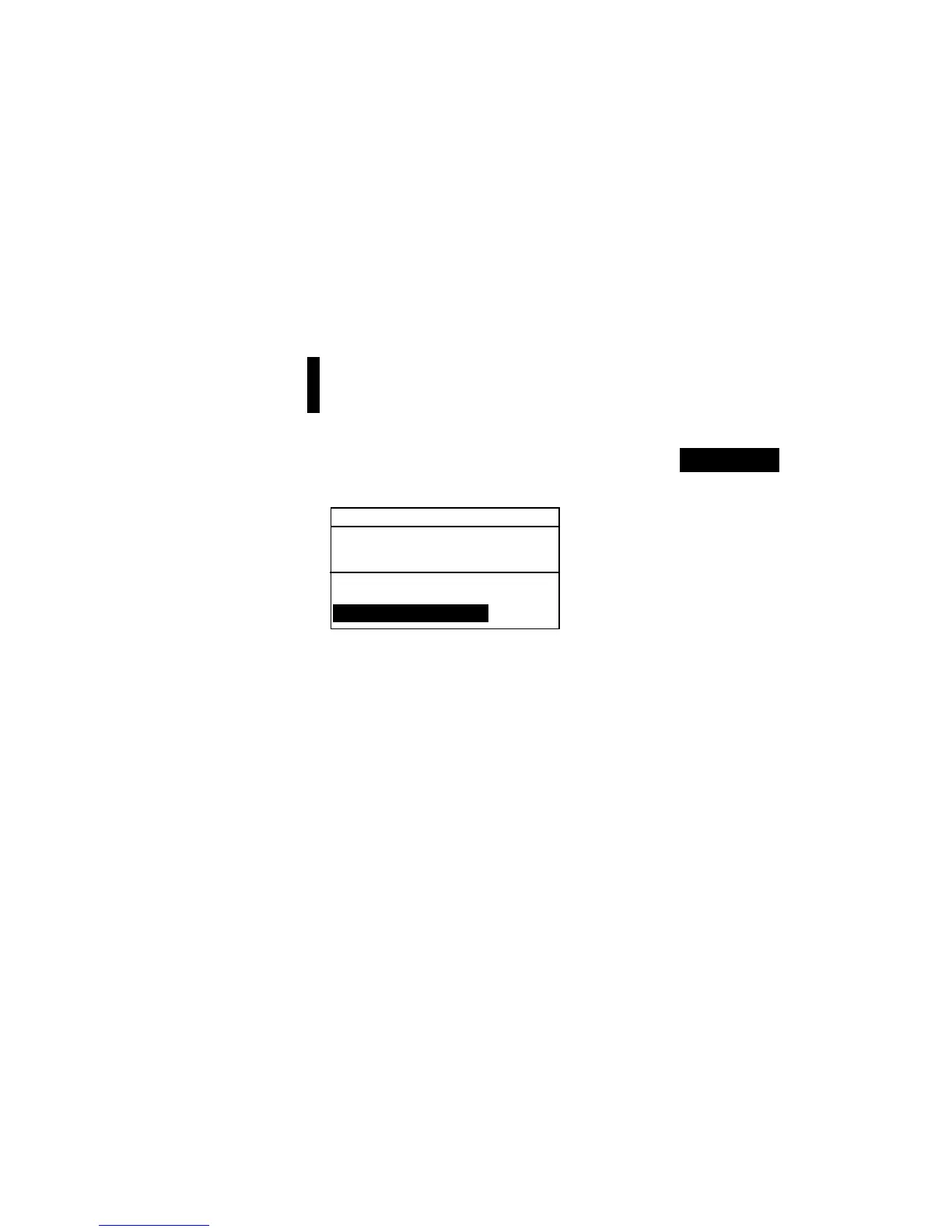
CALIBRATION
< Measure White Ref>
Status: Cal Required
S/N: ******
Ap Size: 8.0mm



 To Next Page