SETTING INSTRUMENT CONFIGURATION
4-13
Clear All Projects
To clear all projects:
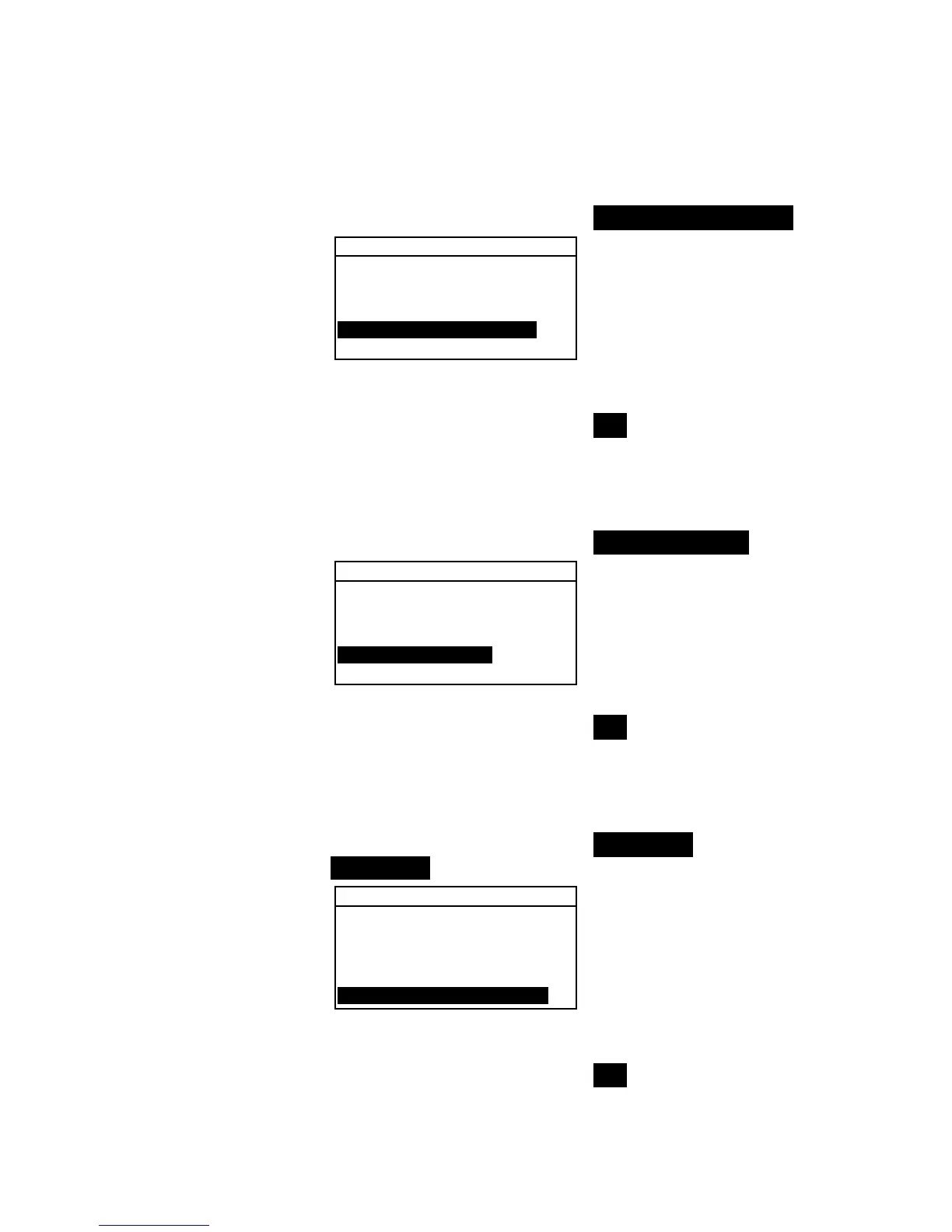
1. Use the Tab keys $@ to highlight Clear all Projects.
Database Tools
↑
Clear all Databases
Clear all Samples
Clear all Tags
Clear all Projects
↓
2. Press the Enter key # to open the Delete Projects
window.
3. Use the Tab keys $@ to highlight Yes and press the Enter
key #. The instrument’s projects are now deleted.
Clear All Jobs (964 only)
To clear all jobs:
1. Use the Tab keys $@ to highlight Clear all Jobs.
Database Tools
↑
Clear all Samples
Clear all Tags
Clear all Projects
Clear all Jobs
Clear all Standards
2. Press the Enter key # to open the Delete Jobs window.
3. Use the Tab keys $@ to highlight Yes and press the Enter
key #. The instrument’s jobs are now deleted.
Clear All Standards
To clear all standards:
1. Use the Tab keys $@ to highlight Clear all
Standards.
Database Tools
↑
Clear all Samples
Clear all Tags
Clear all Projects
Clear all Jobs
Clear all Standards
2. Press the Enter key # to open the Delete Standard
window.
3. Use the Tab keys $@ to highlight Yes and press the Enter
key #. The instrument’s standards are now deleted.



 To Next Page