CHAPTER FIVE
5-24
Strength Measurement
The Strength function displays the color strength of the
measured sample. Difference data from the standard is also
displayed if difference is activated in configuration. When
strength is displayed for color at 100% or Strength @ Min ΔE,
the difference values automatically recalculate.
To perform a strength measurement:
1. Select project location (if used) as discussed in the QA
function.
2. Select the standard location if the auto standard selection is
not activated in configuration.
3. Measure the sample.
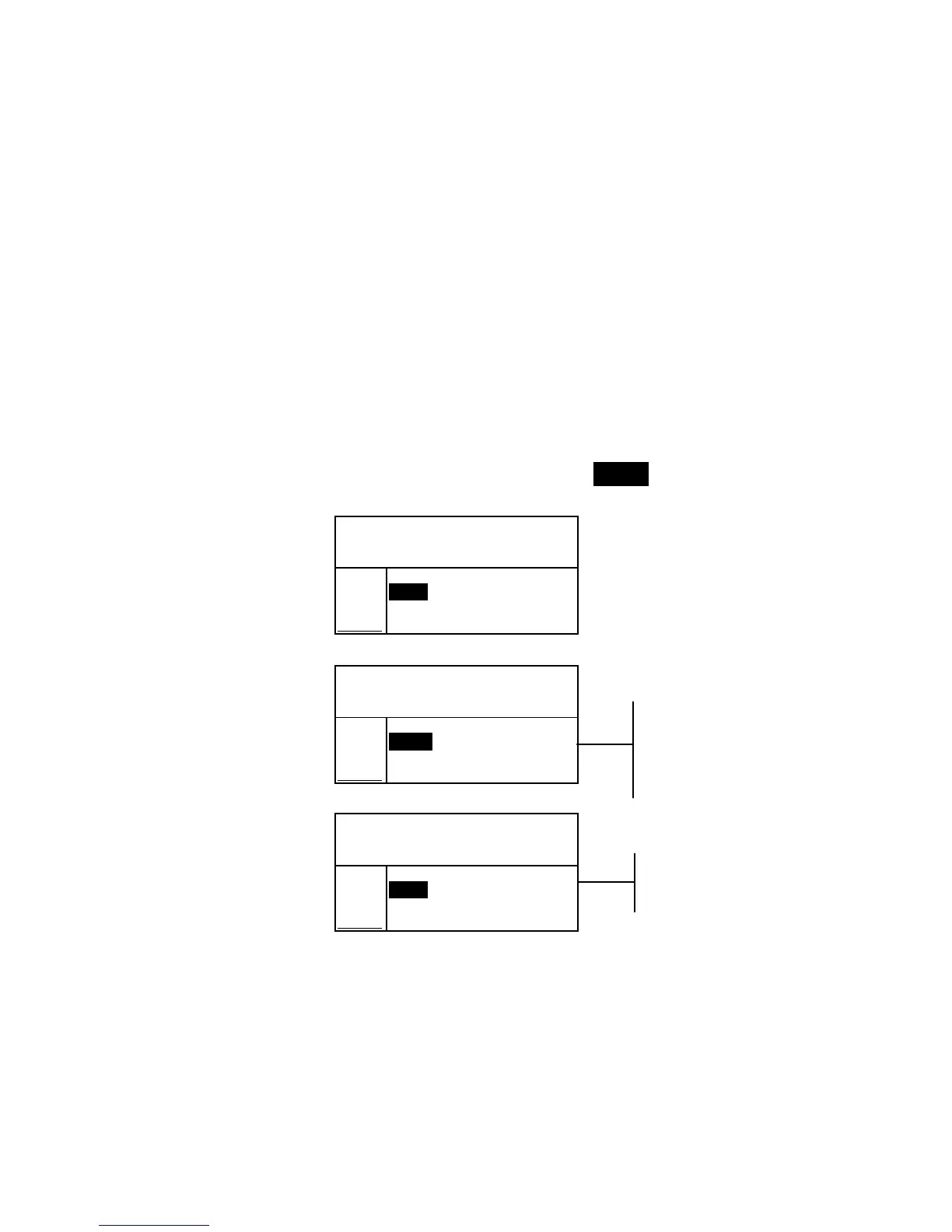
4. Use the Tab keys $@ to highlight Str = (if not already
highlighted).
Proj 1: PROJECT A
Std 1: STANDARD A
Sample: #1 8:50
L*a*b*
D65/10
.
.
..
.
.
.
...
ΔL* +1.00
Str = Δa* —0.26
93.7% Δb* —0.79
App ΔE* 1.30
5. Press the Enter key # to toggle to equivalent strength.
Proj 1: PROJECT A
Std 1: STANDARD A
Sample: #1 8:50
L*a*b*
D65/10
.
.
..
.
.
.
...
ΔL* +0.15
@ Str Δa* —0.20
= 100%
→ Δb* —0.56
ΔE* 0.61
Proj 1: PROJECT A
Std 1: STANDARD A
Sample: #1 8:50
L*a*b*
D65/10
.
.
..
.
.
.
...
ΔL* —0.73
≅ Str Δa* —0.14
@MinΔE→ Δb* —0.30
101% ΔE* 0.80
Color difference
predicted values with
equivalent strength
(at 100%)
Predicted @ 100%
Color Stren



 To Next Page