CHAPTER FIVE
5-8
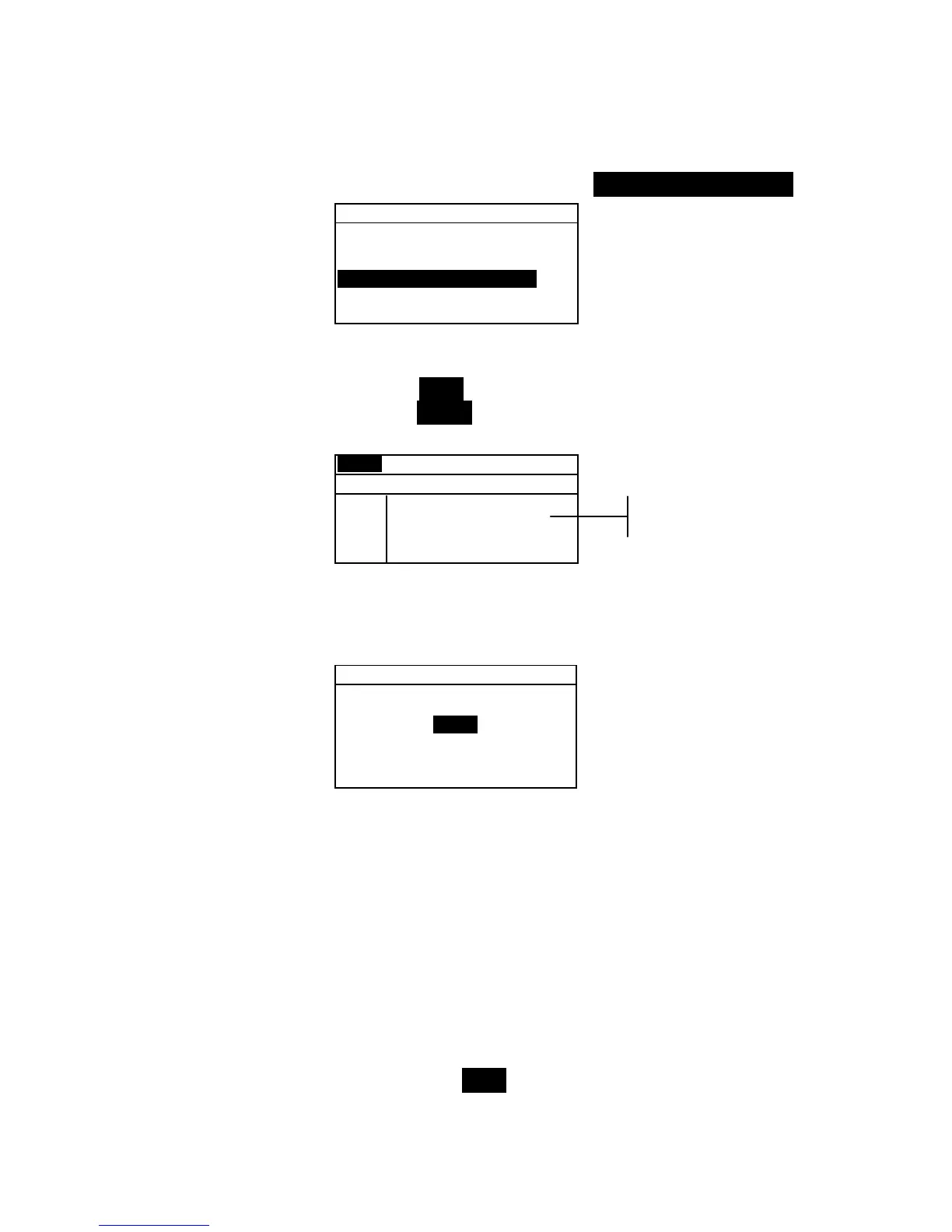
To access the shade sort options menu:
1. Use the Tab keys $@ to highlight Shade Sort Opts... .
Edit Standard : 1
Std Entry:Measured
Std Name :
Tolerances...
Shade Sort Opts...
Std Lock :Unlocked
Delete THIS Std...
2. Press the Enter key # to access the size/range setup menu.
Shade Sort Size Editing
1. Make sure Size appears in the upper left corner of the
display. If Range appears, press the Enter key # to toggle
to Size.
Size Std : 1
< Set 555 Sort Size>
L*a*b*
D65/10
L* 1.00
a* 1.00
b* 1.00
SAVE
2. Select the desired color space and illum/obs.
3. Use the Tab keys $ @ to highlight the desired color space
attribute. Press the Enter key # to open the
Edit Sort
Size menu.
Edit Sort Size
CLEAR
↓
1.00
↑
Save & Exit
4. Use the Tab keys $@ to choose the desired digit (arrows
above and below designate the selection). Press the Enter
key # to access the alphanumeric editor.
5. Use the Tab keys $@ to highlight the desired number and
press the Enter # key to exit the editor.
6. Continue with additional digit edits if required.
7. When editing is completed, use the Tab keys $@ to
highlight
Save & Exit and press the Enter # key.
8. Continue with additional attribute editing for the selected
color space.
9. When all attributes have been edited for the selected color
space, highlight Save and press the Enter key #.
Color space
attributes



 To Next Page