157
Appendix E
Web Interface Configuration Utility
E.1 Introduction
The Web Interface Configuration Utility provides a method to configure your phone by accessing
your web browser. This configuration method is convenient for users that do not have access to
configuration files through a TFTP server. All web interface parameters have equivalent
commands that are accessible either through the menu (see Chapter 8, starting on page 79) or
through configuration file commands (see Appendix C, starting on page 133). This appendix
describes each Web Interface Configuration Utility panel.
E.1.1 Accessing the Configuration Utility
The utility is accessible through a web browser that accesses the network where your phone
resides. Enter the IP address of the phone in the address entry box of your web browser and press
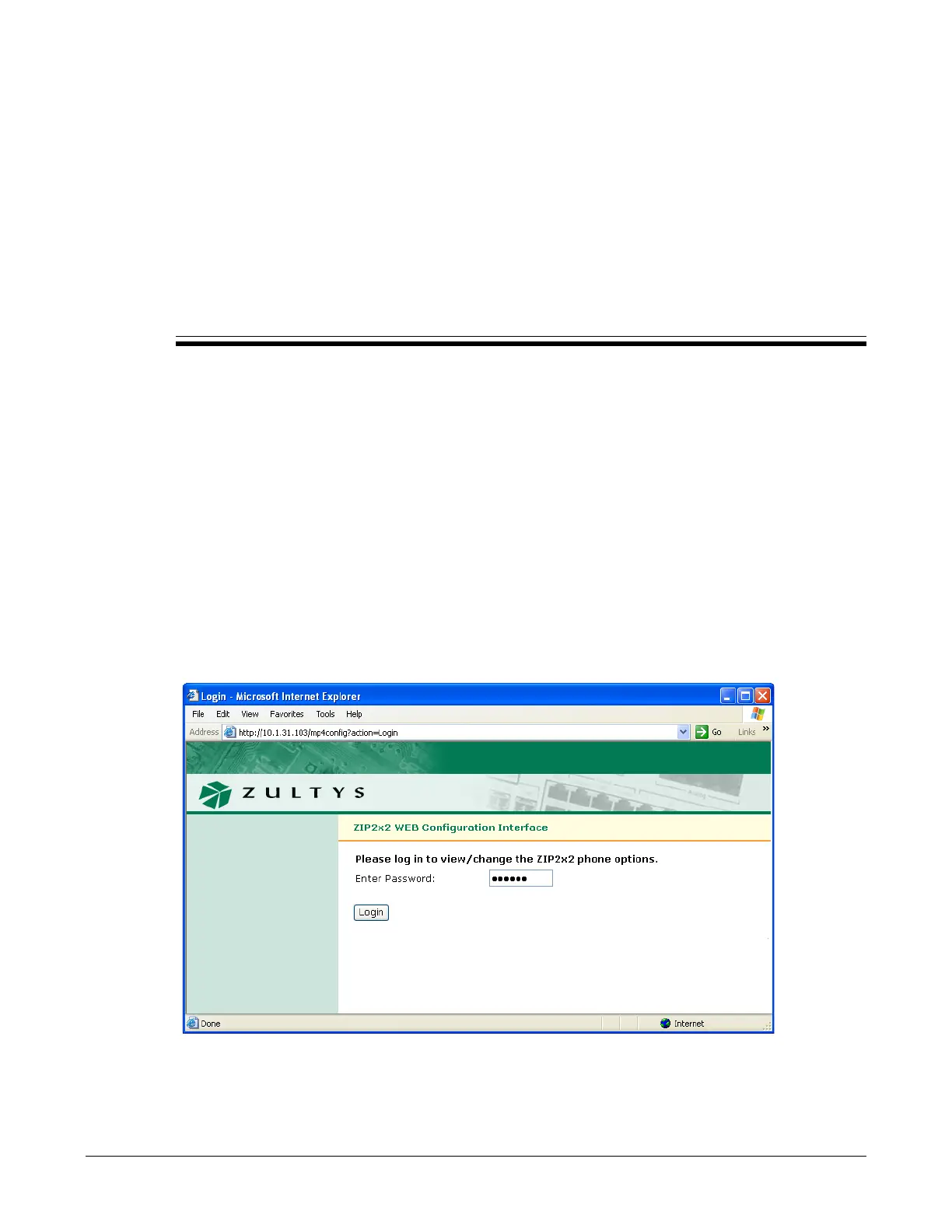
the enter key The Login panel, shown in figure E-1, will appear in your browser. Enter the
password, then press the Login button, to access the Home panel, as shown in figure E-2.
Figure E-1 Login panel



 To Next Page