E. Web Interface Configuration Utility
163
E.4.3 Manufacture Panel
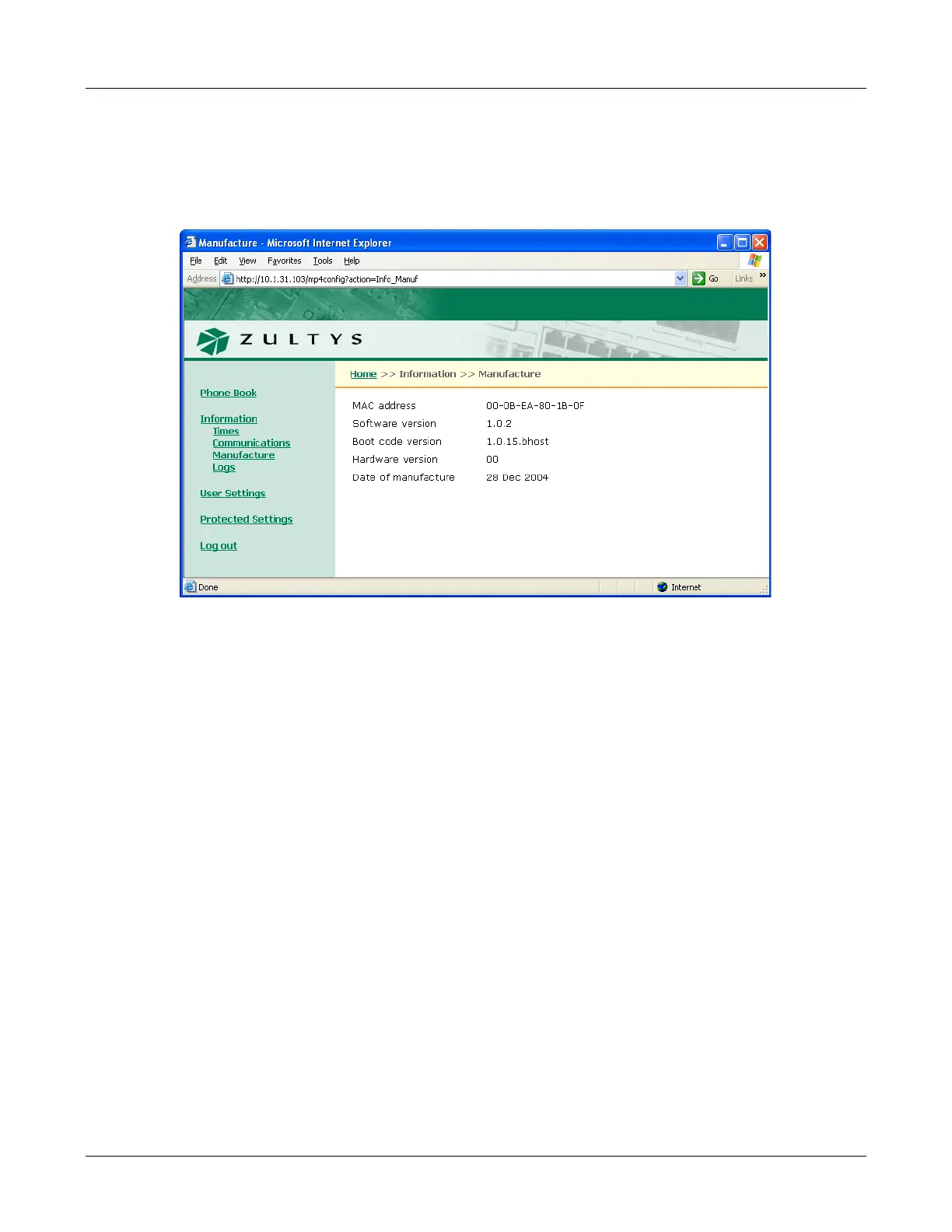
The Manufacture panel, as shown in figure E-8, displays information concerning the manufacture
of your phone To access the Manufacture panel, select Information | Manufacture from the
interface menu.
MAC Address. This number, which uniquely identifies your device, is hard coded into the phone
during manufacture and cannot be modified.
Software version. The software version installed on the phone. Later versions may include more
features or better support for existing features.
Boot code version. The boot code version installed on the phone. The boot code resides
permanently on the phone.
Hardware version. The hardware version of the phone.
Date of manufacture. The date the phone was manufactured.
E.4.4 Logs Panel
The Logs Panel provides access to two Log screens: Current RTP Status and RTP History.
E.4.4.1 Current RTP Status
The Current RTP Status Log, as shown in figure E-9, displays the RTP settings for the sessions
currently routed through the phone.
To access the Current RTP Status panel, select Information |Logs | Current RTP Status from the
interface menu. To update the log, press the Refresh button.
Figure E-8 Information – Manufacture panel



 To Next Page