E. Web Interface Configuration Utility
167
• On each power on: The phone takes its user settings from the configuration file saved on the
TFTP site every time that the phone powers up. This is useful if the phone is in a common area
and users may change the settings from those desired by the system administrator.
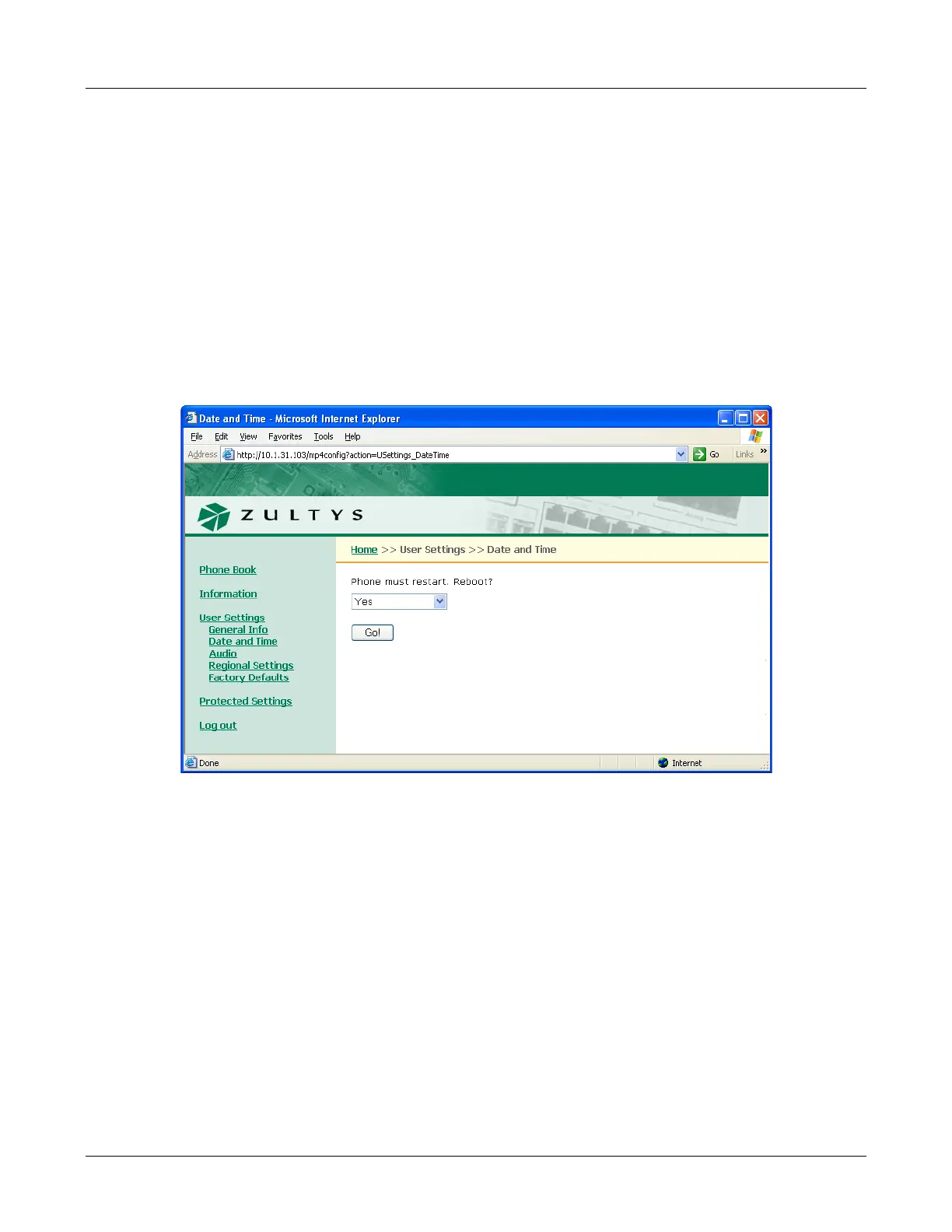
E.5.2 Date and Time
The Date and Time panel, as shown in figure E-12, resets the phone to allow you to adjust the
current date and time on the phone and select the offset from GMT. To reset the phone to the
GMT offset, select “Yes” and press the Update button. After the phone resets, it will prompt you
for the current time, date, and GMT offset if DHCP is not enabled and the phone cannot access
its configuration files.
To access the Date and Time panel, select User Settings | Date and Time from the interface menu.
Section 8.4.4 on page 90 describes the equivalent menu command.
E.5.3 Audio
This panel, as shown in figure E-13, allows you to configure the ring tones and the sound, if any,
that the phone emits when you press a button or key. To access the Audio panel, select
User Settings | Audio from the interface menu. After adjusting the settings, press the Update
button to store the changes to the phone.
The Audio panel displays the configuration options for the following parameters:
Figure E-12 User Settings – Date and Time panel



 To Next Page