178
ZIP2x2 User’s Manual
E.6.5.2 Backup Configuration
The Backup Configuration panel, as shown in figure E-23, allows you to store your phone’s
configuration settings, as listed in the flash memory, to a file on your local PC or network. You
can then restore the saved configuration from the Restore Configuration panel.
In many cases, the commands listed in the flash memory are identical to the configuration
commands that are downloaded from the TFTP server. However, not all of these commands are
available through the configuration file and a few commands are formatted differently in the
flash memory from the commands listed in the configuration file.
To backup your phone’s configuration, press the Backup button, then specify the local PC or
network location.
E.6.5.3 Restore Configuration
The Restore Configuration panel, as shown in figure E-24, enters a configuration into your phone
that you previously stored to your local PC or network.
To restore a configuration, press the Browse button to search your system for the backup file, then
specify that file and press the Restore button.
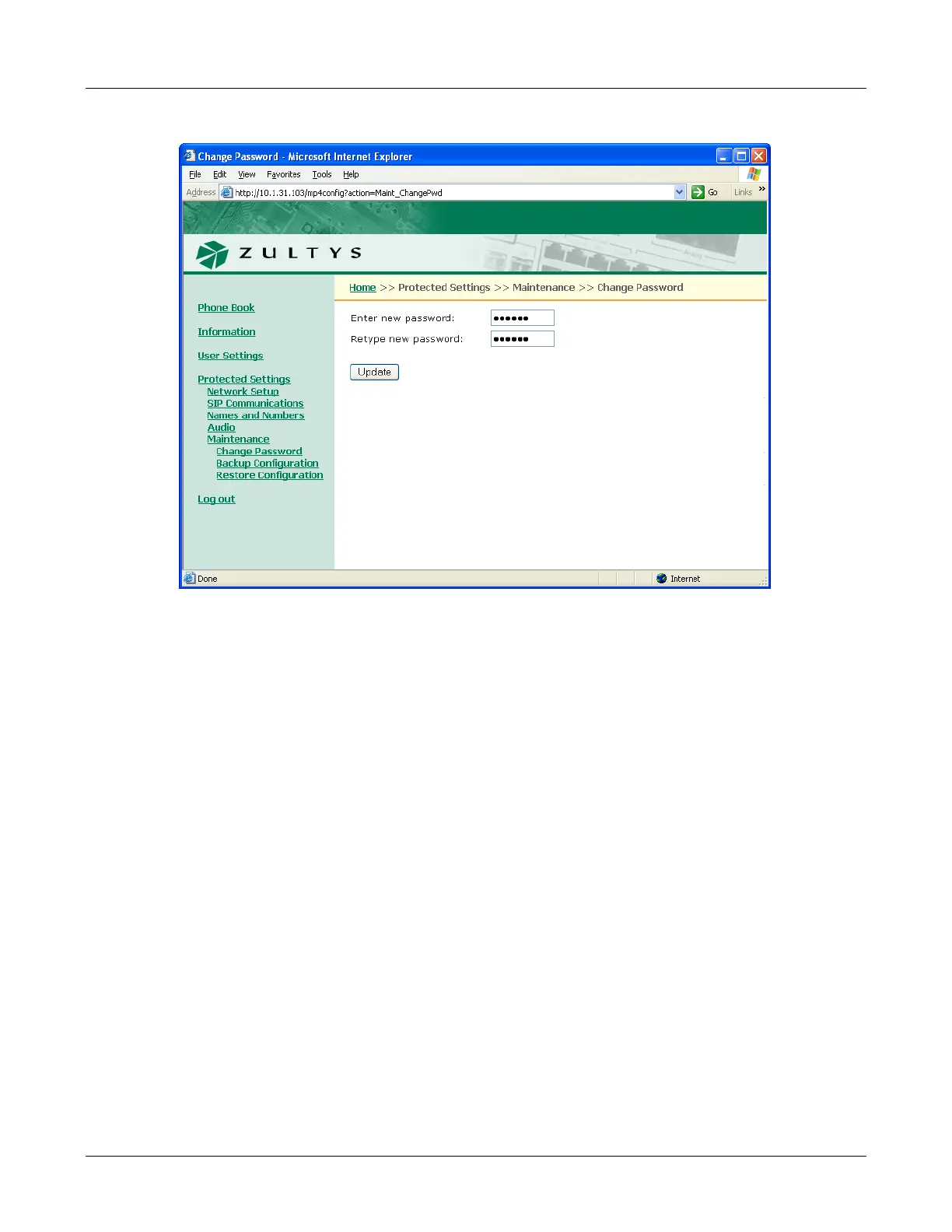
Figure E-22 Protected Settings – Password panel



 To Next Page