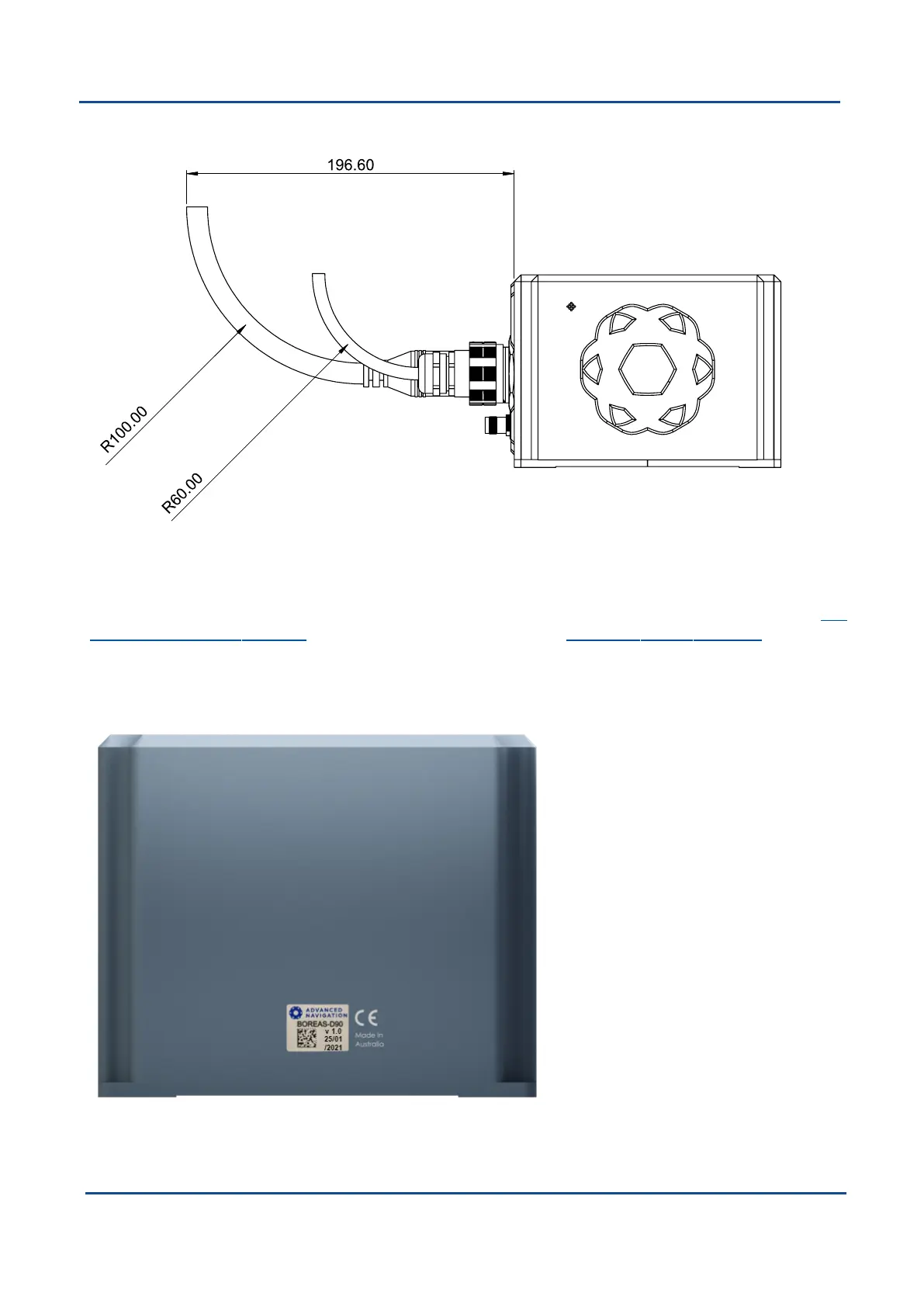
6.2.1.1 Cable Bend Radius
Figure 5: Recommended Minimum Bend Radius for Advanced Navigation Supplied Cables
6.2.2 Serial Number
The device serial number can be inspected by using the Device Information page in the web interface (see 9.1
Using the Web User Interface) or with the Manager application (see 9.2 Using Boreas Manager). The serial
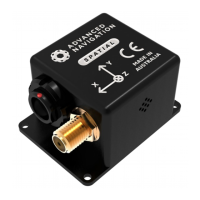
number label is located on the outside rear of the enclosure with the serial number encoded in a 2D data matrix
bar code to assist customers in tracking their units. The label also contains the hardware version and build date.
Applications are available for most smartphones that can scan the 2D data matrix bar code to display the serial
number.
Figure 6: Boreas External Serial Number Sticker
v1.2 Page 15 11 Oct 2022
Boreas Reference Manual • Specifications


 To Next Page