Step 7: Execute a load film command from the PCR II Plus front
panel.
• Press MENU once, then press PREVIOUS or NEXT until
the message window displays LOAD FILM SELECT FUNC-
TION.
• Press SELECT to execute the LOAD FILM command. This
advances the film to the first frame, resets the PCR II Plus
frame counter to one (#1) and clears the end-of-film con-
dition.
• Press MENU once to return to the ready condition.
Step
8:
Press
the
start
button
located
next
to the
film
advance
knob
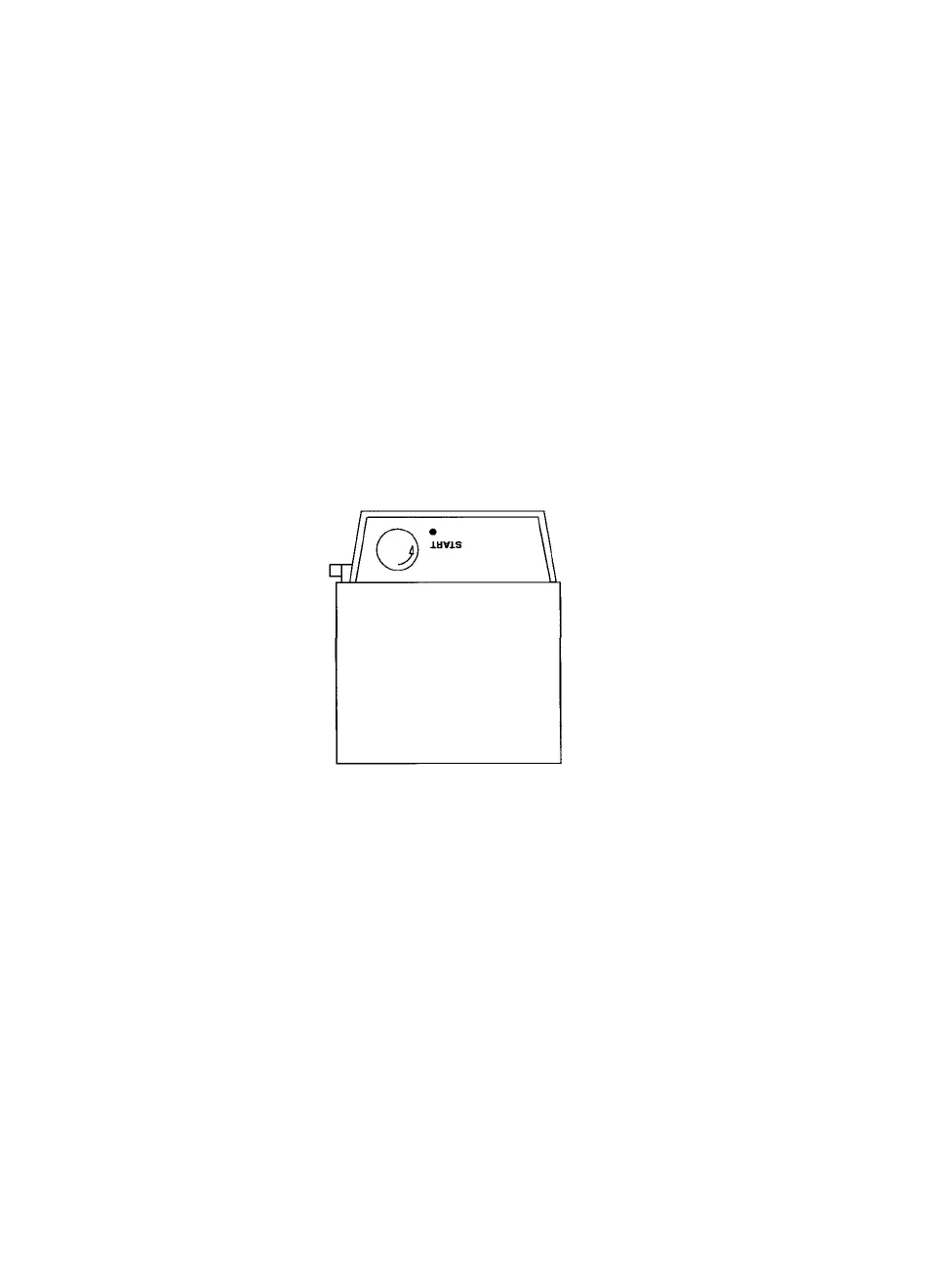
on the 120/220 camera module. See Figure 10. The READY
indicator LED on the back of the module will light up. See
Figure 11.
Figure 10. To complete the film loading procedure, press the start button.
8 • PCR II Plus 120/220 Camera Module



 To Next Page