x930 Series Installation Guide for Virtual Chassis Stacking
49
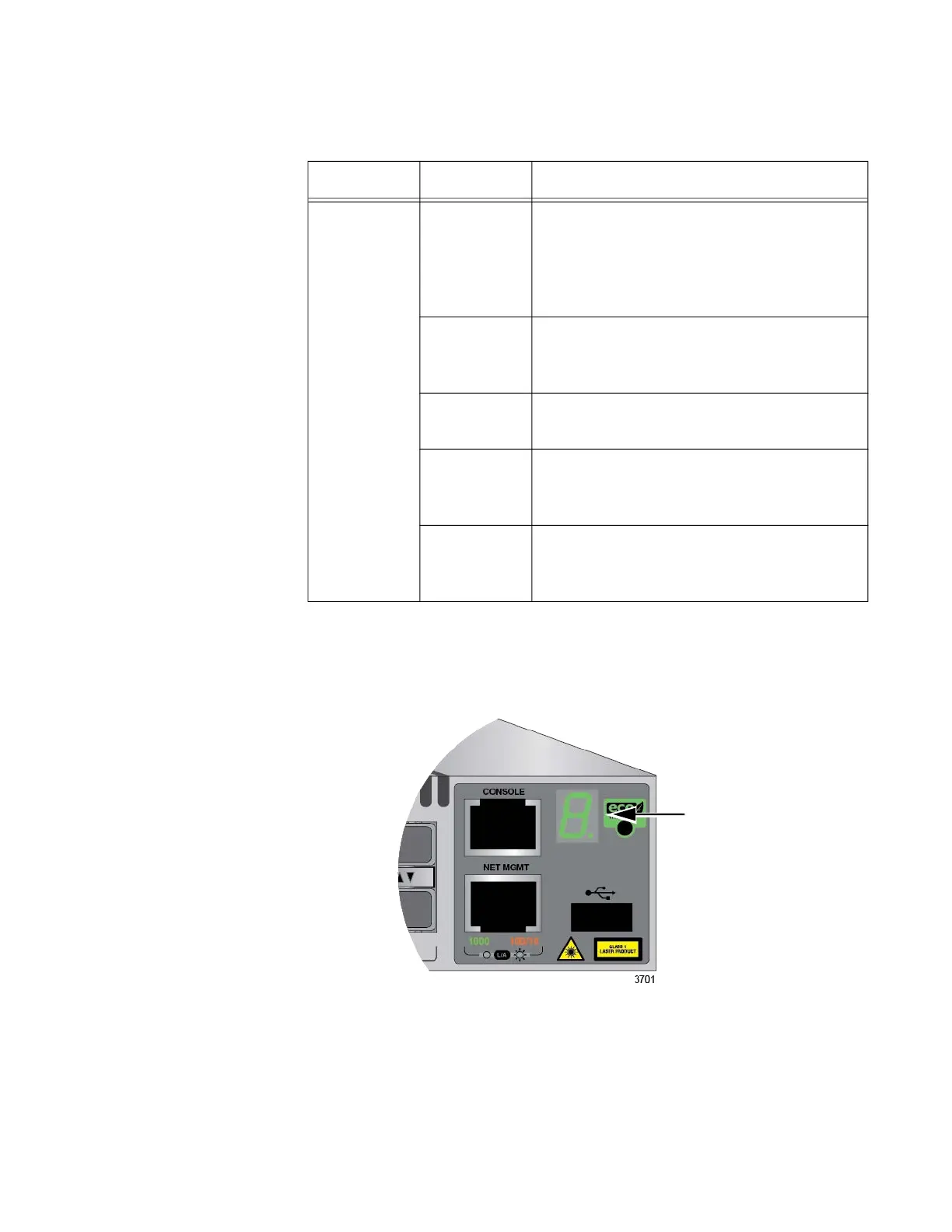
Switch ID LED The Switch ID LED, shown in Figure 12, displays the ID number of the
switch. A stand-alone switch has the ID number 0. Switches in a VCStack
have the numbers 1 to 8.
Figure 12. Switch ID LED
Table 11. Stacking Port LEDs
LED State Description
Link/Activity
Off The port is empty, the stacking
transceiver has not established a link to a
network device, or the LEDs are turned
off. To turn on the LEDs, use the eco-
friendly button.
Solid green The stacking transceiver has established
a 10Gbps link to another switch in the
stack.
Flashing
green
The stacking transceiver is receiving or
transmitting packets.
Solid amber The stacking transceiver in the port has
established a link at 1Gbps to a network
device.
Flashing
amber
The stacking transceiver is receiving or
transmitting packets to a network device
at 1Gbps.
Switch ID LED



 To Next Page
 Loading...







