x930 Series Installation Guide for Virtual Chassis Stacking
191
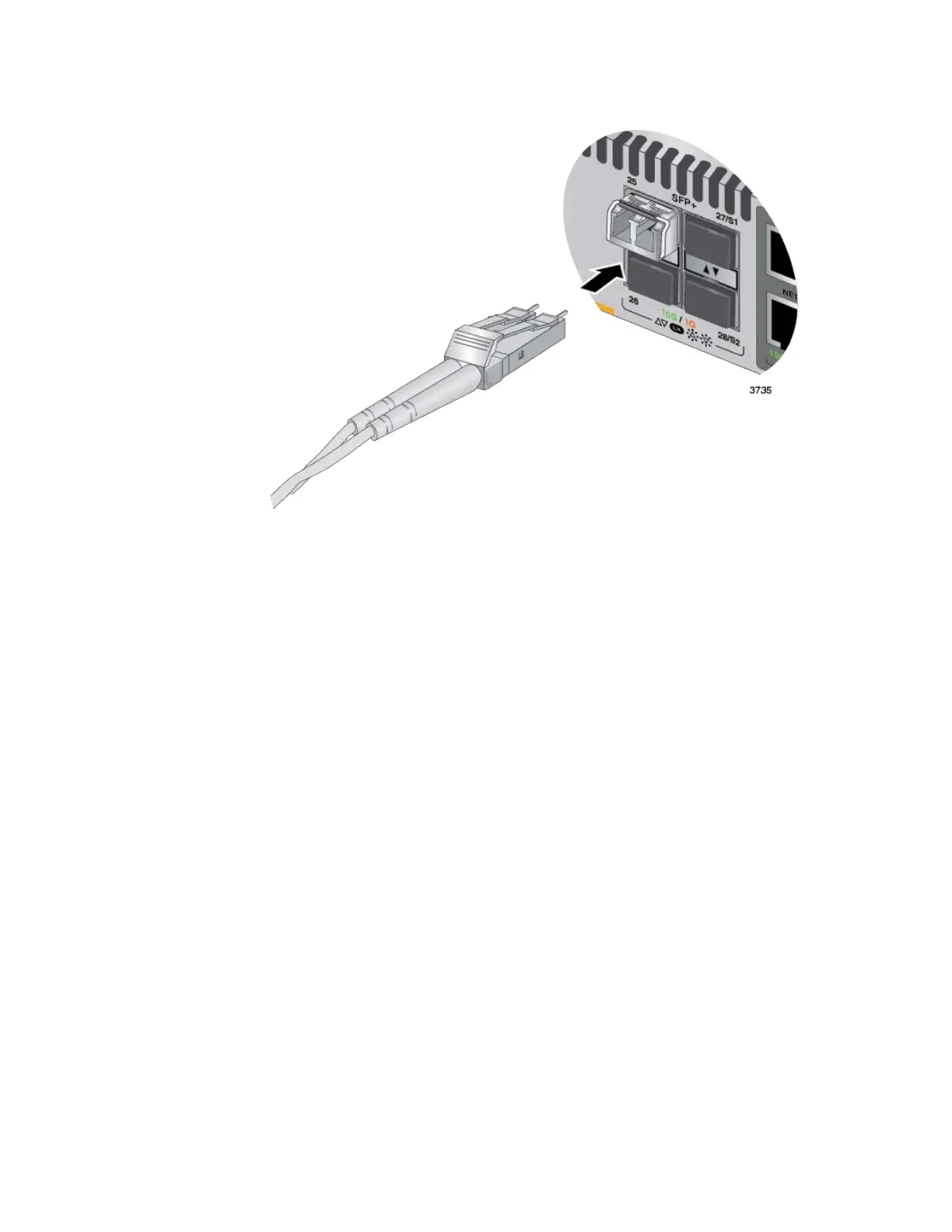
Figure 88. Connecting a Fiber Optic Cable to an SFP or SFP+ Transceiver
8. Repeat this procedure to install and cable additional transceivers.
9. If you are using SFP+ ports as the VCStack trunk, go to Chapter 11,
“Building the Stack with SFP+ Ports S1 and S2” on page 147 after
cabling all the switches.



 To Next Page
 Loading...







