Chapter 10: Displaying the AlliedWare Plus Version Number
142
Starting a Local Management Session
The switch supports the following types of management:
Local management: Local management is performed through the
Console port on the management panel of the switch. The switch
does not require an IP address for local management.
Remote network: You can also manage the switch over your
network from your workstations. For this, the switch requires a
IPv4 or IPv6 address. The switch can obtain its address
automatically from a DCHP server on your network because it has
both DHCPv4 and DHCPv6 clients. The default setting for the
clients is enabled. If the switch does not receive a response to its
queries for an IP address, it uses the default IPv4 address
169.254.42.42/16.
This section explains how to start a local management session on the
Console port on the front panel of the switch with the management cable
included with the device. The management cable requires a computer or
terminal with a DB-9 (D-sub 9-pin) connector. Refer to Figure 70.
Figure 70. Management Cable Included with Switch
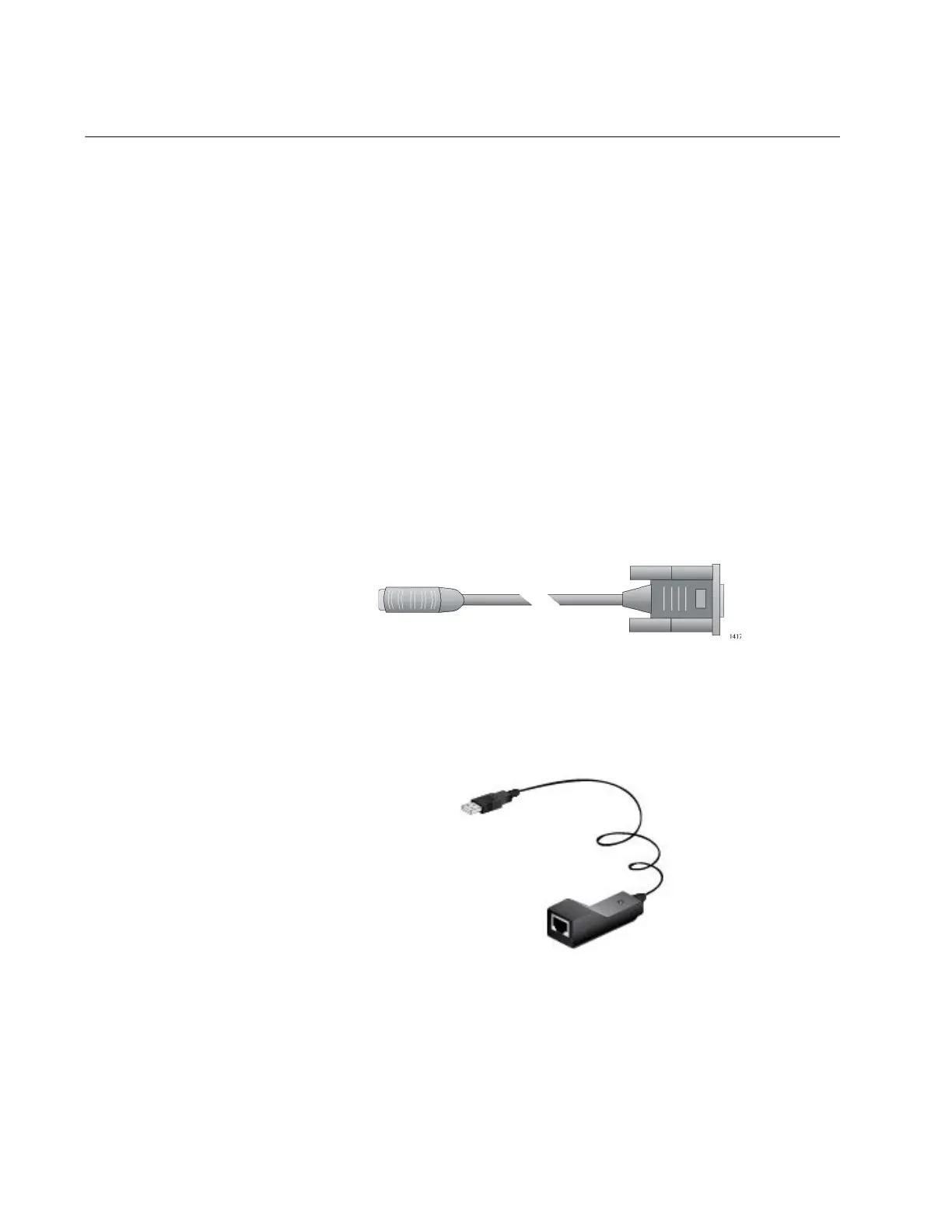
For computers without a DB-9 connector, such as laptop computers, Allied
Telesis offers the VT-Kit3 management cable. It has a male UB connector
that connects to a USB port on your workstation. Refer to Figure 71.
Figure 71. VT-Kit3 Management Cable
You connect the cable to the Console port on the switch with a standard,
straight-through Ethernet cable. Refer to Figure 72 on page 143. The VT-
Kit3 management cable and its software driver are sold separately.



 To Next Page
 Loading...







