6-92
387366-389 Operator Manual Sterilizer Operation
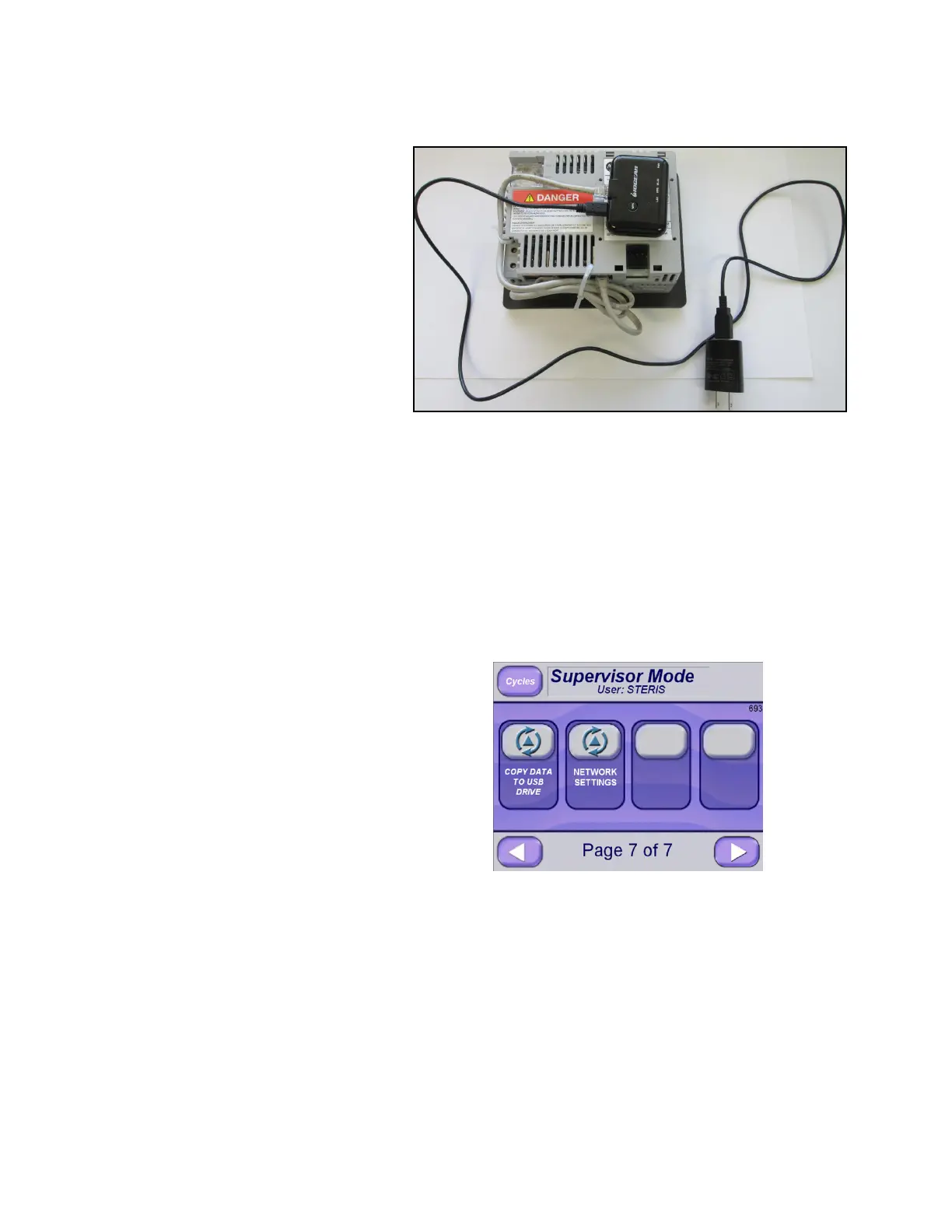
6. Install device on back of OE display (Display A) as shown below:
a. Using Velcro supplied with adapter, put one strip on display
back and other on adapter back. Connect as shown in
picture.
b. Connect Ethernet cable from display to adapter as shown in
picture.
c. Using USB cable and power plug, connect to buildings
120 VAC power.
d. Device is ready to start sending data to wireless network.
6.20.21 Network Settings Network settings can be viewed in Supervisor Mode.
Press NETWORK SETTINGS button.






 To Next Page