5-14
387366-389 Operator Manual Control Interface
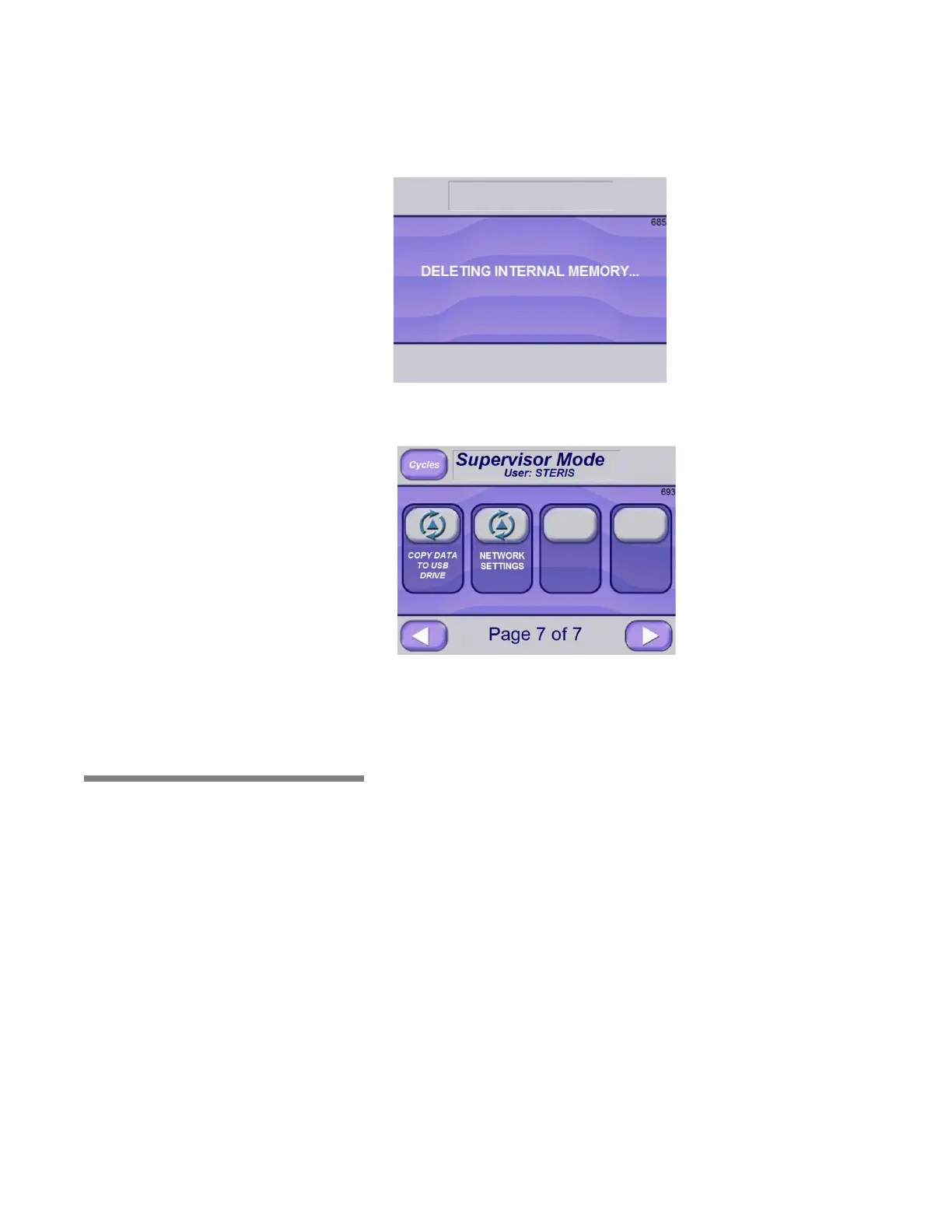
If YES is selected, the following screen appears with the message,
“DELETING INTERNAL MEMORY...”
After all files are erased from internal memory, the following screen is
shown.
5.6 Display Cycle
Graph Data
To read Display Cycle Graph Data from a PC, unzip the file
"FTViewFileViewer_2002.zip" or later version to the PC and proceed
as follows:
1. Put RSTXViewCmn.ocx file under:
C:\Program Files (x86)\Common Files\Rockwell
2. Start Command Line window (Note: Run as Administrator) and
enter this command:
Regsvr32 "C:\Program Files (x86)\Common Files\Rockwell\
RSTXViewCmn.ocx"
A confirmation pop-up window should display.
3. Run FTViewFileViewer.exe.
4. The following screen appears:






 To Next Page