6-48
387366-389 Operator Manual Sterilizer Operation
Press white box to show that cycle's cycle tape.
Press X to exit cycle tape view screen.
Cycle tapes can be printed by coping files to a USB drive and
transferring files to a PC.
6.20 Supervisor
Mode
Access Supervisor Mode may be entered by pressing
SUPERVISOR MODE button on the Options Screen (Screen 65).
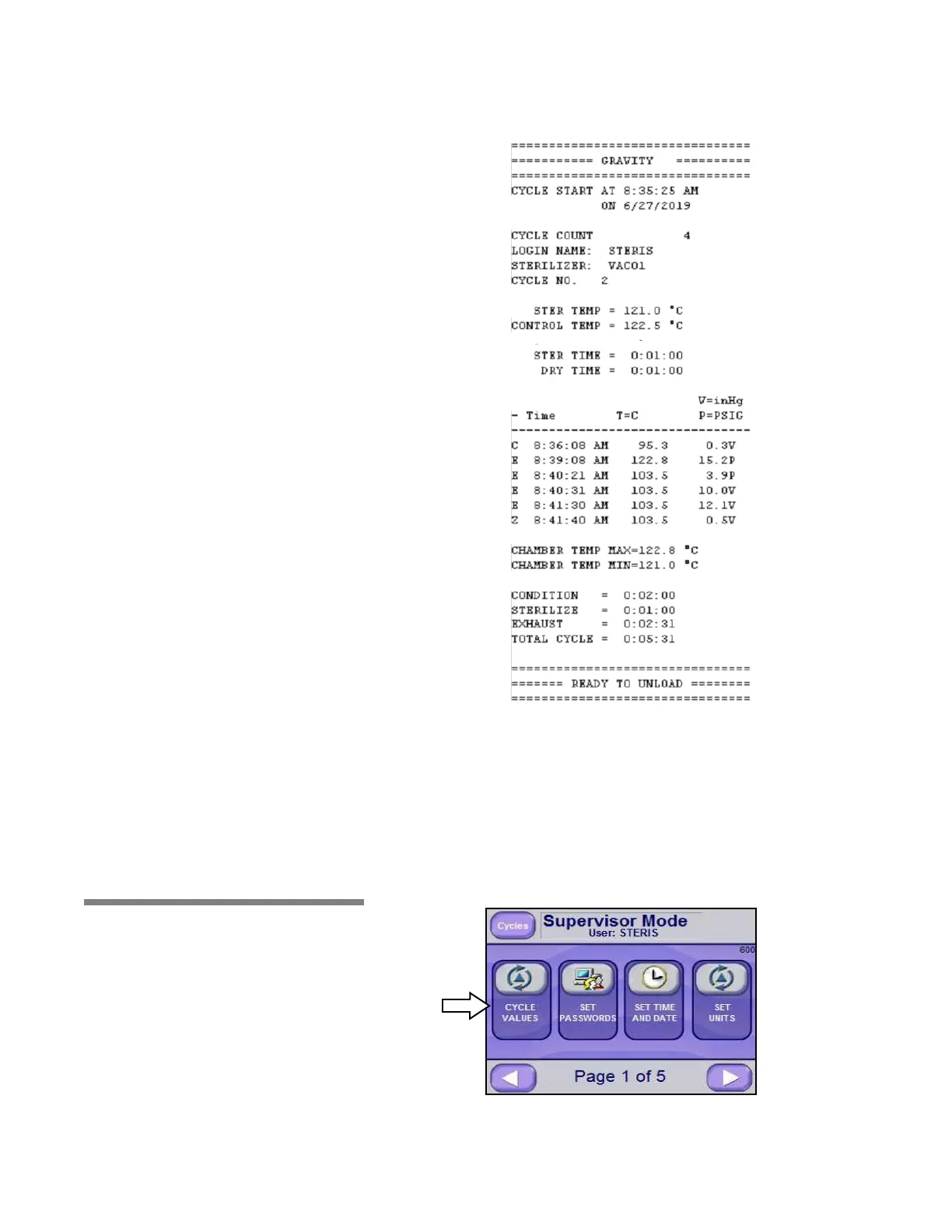
Supervisor Mode Screen Page 1 of 5 (Screen 600) appears as follows:
6.20.1 Cycle Values Press CYCLE VALUES button on Supervisor Mode Screen Page 1 of






 To Next Page