5-13
Control Interface Operator Manual 387366-389
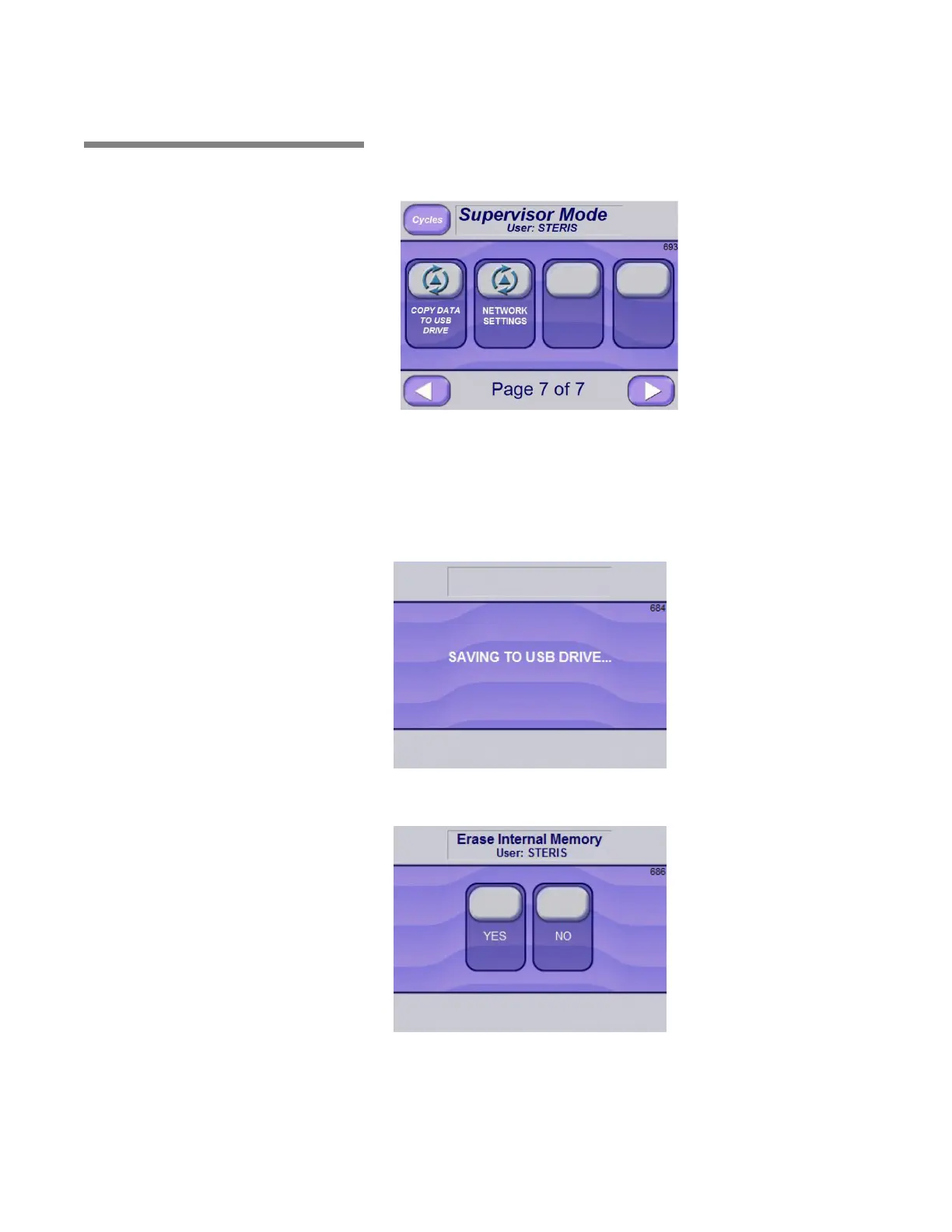
5.5 USB Storage Cycle tapes, calibration data and generator flush history are stored
in the display internal memory. The files can be copied to a USB
storage device by pressing the COPY TO USB DRIVE button on the
following screen.
To copy files to USB device:
1. Insert a USB drive into the USB port.
2. Press the USB button (upper right corner of Options screen (#8)
page 1 of 1.
A message screen displays.
After the files are saved to the USB drive, the following Erase Internal
Memory (#686) screen appears:
3. Press YES or NO, as applicable:
Press NO to avoid erasing files from internal memory.
Press YES to erase all files in internal memory.






 To Next Page