4-3
Operator Instructions Operator Manual 387366-389
4.2 Control Panel The control panel, located on load end of the sterilizer, is used to
direct all sterilizer functions. The operator may control cycle
operation, program cycles and sterilizer operating parameters and
monitor cycle performance from the control panel.
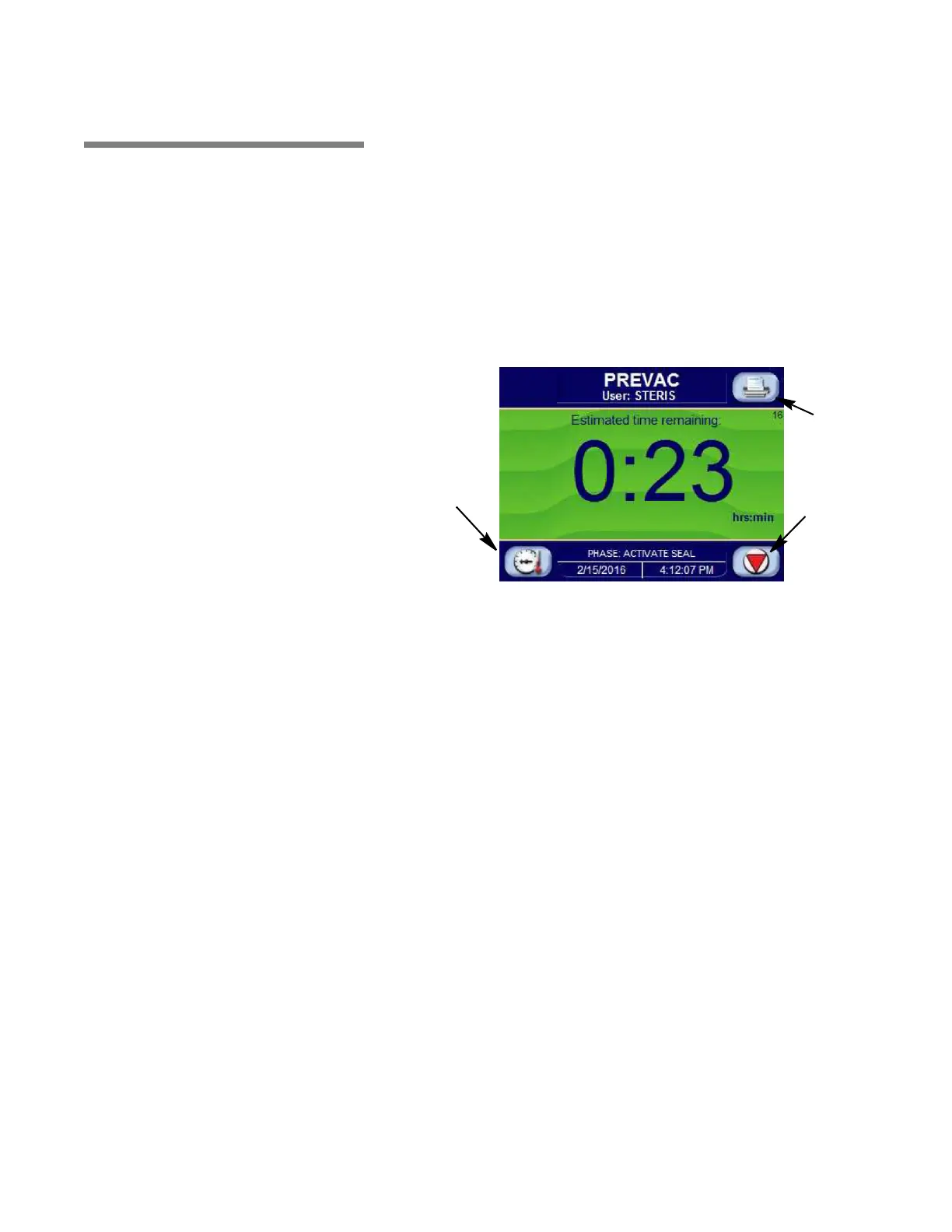
4.2.1 Touch Screen The touch screen allows the user to operate and program the
sterilizer control by touching (pressing) the appropriate touch-
sensitive areas on the display. On each screen, all rectangular-
outlined boxes are touch-sensitive areas, referred to as buttons (see
F
IGURE 4-4).
Refer to S
ECTION 5, CONTROL INTERFACE, for further details on
interfacing with the control system’s touch screen.
Figure 4-4. Example of In-Cycle Touch Screen
Abort
Pressure/
Temperature
Status
Status Print






 To Next Page