4-6
387366-389 Operator Manual Operator Instructions
4.3 Languages AMSCO 110LS and AMSCO 250LS sterilizers have multiple
language capability. Displays and printouts may be shown in
English, French, Spanish or another available language by selecting
it on Standby Screen.
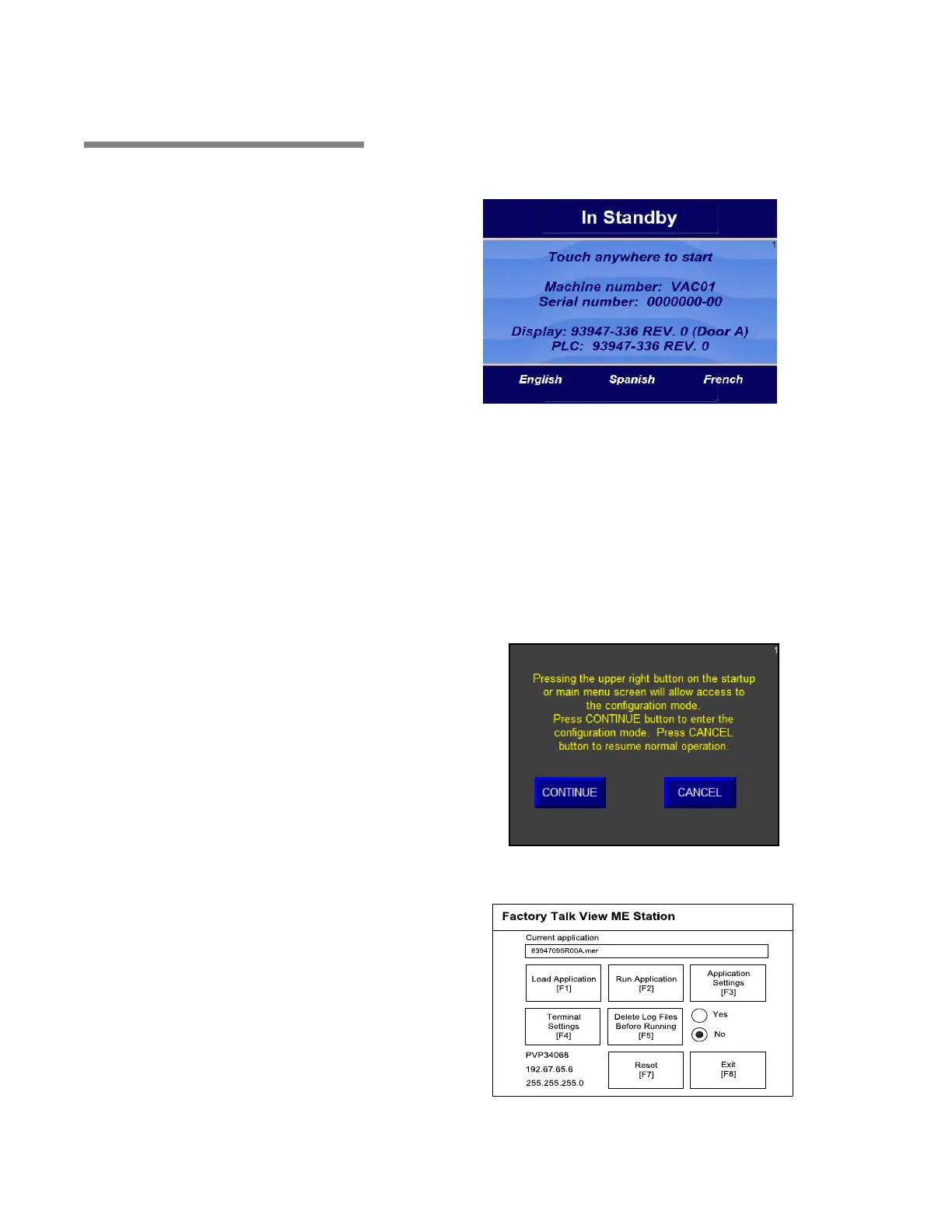
The above screen shows selectable languages, e.g., English,
French and Spanish. English is currently selected.
If FRENCH or SPANISH is selected, display changes accordingly
after a 5-second delay; and displays and printouts are displayed in
newly selected language.
Control has the ability to power up in default language (English) or
selected language. Complete following steps to select this option:
NOTE: For double door units, in regard to language changes,
display "B" also needs to be setup as described in this procedure.
1. Press upper right button on Startup or Main Menu Screen
(Screen 1) to access following display:
2. Press CONTINUE button. After about 30 seconds the following
screen displays:






 To Next Page