8-2
387366-389 Operator Manual Routine Maintenance
8.2 Replace Printer
Paper Roll
The printer paper roll should be checked every day. Replace the
paper roll whenever a colored stripe is visible on one or both edges
of the printout paper.
1. Open thermal printer front cover. Note cover is magnetically held
closed. (See Figure 8-1.)
Figure 8-1. Thermal Printer
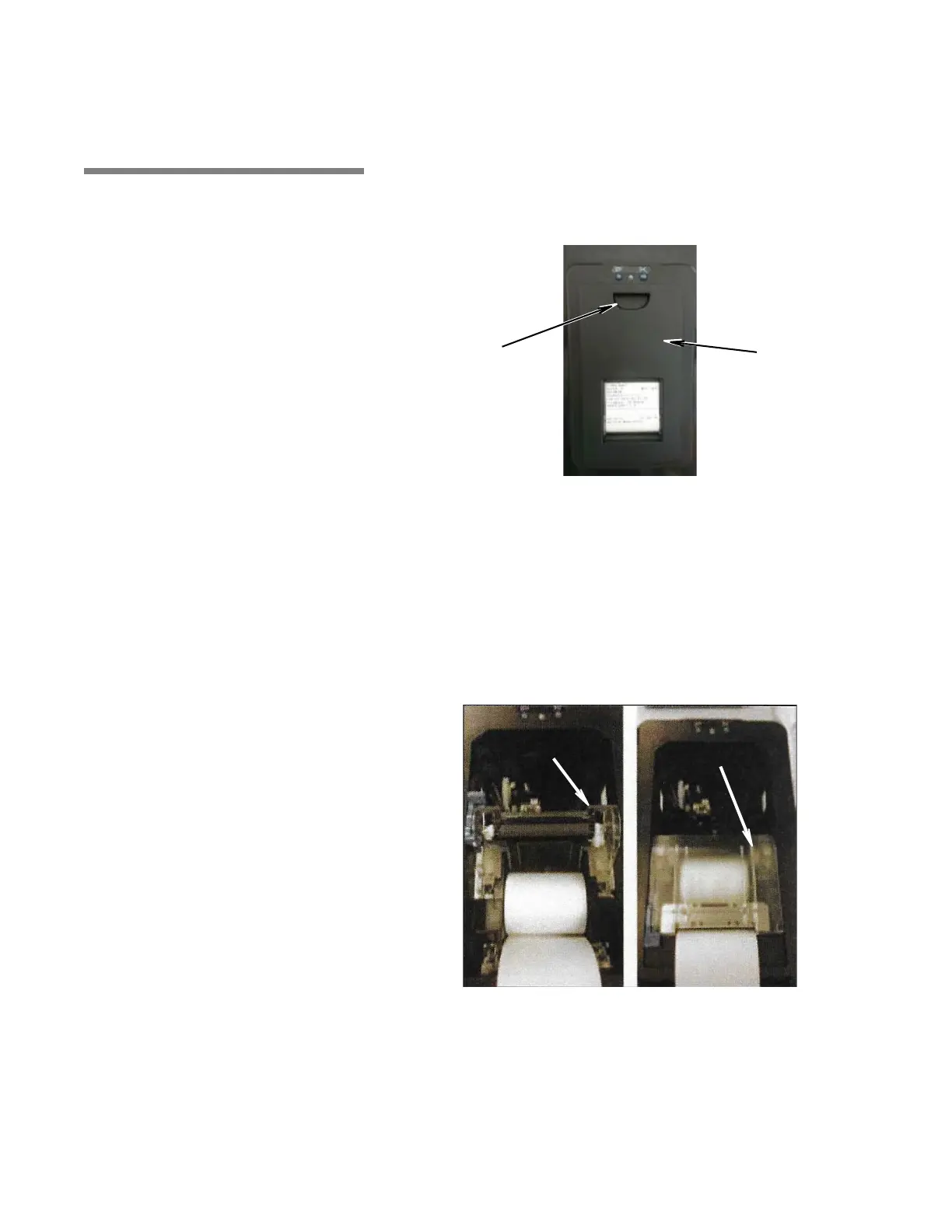
2. Lift Inner Cover as shown in Figure 8-2.
3. Position paper roll as follows:
a. Position paper roll in bottom of printer compartment, paper
coming from bottom of roll.
b. Ensure at least 8” (203 mm) of paper extends from printer
compartment.
4. Close Inner Cover.
5. Remove take-up spool from printer and carefully pull apart as
shown in Figure 8-3.
Figure 8-2. Positioning Paper Roll
Inner Cover
(Raised)
Inner Cover
(Lowered)






 To Next Page