4-14
387366-389 Operator Manual Operator Instructions
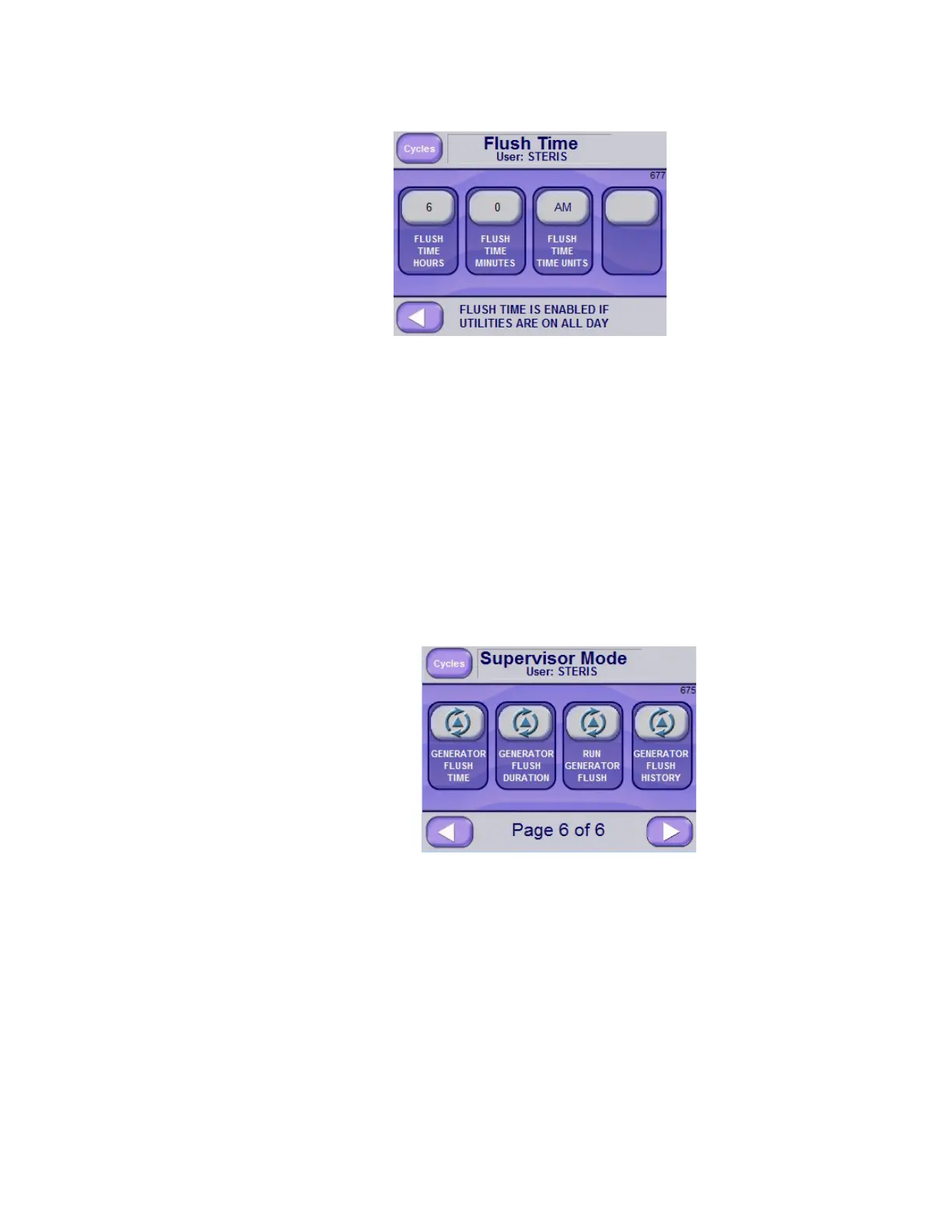
4. Set FLUSH TIME HOURS, FLUSH TIME MINUTES, and
AM or PM.
NOTE: Flush Time is only active if utilities are set to be on all day. If
Utility Shutdown is active (either by time or off all day, then the steam
generator flush occurs during a 15 minute period after the start of the
utility shutdown.
4.7.2 Set Flush Duration Flush Duration is the amount of time for the flush phase. Generator
water is set to turn on while the generator drain is open. During a
flush, water flows through the generator to remove water impurities.
To set the flush duration:
1. Access Supervisor Mode.
2. Advance to Screen Page 6 of 6.
3. Select the GENERATOR FLUSH DURATION button to access the
Flush Duration screen.
4. Set the Flush Duration time in Hours and Minutes.






 To Next Page