6-31
Sterilizer Operation Operator Manual 387366-389
The USP 660 cycle is a test cycle for glass delamination designed to
meet the criteria as defined by United States Pharmacopia (USP). Run
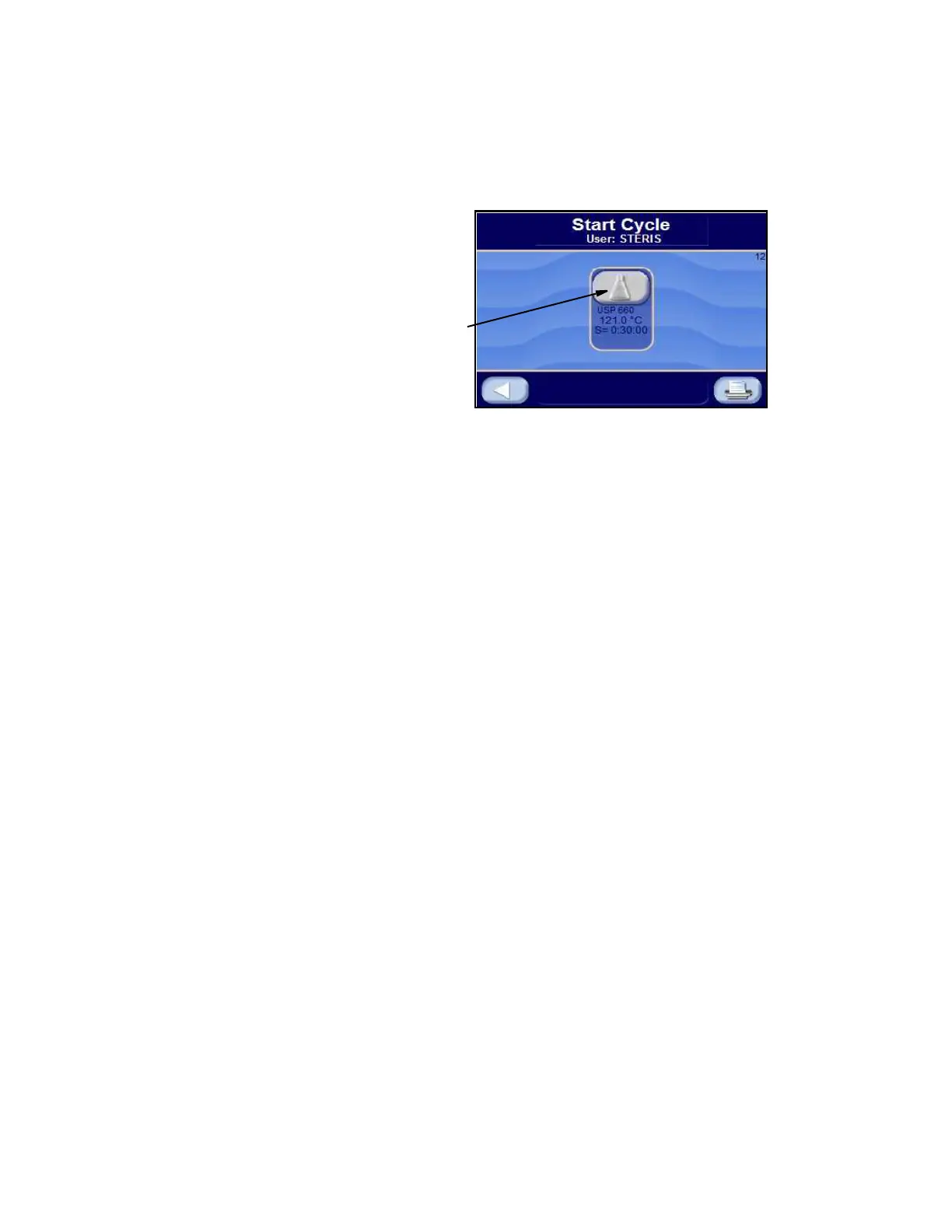
a USP 660 cycle by pressing USP 660 button from one of the operating
mode screens (refer to S
ECTION 5.2, OPERATING MODES). The following
screen appears:
Press LEFT ARROW button to cancel cycle selected and return to the
operating mode screen.
Press USP 660 button to start the USP 660 Cycle. Cycle phases are
as follows:
NOTE: If CLOSE DOOR(S) button is shown, close door(s). Refer to
S
ECTION 5.3, STATUS BUTTONS, for description of buttons.
JACKET CHARGE PHASE: Jacket charge phase continues until
jacket temperature is greater than set sterilizer temperature (example
121°C [250°F]). If separate steam selected, jacket charge phase
continues until jacket temperature is greater than set jacket
temperature (example: 115°C [239°F]).
ACTIVATE SEAL PHASE: Door gasket seals with steam until door
seal switch is closed. An additional 20 seconds elapses, after seal
switch is closed, before phase is complete.
CHARGE PHASE: Chamber rates with steam based on chamber
temperature until chamber temperature reaches sterilize temperature
setpoint. Waste temperature is controlled to maintain approximately
60°C (140°F).
FAST EXHAUST PHASE: Chamber rates with steam and exhaust
based on chamber temperature until chamber pressure reaches
5inHg.
DEACTIVATE SEAL PHASE: Door unseals until seal pressure switch
opens, and 20 seconds has elapsed.
COMPLETE PHASE: Cycle is complete. Open door and unload
chamber. Once door is open, display returns to Main Operating Mode
Screen.






 To Next Page