182
Entering Target Z-Depth and Spark-Out Time
(900E Only) – F 37 (Continued)
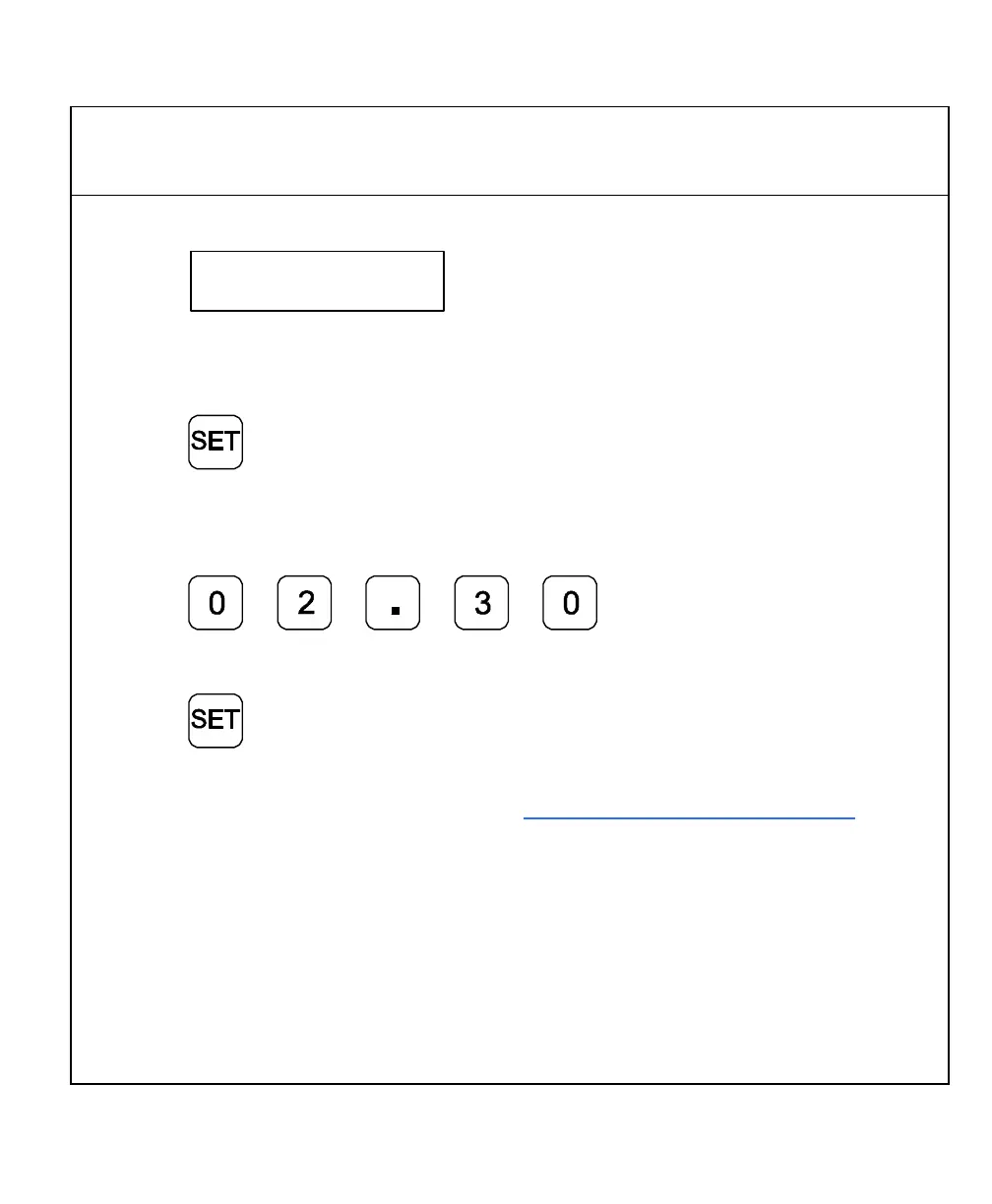
The DRO displays the following in the message window:
Sparkout T
The DRO displays the last-entered Spark-Out time in the axis display:
If the displayed Spark-Out time is acceptable:
11. Press to exit the feature.
OR
To set a new Spark-Out time (For example, 2-hours and 30 minutes):
12. Press to set the Spark-Out time.
To exit the feature:
13. Press
The DRO is now prepared for the sparking cycle. Proceed according to the spark
detection procedure selected, as described in First Spark Detection Setup – F 46.



 To Next Page