181
Entering Target Z-Depth and Spark-Out Time
(900E Only) – F 37
F 37 is used before a sparking cycle to set up the Target Z-Depth (the maximum
electrode depth from the zero position at which the main sparking cycle stops). EDM
Mode also allows you to set up the desired time duration for a Spark-Out cycle when you
reach the Target Z-Depth. This allows you to obtain a quality finish on the workpiece.
NOTE: You must first set up the desired EDM features using the procedures described
in Relay 1 (Z-Depth Guard) Setup – F 38 and Relay 2 (Spark-
Out/SparkArrest
TM
) Setup – F 39. You must also select an EDM Mode option
using First Spark Detection Setup – F 46.
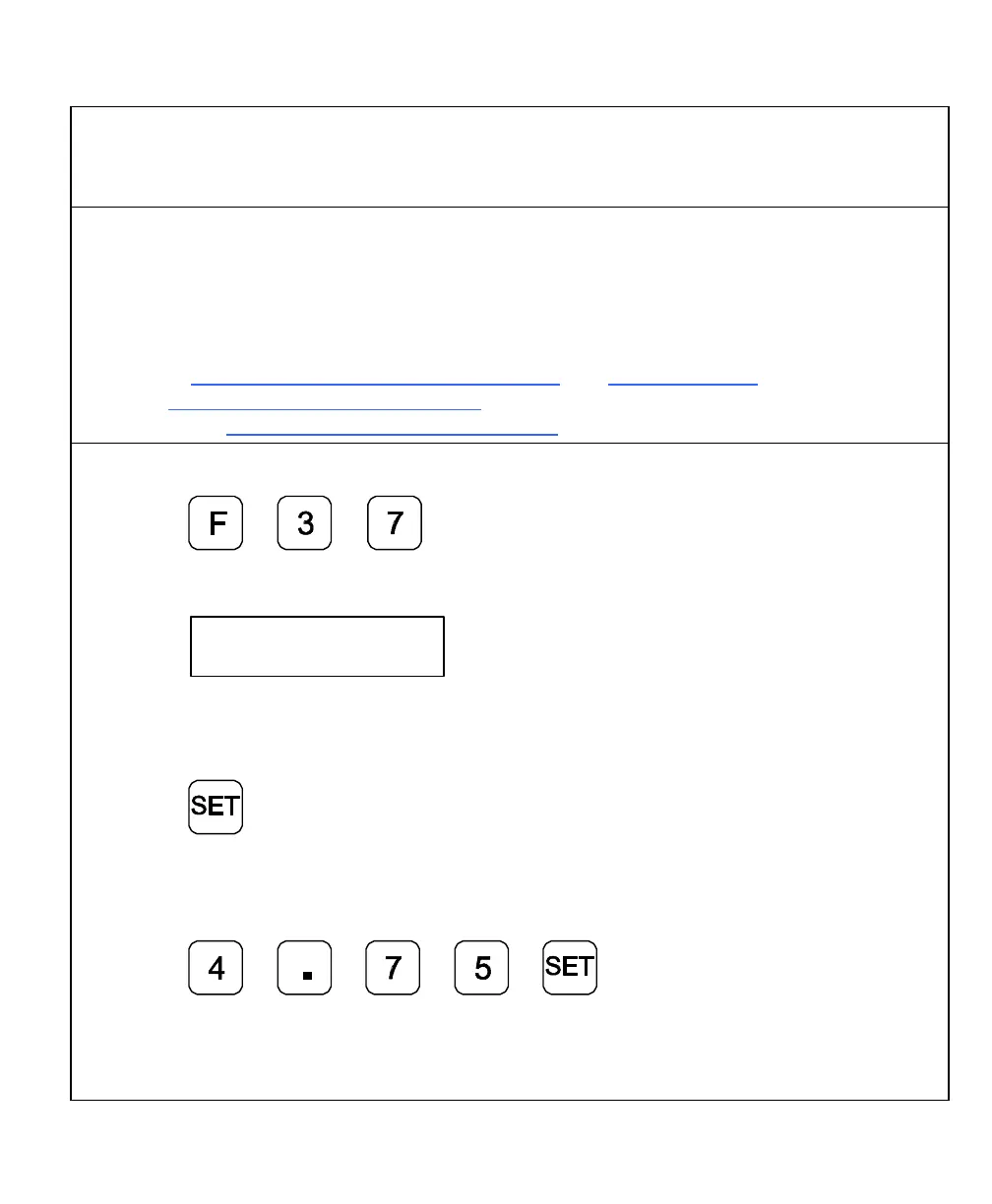
To set up the Target Z-Depth:
1. Press to select the feature.
The DRO displays the following in the message window:
Target z--d
The DRO displays the last-entered Target Z-Depth in the axis display:
If the displayed Target Z-Depth is acceptable:
9. Press to continue.
OR
To set a new Target Z-Depth (For example, 4.75):
10. Press to set the Target Z-Depth.



 To Next Page