4-57
4.3 CDMA Transmitter and Receiver Test --- TX and RX Tester Mode
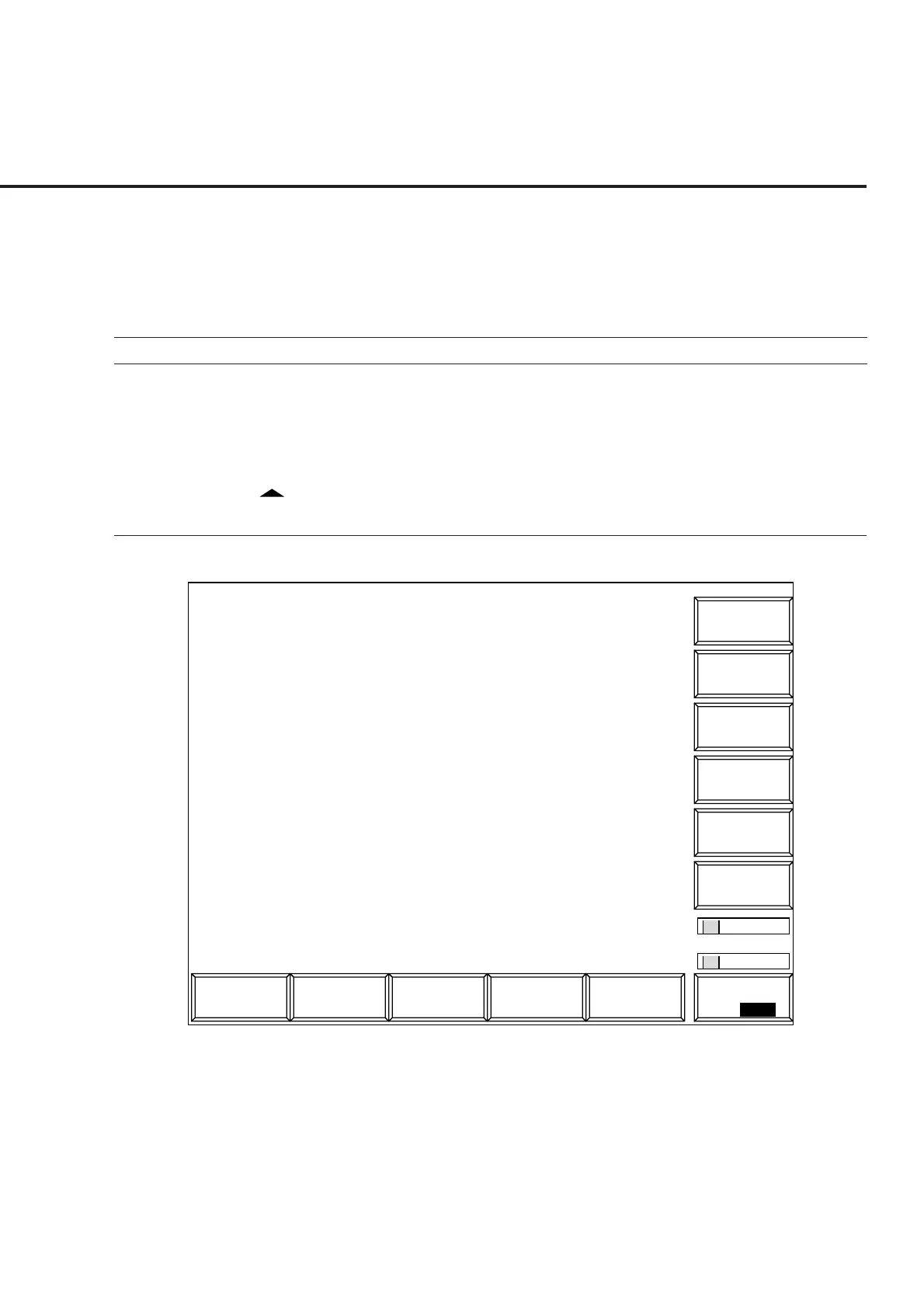
(1) Setting the parameters: Setup TX Measure Parameter screen
This paragraph describes how to set parameters (on the Setup TX Measure Pa-
rameter screen) for transmitter measurement.
• Switch to the Setup TX Measure Parameter screen according to the following steps:
Step Key operation Description
1. [Main Func on off] F6 Sets Main Func on to display the Main Menu at the bottom of the screen.
2. [TX&RX Tester] F1 Sets the TX&RX Tester mode.
The Setup Common Parameter screen appears.
3. [TX Measure] F1 Displays the first page of the TX Measure menu.
4. Next Menu [ ] Displays the second page of the TX Measure menu.
5. [Setup TX Parameter] F9 Displays the Setup TX Measure Parameter screen.
1
1
TX Parameter
->
Back
Screen
MT8801 99-12-31 12:00:00
<< Setup TX Measure Parameter (CDMA) >>
User Cal Factor : [ 0.00dB]
Closed Loop Power Control
Power Control Bit Pattern : [Closed Loop]
User Define Level : [-30dBm]
Power Measure Method : [Power Meter ]
Access Probe
Access Parameter PWR_STEP : [ 1dB]
NUM_STEP : [ 4]
MAX_RSP SEQ : [ 3]
Measuring Period : [ 80Frame]
Number : [ 15AP]
Main Func
On Off
Fig. 4-5 Setup TX Measure Parameter Screen













 To Next Page