4-147
4.3 CDMA Transmitter and Receiver Test --- TX and RX Tester Mode
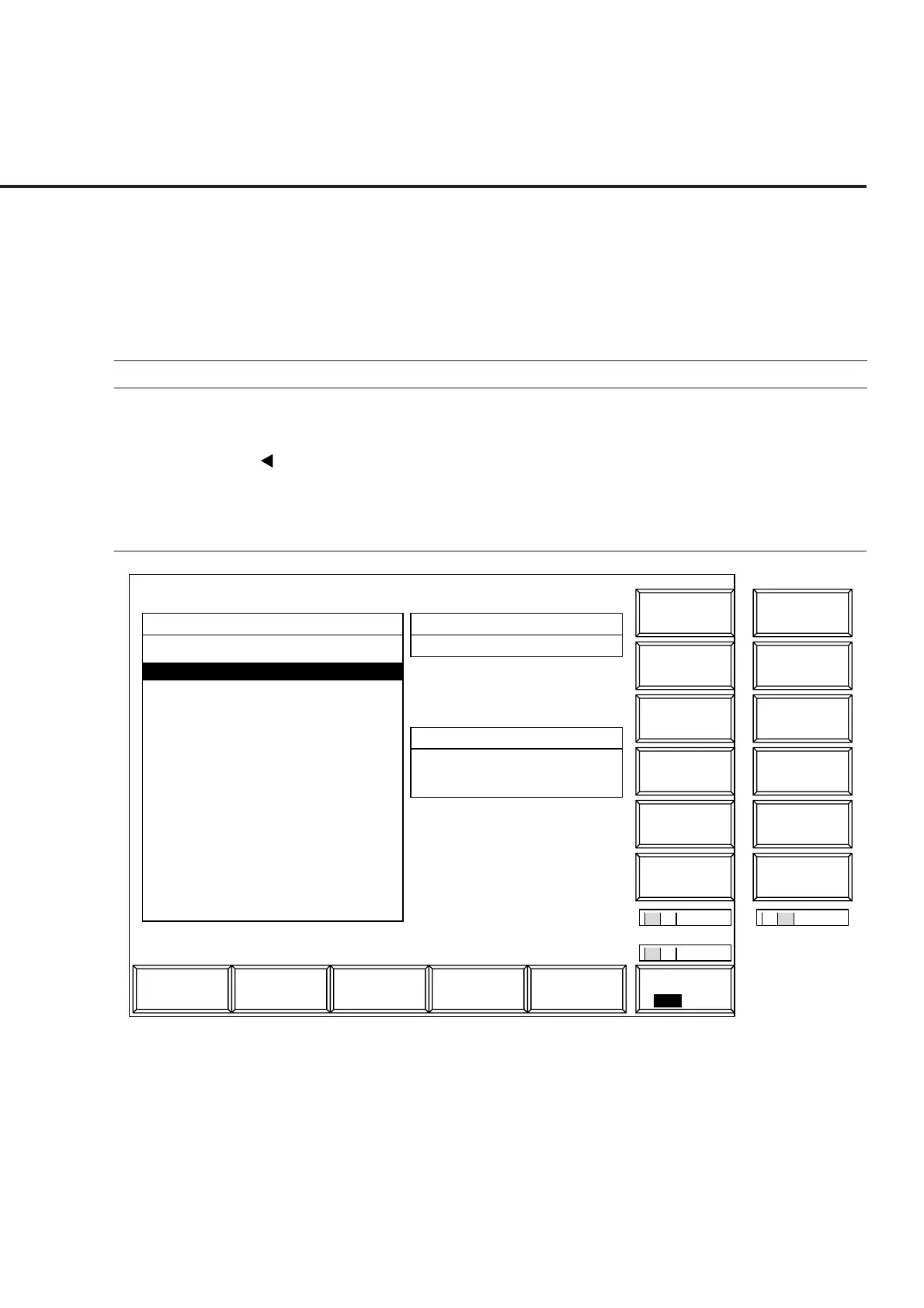
4.3.13 Operating the file: File Operation screen
To access the floppy disk and display the parameter file directory, delete or write-
protect the parameter file, and initialize the floppy disk; display the File Operation
screen according to the following steps.
Note:
This function can only be executed through panel operation.
Step Key operation Description
1. [Main Func on off] F6 Sets the Main Func on.
The Main Menu appears at the bottom of the screen
Next Menu [ ] Displays the second page of the Main Menu.
2. [File Operation] F4 Sets File Operation mode.
The File Operation screen appears.
The File function key menu appears on F7 to F12.
1
Main Func
On Off
1
1 2
MT8801 99/12/31 12:00:00
<< File Operation >>
Name Date Time
Directory
..
\MT8802\CDMA\PARAM
FD Infomation
Volume Label : MT8801
Unused Area : 1048576bytes
Total Area : 1474560bytes
PARAM00 .P00 99-10-10 12:12:12
PARAM01 .P01 99-10-10 12:12:12
Previous
Page
File
Display Dir.
/Next Page
Write
Protect
Delete
File
Format
File
2
2
SaveRcallAnalog
Tester
Spectrum
Analyzer
TX & RX
Tester
Fig. 4-29 File Operation Screen
Note:
Use the floppy disk described in Section 3.













 To Next Page