A-1
Appendix A Screen and Function Key Transition Diagrams
This appendix gives the screen and function-keys transition diagrams.
[Screen transitions] See Paragraph 3.2.
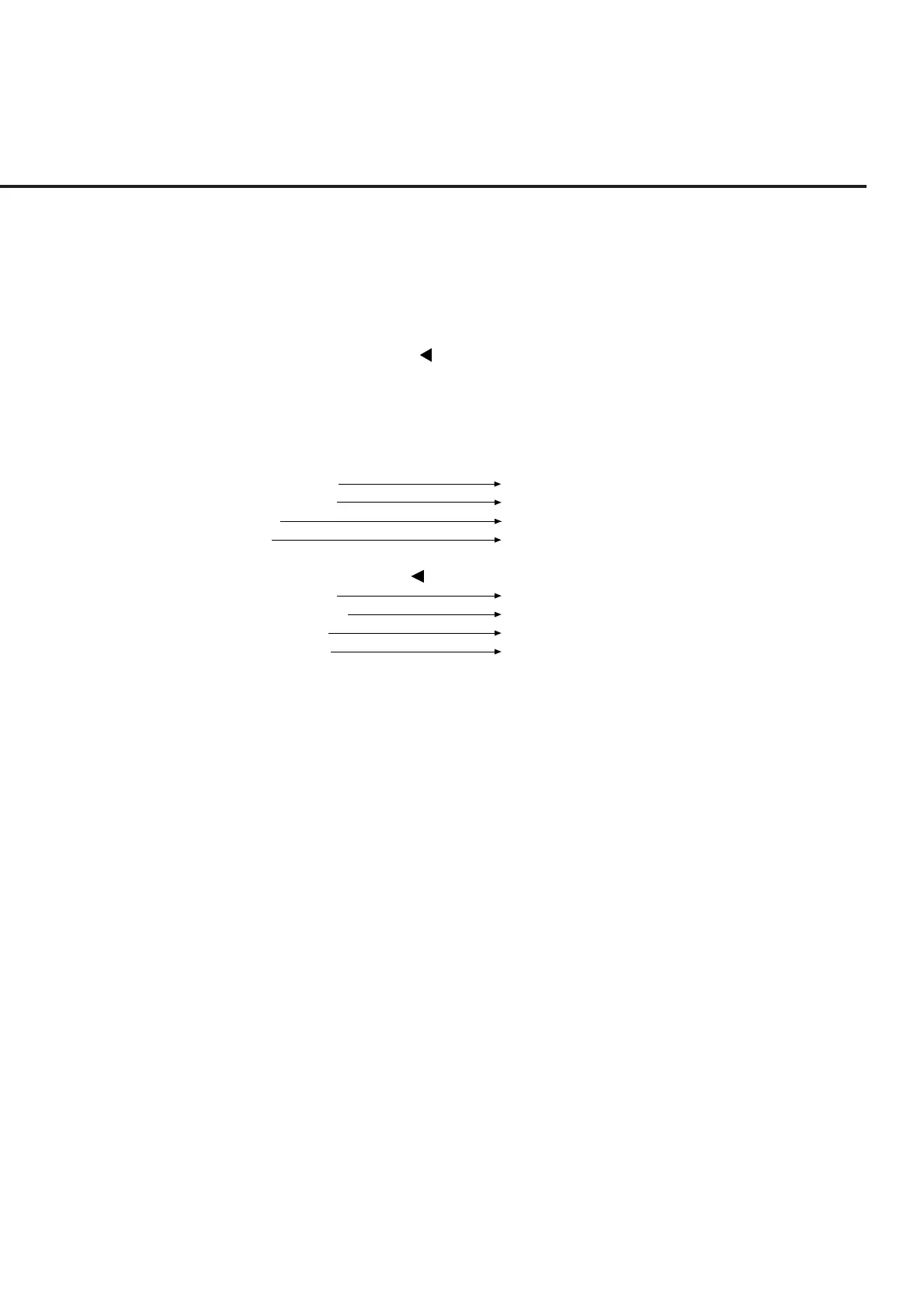
• On any type of screen, the main menu shown below can be displayed by turning the
[Main Func On Off] (F6) key to On. When main function keys F1 to F5 and Next
Menu key [ ] are used to select a main menu item, the screen transits to the corre-
sponding screen or key menu.
Note:
Change Color is a function key menu, so there is no corresponding screen.
<F1>TX&RX Tester
<F3> Analog Tester
<F4>Recall
<F5>Save
↑(The screen can be scrolled vertically
↓ using the Next Menu key [ ].)
<F1>Change System
<F2>Instrument Setup
<F3>Change Color
<F4>File Operation
Setup Common Parameter screen
General-purpose analog Setup Common Parameter screen
Recall Parameter screen *
1
Save Parameter screen *
2
Change System screen
Instrument Setup screen
Change Color menu
File Operation screen
*1
Press the [Recall] F4 key and the [Display Dir.] F8 key to move to “Recall
Parameter Screen”.
*2
Press the [Save] F5 key and the [Display Dir.] F8 key to move to “Save Param-
eter Screen”.













 To Next Page