Section 4 Device Message Format
4-4
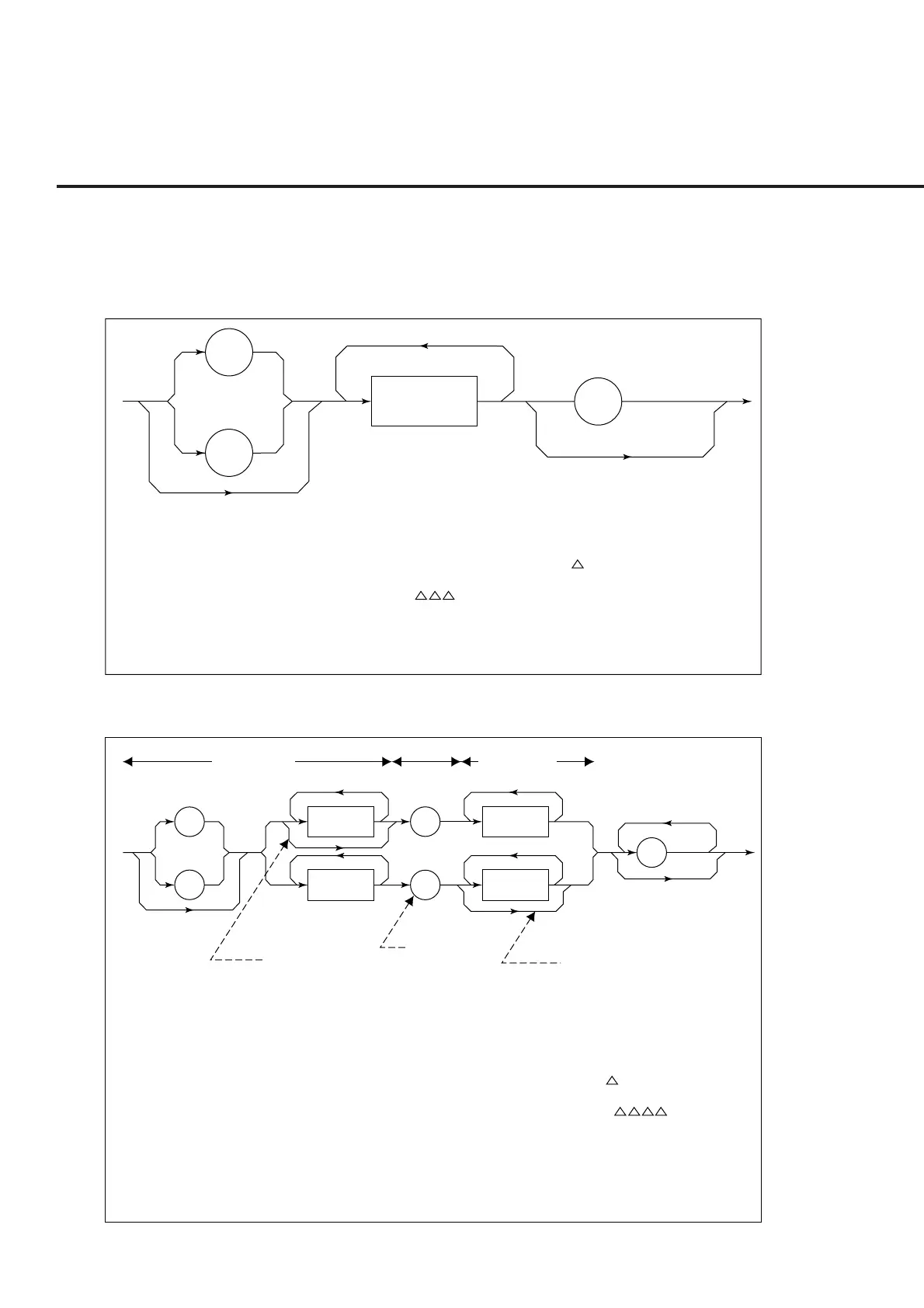
(6) NUMERIC PROGRAM DATA
Numeric program data has two types of formats: integer format (NR1) and
fixed-point real number format (NR2).
<
0 to 9
>
SP
—
+
• Zeros can be inserted at the beginning. → 005, + 000045
• No spaces can be inserted between a + or - sign and a number. → 5, + 5 (×)
• Spaces can be inserted after a number. → + 5
• The + sign is optional. → + 5,5
• Commas cannot be used to separate digits. → 1,234,567 (×)
<Integer Format (NR1)>
<
0 to 9
>
—
+
• The numeric expression of the integer format is applied to the integer part.
• No spaces can be inserted between numbers and the decimal point. → +753 .123 (×)
• Spaces can be inserted between numbers and the decimal point. → +753.123
• A number may not always be placed before the decimal point. → .05
• A + or - sign can be placed before the decimal point. → +. 05, –.05
• A number can end with a decimal point. → 12.
<Fixed-Point (real number) Format (NR2)>
<
0 to 9
>
.
<
0 to 9
>
<
0 to 9
>
.
SP
(Integer part)
(Fraction part)
Decimal point
The digits in the
fraction part can
be omitted.
The decimal
point cannot be
omitted.
The digits in the
integer part can
be omitted.













 To Next Page