Section 3 Panel Layout and Overview of Operation
3-10
(4) Outline of screen configuration
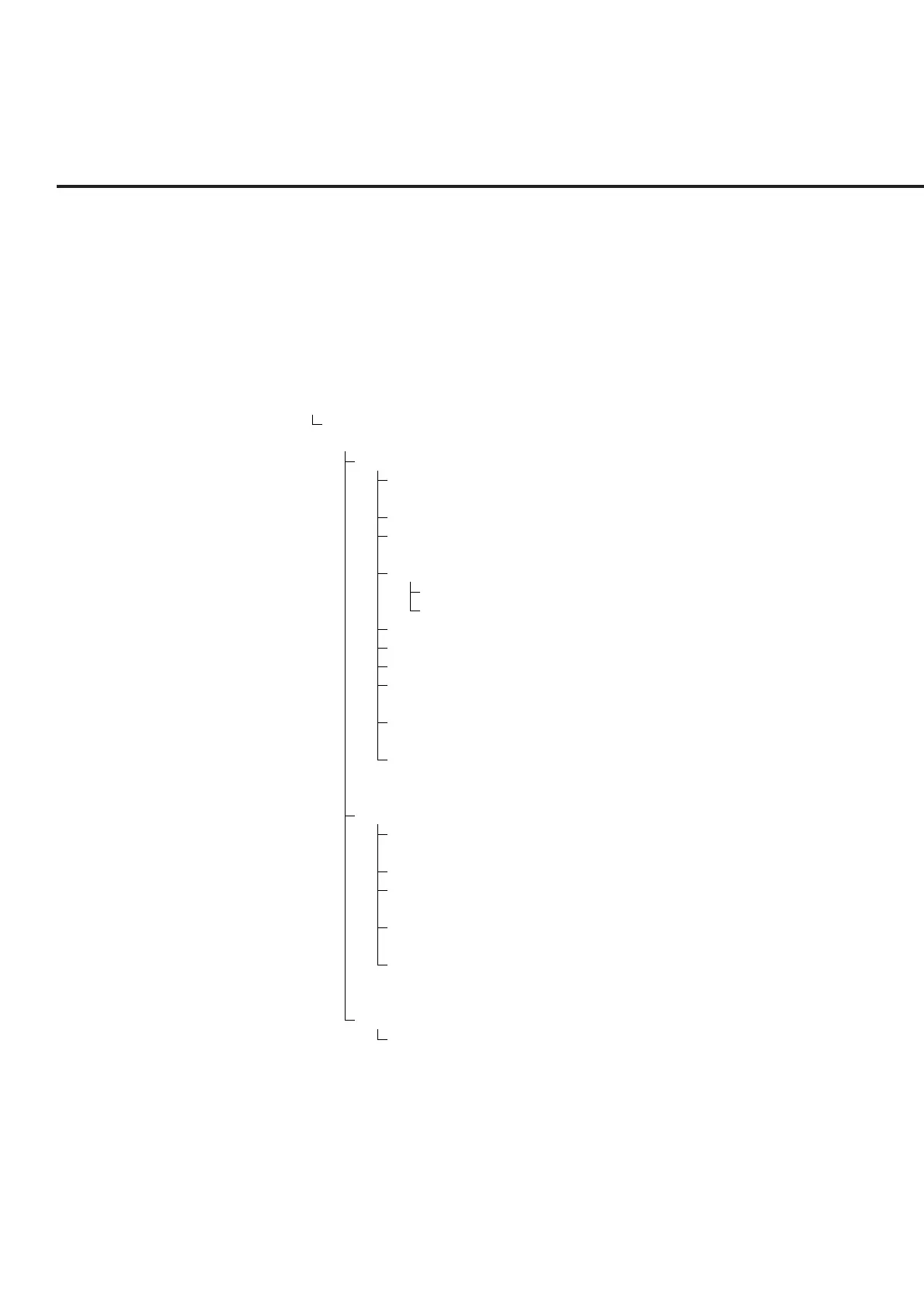
The screen configuration is shown below. A tree-shaped Hierarchical configu-
ration of items below each the main menu is indicated. (Details of operation are
explained in Section 4. The screens, setup items and function key flowchart for
each screen are summarized in Appendix A, “Screen and Function Key Transi-
tion Diagrams.”)
[Overview of screens]
• TX & RX Tester mode
Setup Common Parameter screen
(Setting TX/RX common measurement conditions)
TX Measure mode
Setup TX Measure Parameter screen
(Setting items of TX measurement parameter)
Modulation Analysis screen
Gated Power screen
(Gated output power measurement)
Setup Template screen
Recall Template screen
Save Template screen
Power Meter screen
Standby Output Power screen
Access Probe Measure screen
Open Loop Time Response screen
(Open-Loop Power Control Time Response measurement screen)
Setup Analog TX Measure Parameter screen
(Setting items of Analog TX measurement parameter)
Analog TX Meas with SG screen
(Signal generator + Analog TX measurement)
RX Measure mode
Setup RX Measure Parameter screen
(Setting items of RX measurement parameter)
Setup Signal screen
Frame Error Rate screen
(Frame error rate (FER) measurement)
Setup Analog RX Measure Parameter screen
(Setting items of Analog RX measurement parameter)
Analog RX Measure screen
(Analog RX measurement)
Call Processing mode
Setup Call Processing Parameter screen
(Setting call processing test parameter)













 To Next Page