22
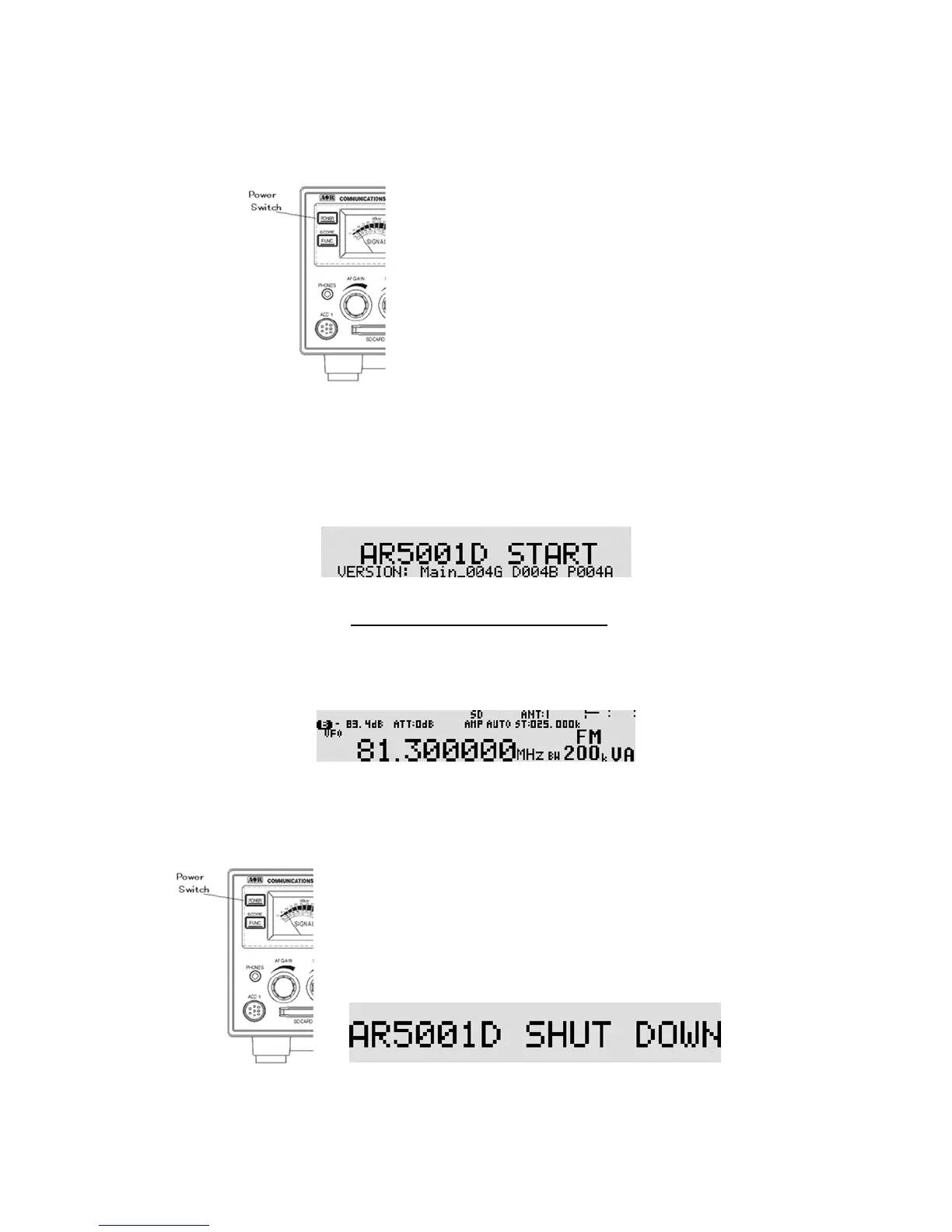
Press the power switch on the front panel of the AR5001D.
As you press the power switch, a ‘click’ will be heard.
Please be careful NOT to switch on the receiver with an earphone connected because there may be an
audible click when the unit is switched on and the volume may be accidentally set too high.
Opening screen
(Note: The version number may vary.)
After the opening screen appears on the LCD, the main screen will then be displayed.
Main screen (sample)
To power off the AR5001D, press and hold the power switch on the front panel for two seconds.
After “AR5001D SHUT DOWN” message is displayed, the receiver will automatically power off.



 To Next Page