70
5. After initialized, the receiver will be powered off automatically, and then restart.
9-14 CONFIGURE MEMORY CHANNEL ASSIGNMENT
A number of memory channels of each memory bank can be freely assigned by user between 5 ~ 95
(not exceed a total of 2000 channels.)
The default settings is 50 channels x 40 banks.
To change the number o f memory channels, perform the following steps:
1. Press the [FUNC] key, and then press the [kHz] key.
2. Press the [UP] key to select “MEMORY CHANNEL ASSIGN” in reverse contrast..
3. Rotate the sub dial to select the desired memory bank.
4. Rotate the main dial to select a new number of the memory channels.
5. To accept entry, press the [ENT] key.
6. To cancel, press the [CLR] key.
10 OPTION MENU
On the option menu, squelch hysteresis, notch, noise reduction, noise blanker, voice descrambler, IF shift,
AFC, CTCSS, DCS, DTMF, pre-selector, video output, video polarity function may be configured.
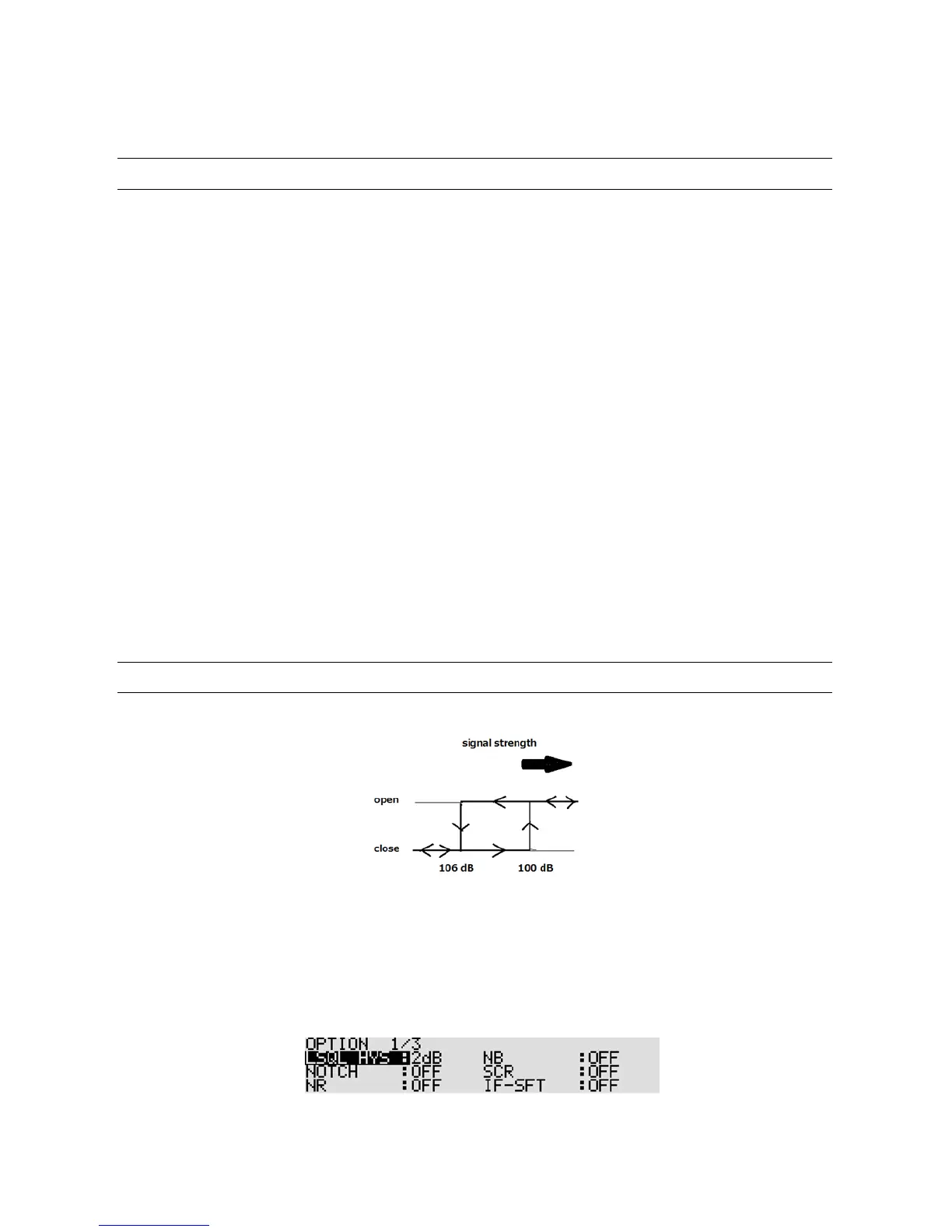
10-1 LSQL HYS (LEVEL SQUELCH HYSTERISIS
)
This function is to set the depth of hysteresis for level squelch.
[Example]: Squelch level: -100 dB, Hysteresis: 6 dB
Squelch opens when the input level is above -100 dB.
Sq uelch will not close until the input level drops below -10 6 dB.
To activa te the function, perform the following steps:
1. Press the [FUNC] key, and then press the [0] key.
2. Rotate the sub dial to select the hysteresis



 To Next Page